Are you tired of carrying around a clunky second phone just to keep your work and personal messages separate? Or maybe you find yourself constantly logging in and out of your favorite mobile games just to manage your alt accounts. Juggling different digital lives is a massive headache, but 2Accounts is designed to make the entire process completely effortless.
RUN MULTIPLE ACCOUNTS ON A SINGLE DEVICE
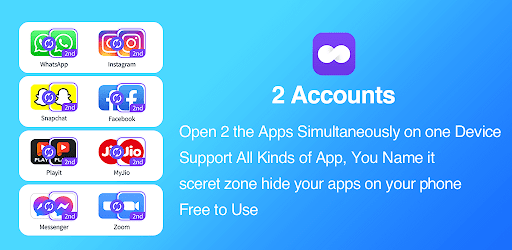
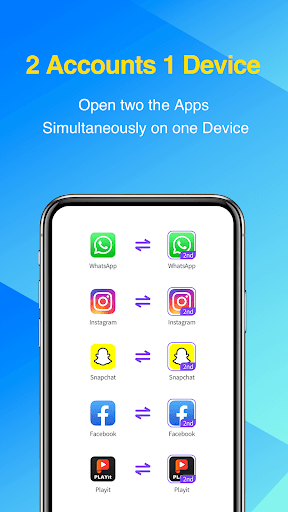
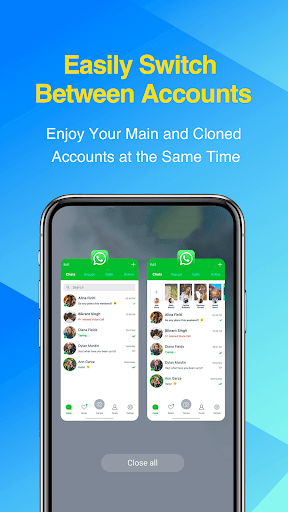
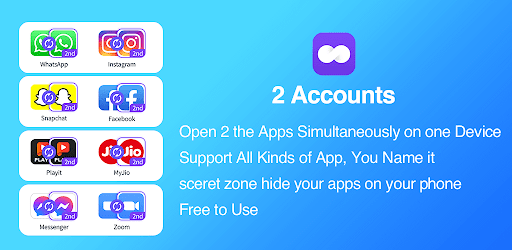
This clever tool creates a parallel digital environment on your smartphone, allowing you to log into two different accounts for the exact same app simultaneously. Your app data is stored completely independently. This means your personal group chats won’t ever get tangled up with your business messages, and your separate gaming saves will stay totally safe. Plus, the app ensures you receive real time notifications for both accounts, so you never miss an important update on either end.
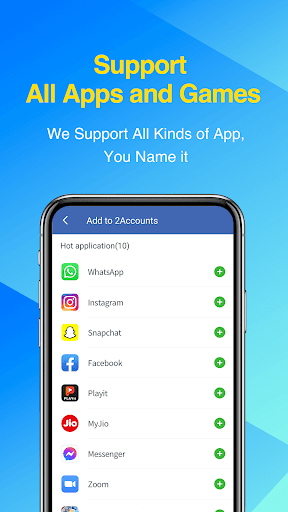
CLONE YOUR FAVORITE SOCIAL AND GAMING APPS
Whether you need to manage dual profiles on platforms like Facebook, WhatsApp, and Instagram, or you want to maximize your playtime in games like Clash of Clans, Lords Mobile, and FreeFire, the cloning process is fast and reliable. You can swap between your dual profiles with a quick tap, making it incredibly easy to balance your daily workflow and your downtime.
UNLOCK ADVANCED PRIVACY FEATURES
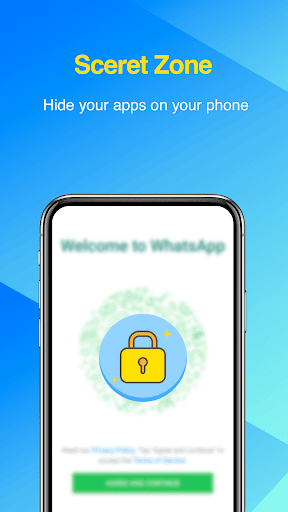
If you share a work phone or just want an extra layer of personal security, the VIP subscription has you covered. It unlocks a Secret Zone and a robust Security Lock, ensuring your cloned apps stay completely private and hidden from snooping eyes. VIP users also get the ability to clone multiple apps without any restrictions.
QUICK SETUP NOTES AND TROUBLESHOOTING
To make sure your cloned apps work exactly like the originals, 2Accounts will ask for standard system permissions. For instance, if you want to take photos in your second WhatsApp account, the app needs camera access. Rest assured, the platform is built to protect your privacy and does not collect your personal data.
Occasionally, antivirus software might throw a warning during installation. This is simply a false positive triggered by the system permissions required for the cloning process to work. It is a completely safe application, and you can always reach out to customer support to help clear the flag. Finally, just remember to add the app to your phone’s background whitelist so your push notifications always come through on time!
If you ever need a hand or have suggestions, the support team is always ready to help right through the in app feedback menu.