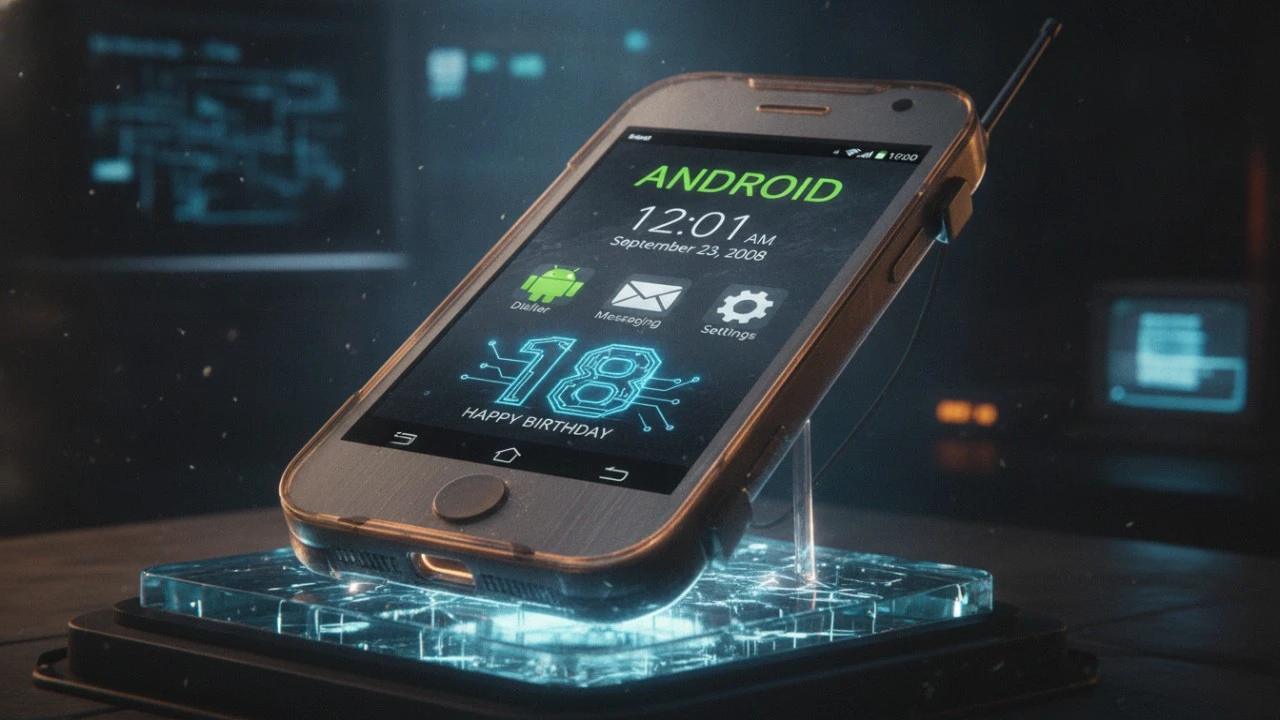
Android is turning 18 this year. Let that sink in. The operating system powering practically half the planet is now old enough to buy a lottery ticket or order a pint in London. Naturally, I decided to celebrate by traveling back in time to meet it as an absolute baby. My weapon of choice? The legendary HTC Dream or the T Mobile G1, depending on which side of the Atlantic you were standing on back in 2008.
When this chunky plastic slider originally landed on my desk, I was a massive skeptic. Apple had just dropped the iPhone, and the entire tech world was acting like Steve Jobs had hand delivered an alien artifact. Honestly, I fully expected Google’s answer to be a panicked, clunky mess. A physical keyboard? Gross. But then I slid the screen up. As someone with perpetually clumsy thumbs, a real keyboard suddenly felt like a lifeline compared to the iPhone’s cramped virtual typing nightmare.
MEETING THE BABY: BOOTING UP ANDROID 1.0
I wanted to strip away the hardware and look purely at the soul of the machine. I managed to track down the original 2008 developer kit online. Funny enough, the thing doesn’t even need an installer. You just unzip a folder, hit run, and bam an 18 year old operating system boots straight up on a modern Windows laptop.
The very first thing that hits you is the sheer emptiness. You get a nice, serene lake wallpaper and a massive analog clock dominating the screen. Why a giant clock? It was a silent battle cry.
THE WIDGET ILLUSION AND A JAB AT APPLE
That chunky analog clock was Google throwing major shade at Apple. While the iPhone locked you into a rigid grid of app icons on a black void, Android was screaming about freedom. A widget on the home screen basically said, “Hey, this is your space. Move things around. Make it yours.” They even commissioned exclusive wallpapers from famous artists just to flex the whole customization angle.
Here is the hilarious part, though. You couldn’t actually customize the clock. At all. You were stuck with exactly one face. Meanwhile, the actual alarm clock app buried in the app drawer had four distinct faces you could swap between. It was like putting up a cardboard cutout of a widget just to prove a point.
By the time Android 1.5 rolled around a few months later, Google entirely ditched that static clock and opened the floodgates for third party developers to build their own widgets. Just for context, Apple didn’t let users put widgets on their home screens until 2020. Better late than never, right?
WHY IT WAS A “MARKET” INSTEAD OF A “STORE”
There was one icon on that original home screen acting smugger than all the rest: the Android Market. Let’s do a quick history check. The original iPhone didn’t even launch with an App Store. You were stuck with whatever Apple decided you needed for a whole year. Google, on the other hand, shipped Android with an app marketplace on day one.
Notice the wording there. They deliberately chose the word “Market” instead of “Store.” A store implies heavy curation some manager in a suit deciding what belongs on the shelves. A market is chaotic, open, and free. Anyone can set up a booth and sell their wares. That philosophy defined Android’s open source ethos for millions of early adopters from New York to Sydney.
GROWING PAINS AND PIXEL KEYBOARDS
If you fast forward to February 2009, Android 1.1 dropped, and it was a total snoozefest. Think minor map tweaks and a weird alternative email app. But then April brought Android 1.5, and the game completely shifted.
This update introduced the virtual keyboard. It sounds trivial now, but this was massive. A digital keyboard meant phones didn’t need physical, plastic buttons anymore. Android could suddenly morph into any shape or size a manufacturer dreamed up. Along with this came global language support and a predictive dictionary that actually learned your slang. By September, Android 1.6 had cooked up universal search and baked in accessibility features like a screen reader. In less than a year, Android evolved from a geeky slider phone into a globally accessible powerhouse.
THE VERDICT: NOT JUST A PANICKED COPYCAT
Going into this retro experiment, I totally expected to laugh at a rushed, half baked product. Google was in an insanely tight spot back then, watching Apple rewrite the rules of mobile computing overnight. Usually, when tech giants panic, they blatantly rip off the competition or release hot garbage.
Google did neither. Tracing the updates from 1.0 to 1.6, you see a crystal clear vision. They wanted a walled garden free ecosystem, they wanted widgets, and they wanted an open market. They solved their problems by handing the keys over to the developers. It’s wild to think they had the blueprint figured out this early in the game. Now, I’m just itching to see what kind of mess Android 2.0 brings to the table.