Trying to hit a crazy flick shot in a competitive mobile shooter using greasy touchscreen controls is an absolute nightmare. When you spend your days constantly downloading and testing heavy hitters like Call of Duty Mobile or Genshin Impact, your thumbs eventually just give up. Whether you are grinding rank in a flat in Berlin, waiting out the rain in a Seattle coffee shop, or chilling in a Brisbane backyard, your expensive high end controller is probably just collecting dust. Mantis Gamepad Pro completely fixes that headache. It is literally the only screen mapper available right now that actually feels like it belongs in the modern era of mobile gaming.
ZERO CLONING AND BULLETPROOF BAN PROTECTION
I have tested dozens of mapping apps, and almost all of them rely on incredibly sketchy app cloning tech. That is basically the easiest way to get your account permanently banned in any competitive shooter.
Mantis totally skips that nonsense. It runs on a custom, proprietary NMC mapping engine that overlays directly onto your native games. Your Google account stays perfectly safe, and the anti cheat systems do not freak out. Plus, if you are running a modern Android device, you can activate the background service directly on your phone using wireless debugging. You only really need to tether it to a PC or a rooted device if you are stuck on Android 10 or older.
TOTAL CONTROL OVER YOUR HARDWARE
You aren’t locked into buying some weird, proprietary third party controller to make this work.
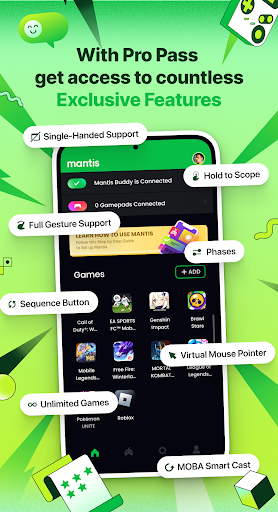
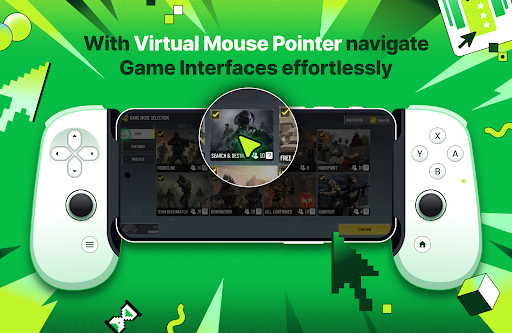
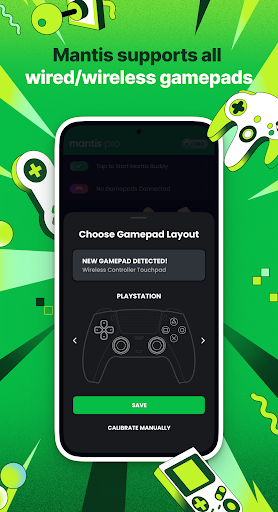
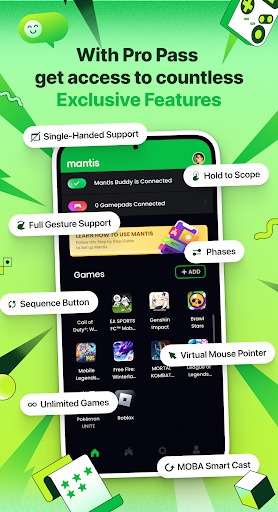
If you have an official Xbox, PlayStation, Razer, Logitech, or GameSir pad laying around, it hooks up flawlessly. But the actual mapping software is where this thing truly shines. Navigating a messy, cluttered mobile UI with a joystick is usually a terrible experience. The developers actually built a Virtual Mouse Mode that lets you control a cursor across your screen using a thumbstick and a designated click button. It changes everything.
If you heavily play League of Legends: Wild Rift or Pokemon Unite, the MOBA Smart Cast feature is an absolute lifesaver. You can seamlessly map your complex directional abilities using a brilliant combo of a physical button and your right stick.
PHASES AND PRO LEVEL TWEAKS
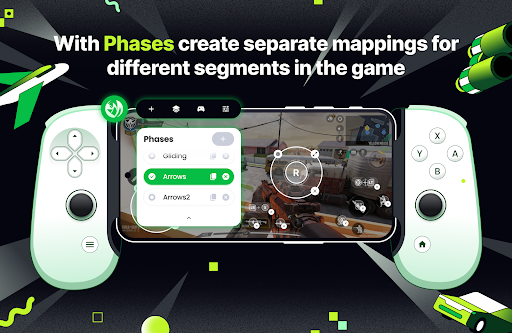
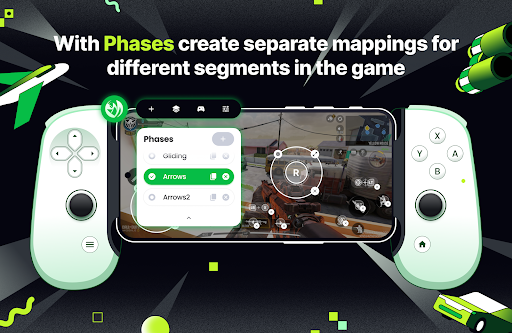
Games like PUBG or Free Fire are incredibly complex. You need completely different controls for looting, driving, parachuting, and shooting.
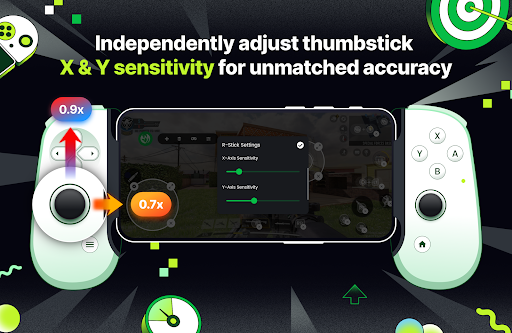
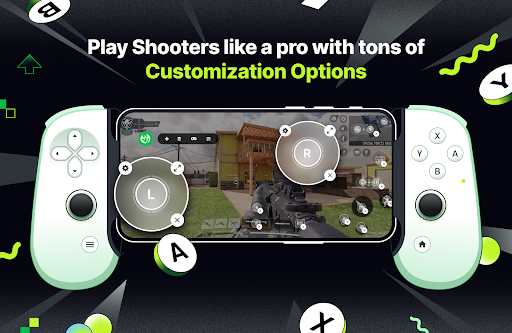
Mantis handles this brilliantly with a feature called “Phases.” You can create entirely separate mapping profiles that swap out on the fly depending on what exactly you are doing in game. Want to dial in your sniper aim? You can physically separate and adjust the X and Y axis camera sensitivity completely independently of each other. Add in sequence buttons which allow you to map the exact same physical button to trigger different spots on your screen with consecutive presses and you honestly have a massive unfair advantage over touchscreen players.
Stop smudging up your display with sweaty thumbs. Sync up your favorite controller, map out your perfect layout, and actually play your mobile games like they belong on a real console.