THE ULTIMATE DIGITAL LIBRARY MANAGER
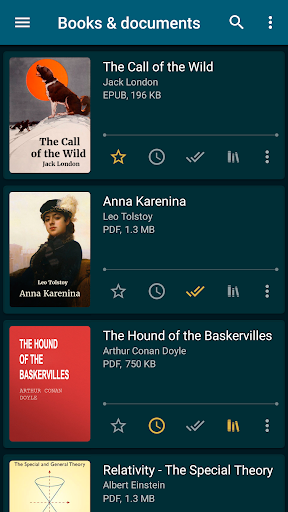
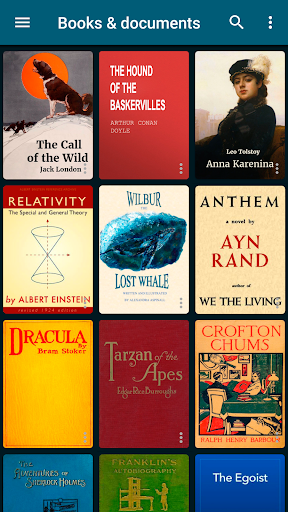
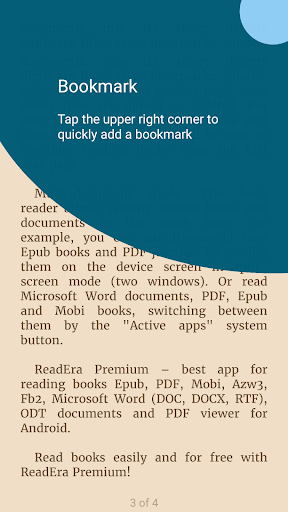
ReadEra Premium is a powerful tool designed to completely streamline how you search, read, and manage your digital books and documents. Instead of hunting through endless folders, the app automatically locates all compatible files on your device. It allows you to search by title or author, listen to audio playback, drop bookmarks, and highlight quotes. You can easily sort your collection by series or formats, identify annoying duplicate files, and move documents across different folders to build your perfect, personalized library. Plus, you can try it with total peace of mind thanks to a 30-day money-back guarantee.
MASSIVE COMPATIBILITY FOR ALL YOUR FILES
You will never have to worry about whether a file will actually open. You can effortlessly scan your device to find and read a huge variety of file types. It fully supports standard PDFs and Microsoft Word documents (DOC, DOCX, RTF), alongside popular e-book extensions like EPUB, MOBI, and AZW3 for Kindle enthusiasts. It even handles comic book files (CBZ, CBR) and other formats like DJVU, FB2, TXT, ODT, and CHM.
EXCLUSIVE PREMIUM FEATURES
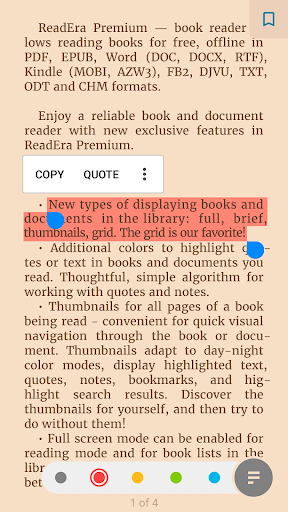
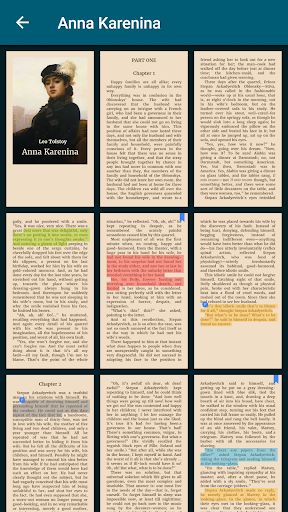
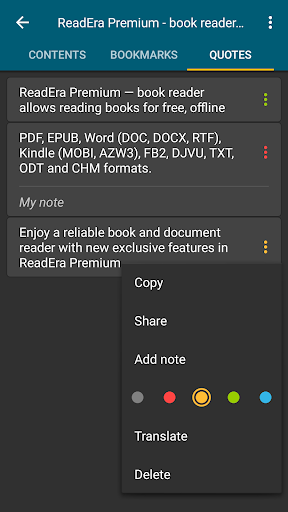
Upgrading to the premium version unlocks serious functionality for heavy readers. You get seamless Google Drive synchronization, ensuring your books, reading progress, and bookmarks are perfectly updated across all your devices. The background Text-to-Speech (TTS) feature lets you listen to your documents even when your phone screen is locked. It also creates centralized hubs for your data, putting all your quotes, notes, and saved dictionary words into easily accessible sections. You can even upload your own custom fonts, color-code your text highlights, and use a thumbnail grid view for lightning-fast visual navigation through a document’s pages.
INTUITIVE SEARCH AND NAVIGATION
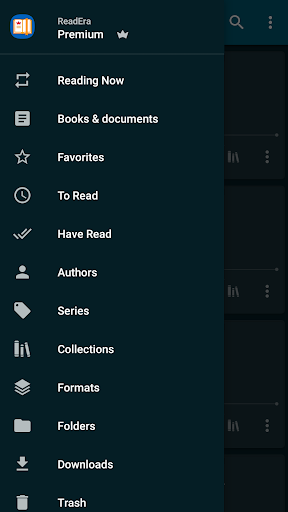
Navigating a massive digital collection is incredibly straightforward. The app automatically detects your reading material and categorizes it logically. You can browse through dedicated sections for authors, book series, and recent downloads. If you want to group specific genres or research materials together, you can easily create customized personal collections. Finding exactly what you need takes only seconds, whether you are filtering by file size, modification date, or format.
COMPLETE FILE AND FOLDER CONTROL
Beyond just functioning as an e-reader, this app acts as a robust file manager for your digital bookshelf. You get direct access to your device’s external folders to copy, delete, and move files exactly where you want them. The document management tools allow you to edit titles and author metadata, fix book annotations, and clean up duplicate files to save storage space. Everything from sharing a document to organizing your notes is handled within a clean, centralized interface.
A HIGHLY CUSTOMIZABLE READING EXPERIENCE
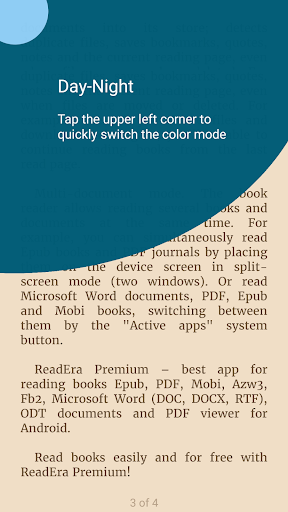
Your reading environment should be as comfortable as possible. The reader gives you total control over the visual layout, offering custom color themes that include day, night, sepia, and console modes. You can easily adjust screen brightness, lock the page orientation, tweak the margins, and dial in the perfect font size and line spacing. When dealing with fixed-layout files like PDFs or DjVu, you have full zooming capabilities to ensure every chart, image, and paragraph is perfectly readable.