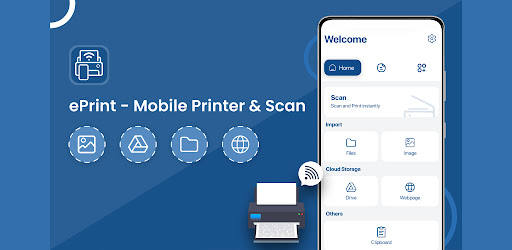
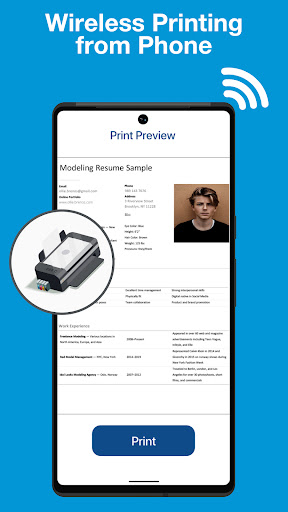
Trying to print a simple document from your phone usually feels like an exercise in pure frustration. You scramble around for annoying converter cables, deal with broken manufacturer plugins, or give up and email the file to your computer just to get it onto paper. It is an outdated, clunky mess. Whether you are printing out boarding passes at the last minute, submitting college essays, or running contracts in a home office, ePrint completely eliminates the cable chaos by turning your Android phone into a universal printing hub.
INSTANT WIRELESS HOOKUP ACROSS MAJOR BRANDS
You do not need to install twenty different proprietary brand drivers to get your hardware talking.
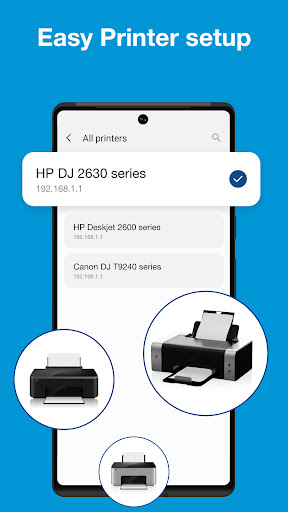
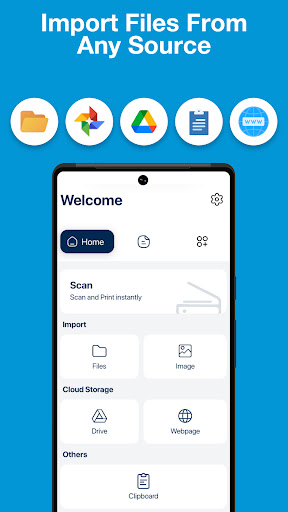
The app connects seamlessly with virtually any wireless, Bluetooth, or USB OTG setup on the market, supporting heavyweights like Canon, Epson, Fuji, Brother, and HP right out of the box. It plays nicely with laser, inkjet, and thermal receipt printers without breaking a sweat. If your phone and printer share the same Wi Fi connection, pairing takes seconds. You simply tap to discover nearby devices, pick your machine, and send your print job across the room without leaving your desk.
A mobile print tool shouldn’t choke the second you feed it an unusual file format.
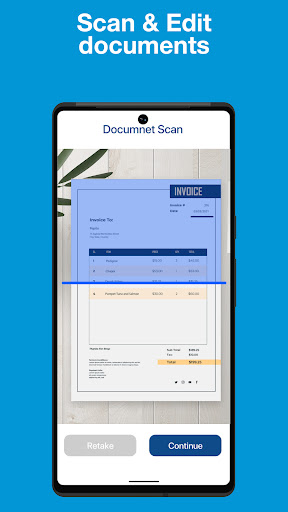
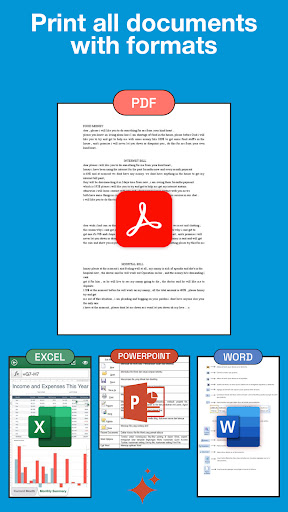
You can queue up crystal clear PDFs, Microsoft Office documents, full web pages, cloud files from Google Drive, and even raw email attachments without weird formatting glitches. If you need to print a stack of photos, the built in multi image layout tools let you fit multiple pictures onto a single sheet of photo paper to cut down on waste. On top of direct printing, the integrated camera scanner lets you digitize receipts, handwritten notes, and physical forms in high resolution, ready to print or share instantly.
BUILT IN EDITING AND ADVANCED PRINT CONTROLS
Nobody wants to waste expensive paper and ink on a crooked, misaligned printout.
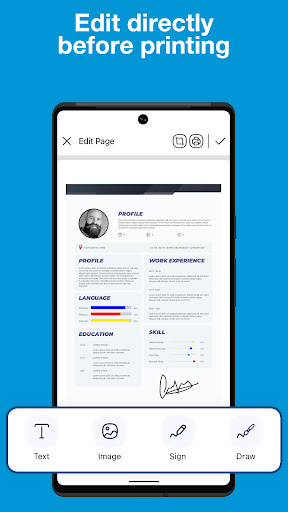
The app comes loaded with handy pre print editing tools that let you tweak brightness, bump up contrast, and drop in digital signatures or custom text overlays before anything hits the rollers. You get full control over page orientation, print quality, color balances, and exact margin sizing. Everything looks clean, sharp, and totally professional on the very first try.
Stop dealing with tangled cords and clunky desktop drivers. Download the app, link your printer, and start printing straight from your phone today.