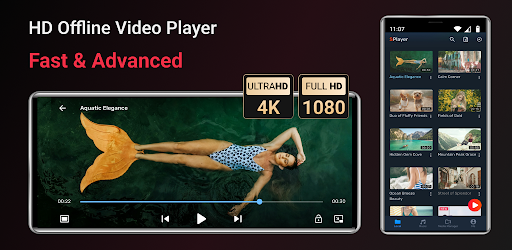
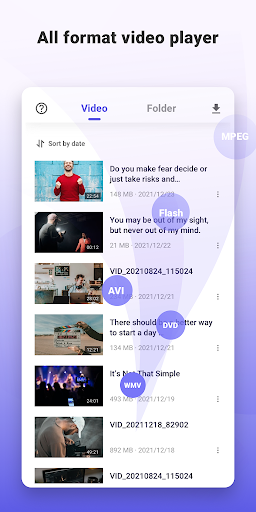
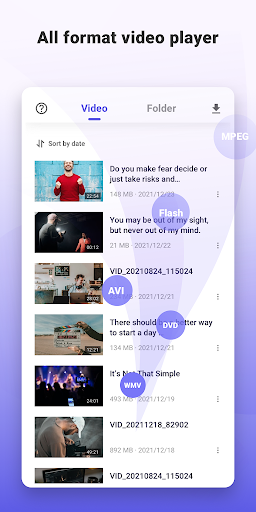
Watching movies or streaming your favorite downloaded shows should be a relaxing experience, whether you are killing time on a flight out of Sydney, commuting on a busy train in Berlin, or just lounging on your couch in Toronto. But nothing ruins the vibe faster than an app that cannot read your video file or stutters during a crucial scene. SPlayer is a highly capable, entirely free multimedia player that handles almost every format you can imagine including MP4, MPK, and 3GP while bringing some seriously premium features to your everyday entertainment.
UNMATCHED PLAYBACK POWER AND SPEED
If you love watching incredibly crisp content, this app fully supports 4K and Ultra HD video files. Behind the scenes, it utilizes advanced multi core decoding, which essentially means it uses your phone’s processor far more efficiently than older, standard apps. In fact, running it on a modern multi core device can give you up to a 70% performance boost. Combine that with a cutting edge HW+ hardware decoder, and you get buttery smooth playback even on massively resource heavy video files.
TOTAL CONTROL AT YOUR FINGERTIPS
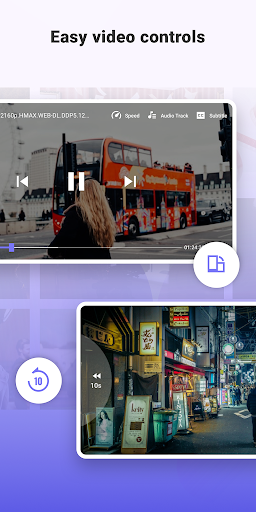
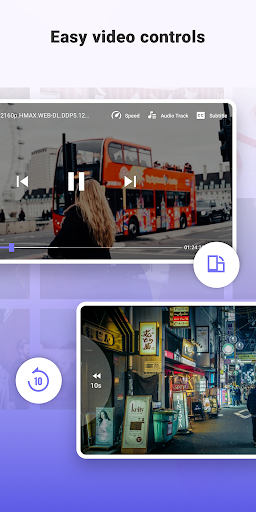
We all know how annoying it is to struggle with tiny on screen buttons while trying to watch a movie. This player uses intuitive gesture controls so you can adjust your viewing experience without looking away from the action. You can effortlessly zoom in and pan across the screen just by pinching and swiping.
Subtitles get the exact same smart treatment: you can scroll forward or backward through the dialogue, swipe up and down to change where the words sit on your screen, and pinch to make the font larger or smaller. You can also easily tweak the volume, screen brightness, and playback speed with a quick slide of your finger.
KEEP YOUR PRIVATE FILES AND KIDS COMPLETELY SECURE
Not every video on your phone is meant for public viewing. Whether you have sensitive work recordings or personal clips, you can easily stash them away in a secure, hidden Privacy Folder.
If you frequently hand your phone over to your kids to keep them entertained, the built in Kids Lock is an absolute lifesaver. Once activated, it locks the screen so your little ones cannot accidentally exit the app, delete your files, or make unexpected phone calls to your boss.
OFFLINE VIEWING AND HIGH SPEED DOWNLOADS
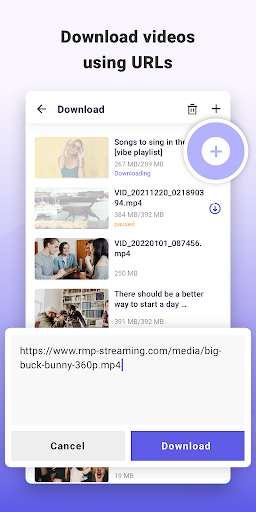
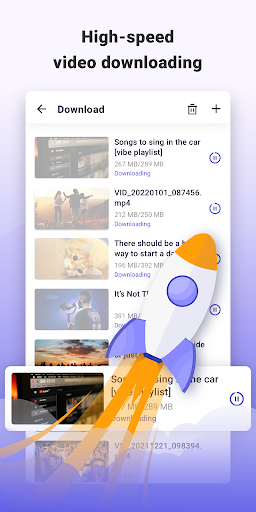
SPlayer is not just for local files; it actually supports high speed video link downloading. You can multitask and download content directly through the app to watch later offline, which is perfect for saving your mobile data when you are away from home.
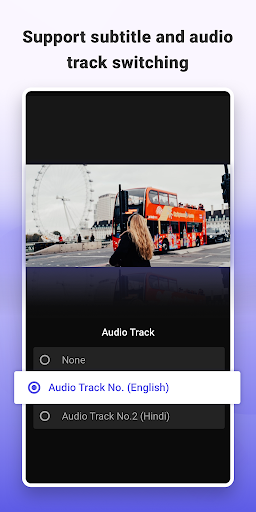
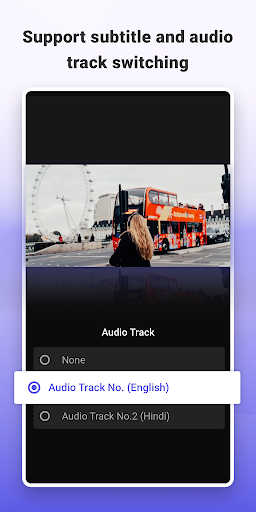
If you rely on foreign language tracks or just prefer reading along, you are in luck. The app supports a massive array of subtitle formats, including SRT, WebVTT, SSA/ASS with full styling, MicroDVD, and Teletext, among many others.
(Note: To make all this magic happen, the app requires standard storage permissions to locate, rename, and manage your media and downloaded subtitles. Also, keep in mind that SPlayer is purely a versatile playback tool for your own media and does not come with pre loaded channels!)