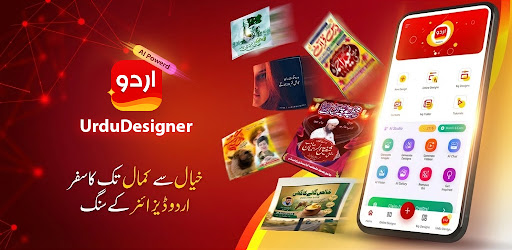
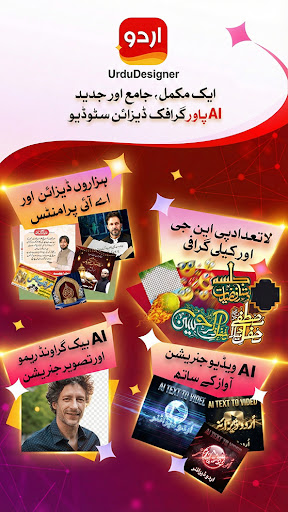
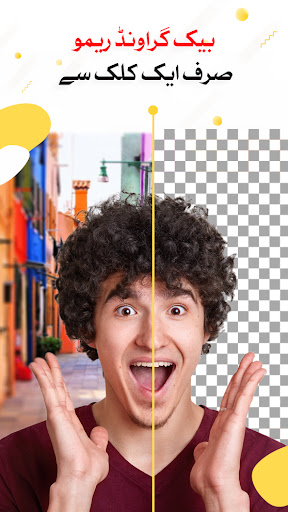
Firing up heavy desktop graphic design software just to make a quick social media post or a flyer is complete overkill. You end up staring at a blank canvas with fifty confusing menus, wishing you had a graphic design degree just to put some text on a photo. If you want to punch out gorgeous, professional level graphics right from your phone without the massive headache, the Urdu Designer Graphic Editor app is an absolute game changer. It bridges that frustrating gap between total beginners and seasoned pros perfectly.
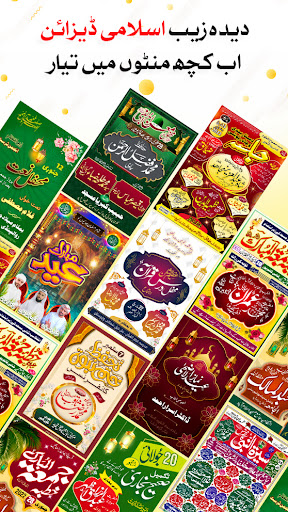
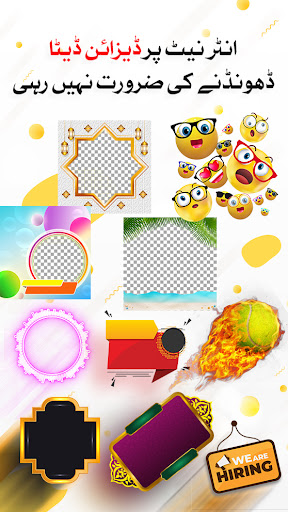
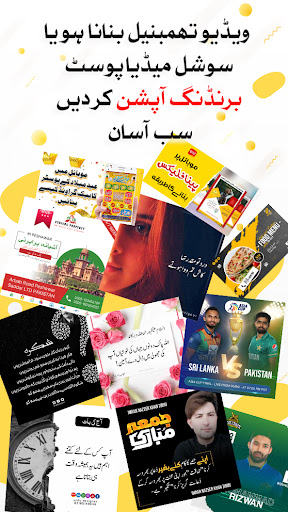
A MASSIVE LIBRARY OF PRE MADE TEMPLATES
Staring at a blank screen trying to figure out where to start is the absolute worst. This app completely bypasses that initial creative block.
It hands you the keys to a ridiculously massive library of pre designed templates. Whether you are looking for a hyper modern aesthetic for a local business promo or something classic and highly detailed for a personal invitation, the categories are endlessly diverse. If you are a total beginner who has never touched an editing tool in your life, you can literally just pick a slick layout, swap the text, and instantly look like a high end agency produced your work. It cuts your design time down to absolute zero, letting you push out high quality graphics in minutes instead of grinding away for hours.
DEEP CUSTOMIZATION AND MULTILINGUAL FONTS
Templates are great for saving time, but you don’t want your stuff looking exactly like everyone else’s feed. You need to be able to actually rip things apart and tweak them.
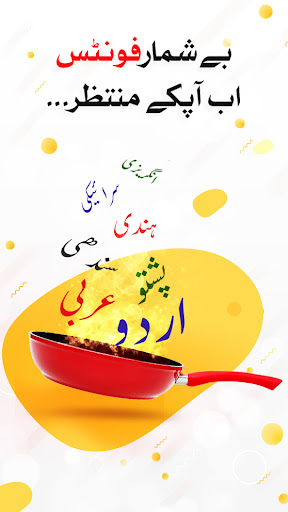
The app packs some seriously heavy hitting customization options that let you completely alter the base designs to fit your exact vibe. But the absolute standout feature here is the crazy multilingual font support. Whether you are laying down a bold English headline for a North American audience or utilizing beautiful, sweeping Urdu calligraphy for an international campaign, the typography engine handles global languages flawlessly. You never have to worry about the text glitching out or reverting to those ugly default block fonts. Throw in an advanced suite of professional editing tools, and you get complete creative control over every single pixel on your screen.