Huddling around a tiny phone screen to watch a viral video or a live game with friends is absolutely miserable. Whether you are trying to cast a playoff hockey game in Toronto, stream a massive football match in Madrid, or throw weekend footy up on the big screen in Melbourne, dealing with tangled HDMI cables and incompatible devices completely ruins the vibe.
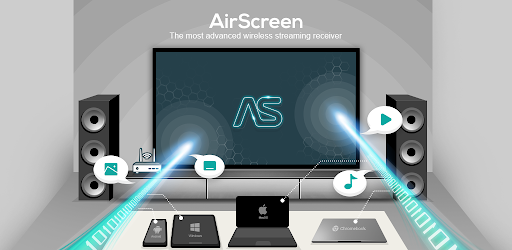
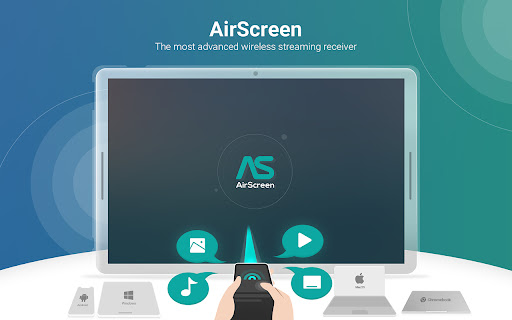
AirScreen fixes this entire headache. It acts as an insanely powerful, universal wireless streaming receiver that turns your TV into a giant magnet for practically any media you throw at it.
CUTTING THROUGH THE PROTOCOL NONSENSE
Usually, if you have an iPhone, you need an Apple TV. If you have an Android, you need a Chromecast. It is a frustrating, expensive walled garden.
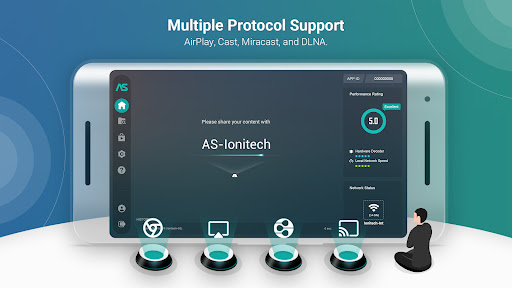
This app completely ignores all of that. It effortlessly supports AirPlay, Cast, DLNA, and Miracast. You do not have to worry about buying into specific brand ecosystems anymore to get your devices to talk to each other. It just seamlessly pulls the signal right out of the air.
IT PLAYS NICE WITH ALMOST EVERYTHING
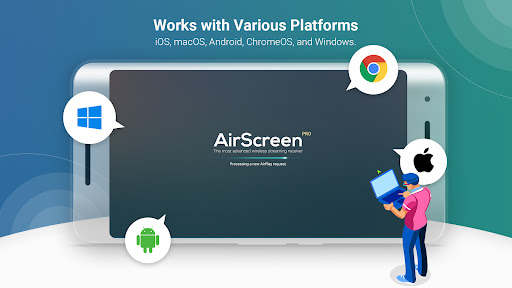
The compatibility here is genuinely wild. We are talking incredibly smooth media sharing across iOS, macOS, Android, ChromeOS, and standard Windows setups.
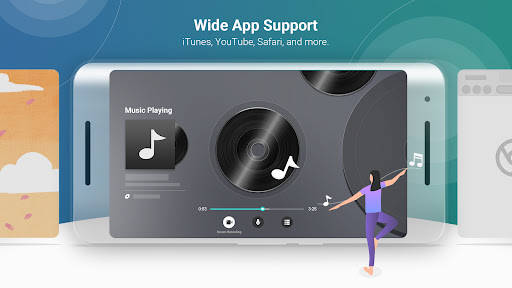
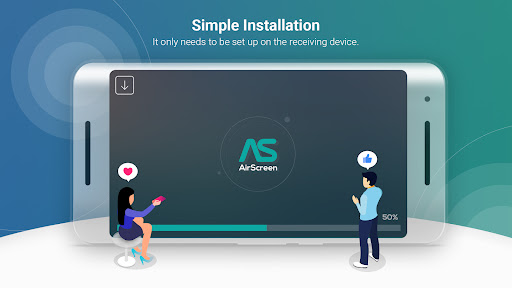
But here is the absolute best part about the setup process: you only have to install AirScreen on the receiving device. That’s it. Your friends don’t have to download a weird third party app on their personal phones just to cast a funny YouTube clip, blast a playlist from iTunes, or share a webpage from Safari. They just connect and cast exactly like they normally would.
4K GLORY, RECORDING, AND PRIVACY
This isn’t some clunky, lagging screen mirror that constantly buffers. If your hardware can handle it, the app pushes crystal clear 4K Ultra HD resolution, utilizing video hardware acceleration to keep the playback buttery smooth.
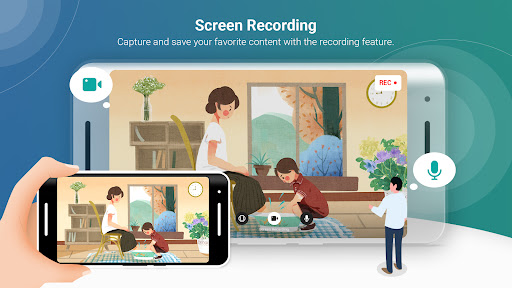
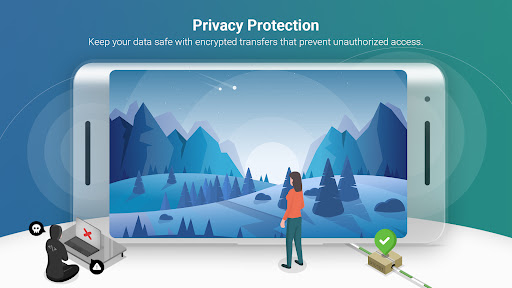
Want to save a live stream or a funny moment you’re watching? It has a built in screen recording feature to capture the content directly. And if you are living in a crowded apartment building and worrying about your neighbors intercepting your stream, don’t sweat it. The app uses heavy duty encrypted transfers to lock out unauthorized access. You can even run it in Background Service Mode, letting the app quietly do its thing while you multitask.
A QUICK DOSE OF REALITY
Before you go completely crazy downloading this, just keep in mind that the Android ecosystem is massive. Some very specific Android phones, tablets, or weirdly branded Android TVs might experience a few hiccups with the current version. Oh, and because of how Google updated their operating systems, the Miracast feature has been disabled on devices running Android 8.0 Oreo and newer.
But for the vast majority of modern setups? It is an absolute game changer for sharing your screen without losing your mind over cables.