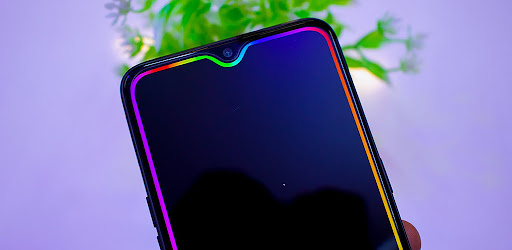
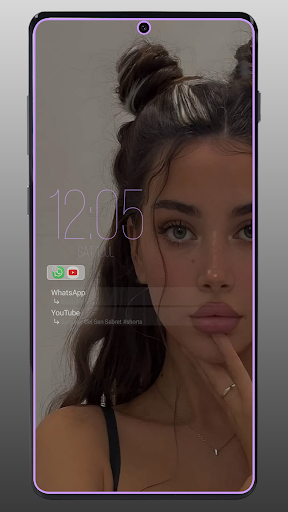
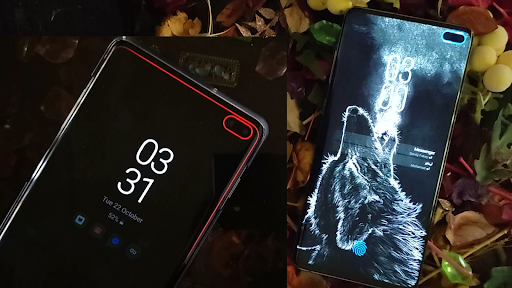
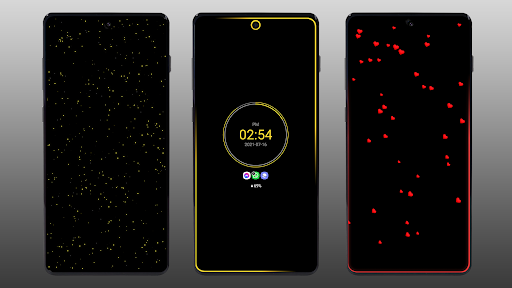
Modern smartphones are insanely powerful, but out of the box, their notification systems are absolutely tragic. Just a dull little buzz or a generic screen wake. If you are tired of constantly picking up your phone to see who texted you, only to realize it is a random promotional email, you need to completely trick out your screen.
The Always On Edge (AOE) app is essentially a digital cheat code for customizing your display. It completely overhauls how your phone communicates with you.
KILLER NOTIFICATION LEDS AND EDGE LIGHTING
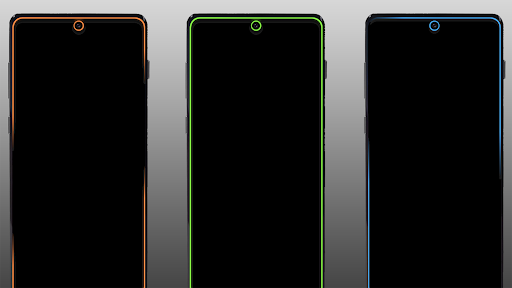
Remember the old-school physical LED notification dots on classic Androids? This brings that exact energy back, but on heavy steroids.
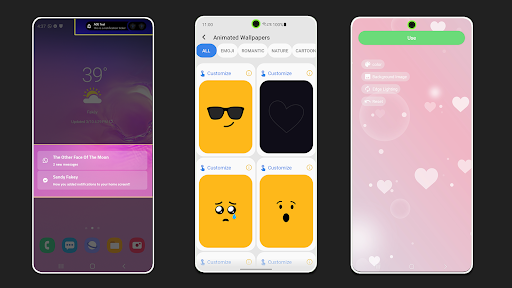
You can map out highly specific edge lighting colors and animations for different apps, or even individual contacts. Imagine setting a pulsing neon green border specifically for your best friend in Seattle, or a subtle blue ring around your front camera cutout when your boss in London emails you. You can literally blacklist specific people, completely blocking out the lighting for that one annoying group chat that never shuts up.
It is incredibly flexible. You can set the lights to act one way when the screen is locked, and a completely different way when you are actively using the phone. Need to be reminded of a missed call? You can program a custom nagging alert that flashes every few seconds. But if you want to protect your battery, you can easily restrict the entire system to shut down when you are asleep or when your charge drops below a certain percentage.
CUSTOMIZING THE ALWAYS ON DISPLAY
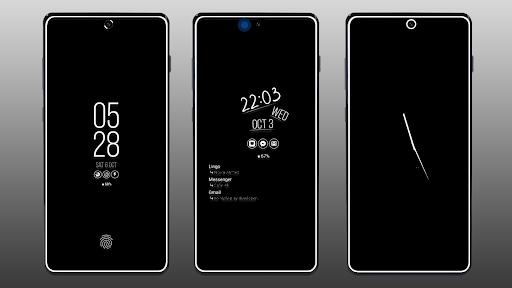
The stock Always On Display usually completely drains your battery or just looks terribly boring.
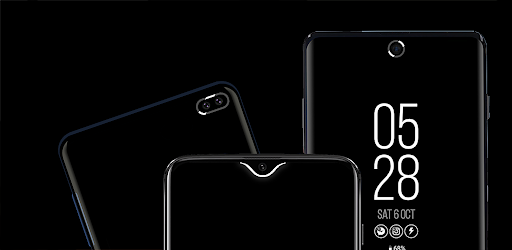
AOE lets you rip out the default system and build your own. You get absolute control over the ambient clock, battery status widgets, and specific notification icons. If you don’t want it running 24/7, you can dive into the pro features and tweak the settings so it only wakes up when you actually receive a text or plug the device in. Add in their massive library of ridiculously smooth, code-animated live wallpapers, and your lock screen instantly looks like a premium, customized flagship.
SNEAKY PREVIEWS AND THE ACCESSIBILITY REALITY
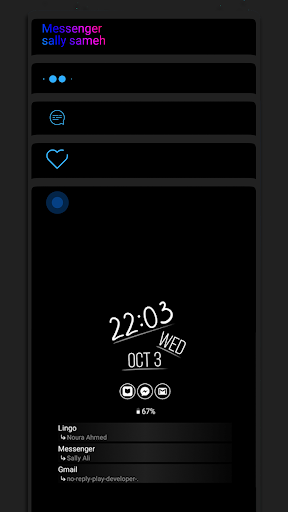
Hate dragging down your massive notification panel just to read a quick message? The built-in ticker tape feature is an absolute lifesaver. It smoothly scrolls the text of your incoming messages right around your camera notch or up in the status bar. You can casually read a silent notification without ever interrupting the video you are currently watching.
Let’s have a quick reality check about Android permissions before you install it.
To pull off these aggressive visual tricks, the app heavily relies on the Accessibility Service API. I know that usually triggers a massive red flag, but it is completely mandatory for this level of heavy customization. Honestly, this visual-heavy setup is actually a massive win for users who are deaf or hard of hearing. If you can’t hear a generic notification chime from across the room, a massive, customized light show bouncing around the edges of your screen is a brilliant way to instantly know who is trying to reach you.
Stop settling for a boring lock screen. Set up your custom lighting, assign your colors, and actually make your phone look like it belongs to you.