TAKE COMPLETE CONTROL OF YOUR DRIVING EXPERIENCE
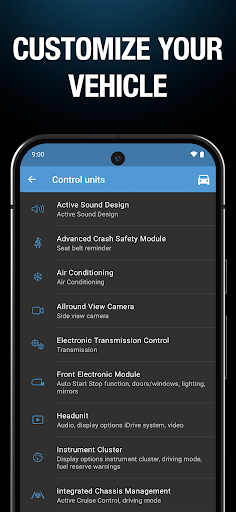
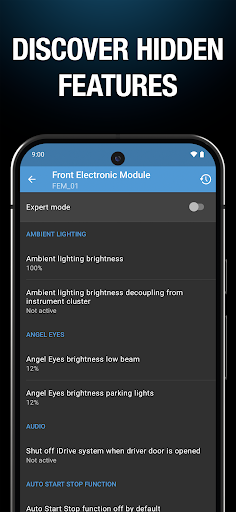
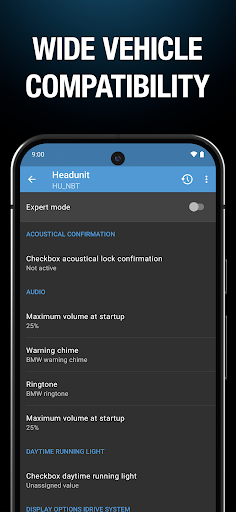
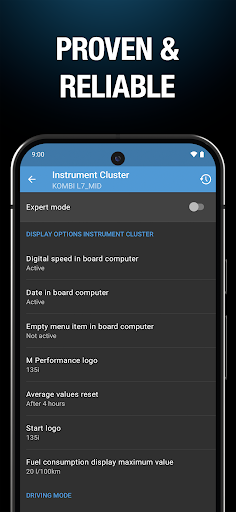
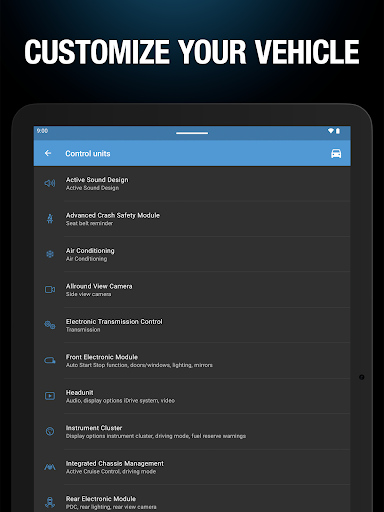
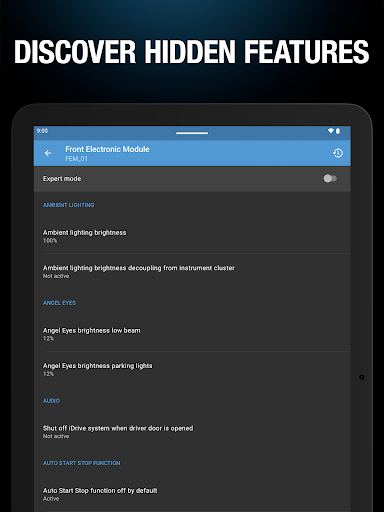
If you want to tailor your car to fit your exact preferences, BimmerCode is the ultimate tool to make it happen. It allows you to effortlessly code your BMW, MINI, or Toyota Supra right from your own garage, transforming how your car behaves on the road. Instead of relying on a dealership, you can dive right into your vehicle’s computer to discover hidden factory features, tweak annoying default settings to your liking, and configure your ride for the ultimate, personalized driving experience.
MASSIVE COMPATIBILITY ACROSS POPULAR LINEUPS
Whether you are driving a nimble coupe for city commutes or a spacious SUV for weekend road trips, the app covers an incredibly wide range of vehicles. The support list spans virtually the entire modern catalog, starting with the agile 1 Series (2004–2024) and the sporty 2 Series lineups (including the M2, Active Tourer, and Gran Coupe). It extends all the way through the iconic 3, 4, 5, 6, 7, and 8 Series vehicles, including their high-performance M variants. If you drive an SUV, it fully supports the X1 through X7 models. Electric and hybrid drivers are also covered, with seamless integration for the i3, i4, i8, and the newer iX line (iX, iX1, iX2, iX3). It also flawlessly handles the Z4, modern MINI models (2006 and newer), and the latest Toyota Supra (2019+). You can easily check the developer’s official documentation to see the exact coding options available for your specific year and model.
THE ESSENTIAL GEAR TO START CODING
Before you can start customizing your digital dashboard or tweaking your lighting, you will need a piece of hardware to bridge the gap between your smartphone and your car’s computer. The app requires a compatible OBD adapter to plug directly into your vehicle’s diagnostic port. Getting set up is a quick and straightforward process, and you can easily find the officially supported OBD scanners by checking the adapter guide on the BimmerCode website to ensure a secure, stable connection while you customize your vehicle.