A COZY AND PREMIUM HOMESCREEN MAKEOVER
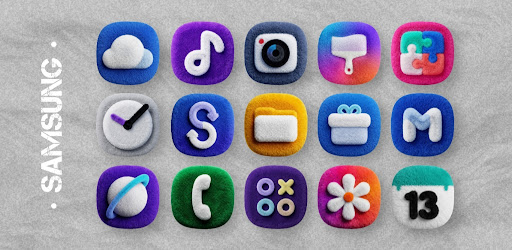
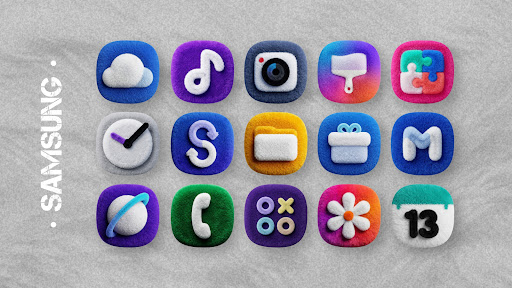
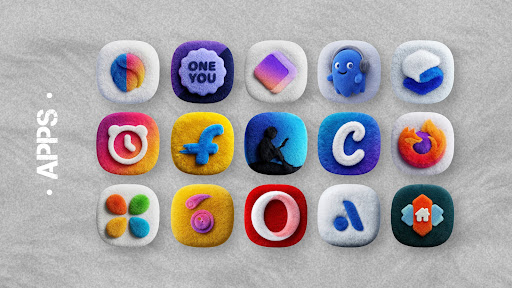
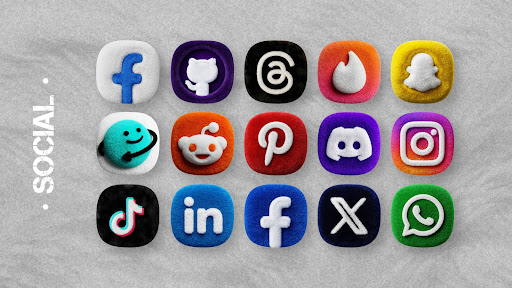
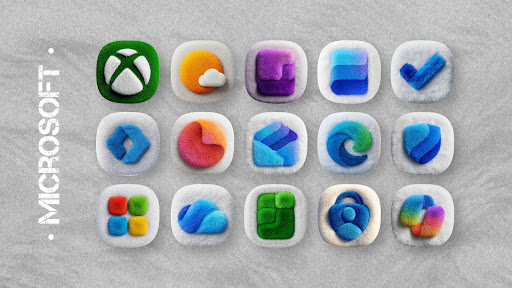
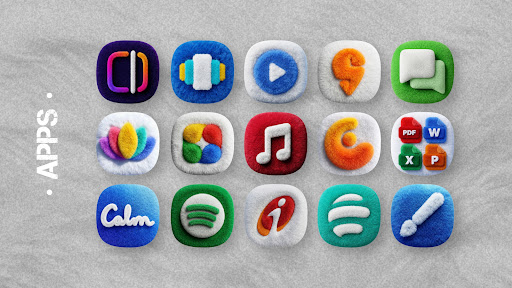
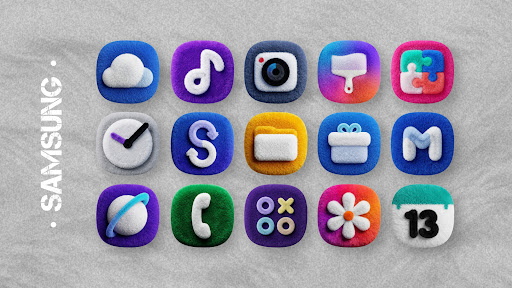
Give your Android device a fresh, cozy, and premium makeover. Fluffy OneUi Icons takes the classic OneUI aesthetic and adds a unique, tactile twist. Every single icon is meticulously crafted with a soft, plush texture and vibrant colors. It gives your phone a look that feels incredibly modern while staying absolutely adorable. Whether you love the signature design language of standard devices or you just want a clean, fluffy aesthetic for your daily setup, this icon pack is an excellent choice to personalize your screen.
PACKED WITH HIGH QUALITY FEATURES
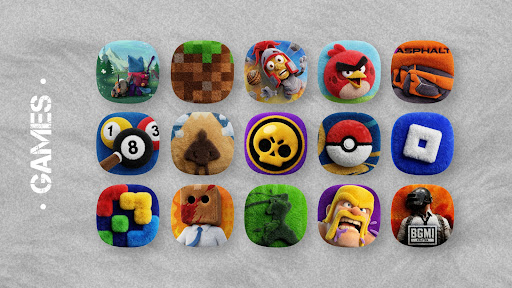
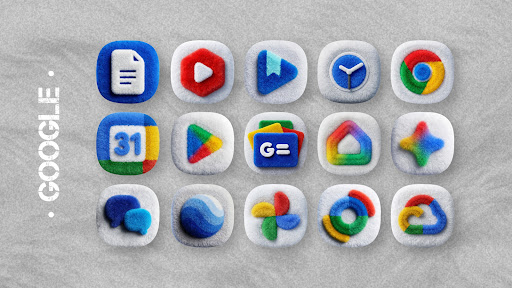
This collection comes loaded with over 3,100 high quality icons, each featuring that signature 3D plush texture. You also get a fantastic selection of cloud based wallpapers specifically designed to complement the soft aesthetic perfectly. If an app you use is not themed yet, there is no need to worry. The built in icon masking feature automatically applies a unified fluffy base to unthemed icons, ensuring your app drawer always looks completely consistent and polished. Furthermore, you will enjoy dynamic calendar support, a beautifully clean dashboard, and regular updates to keep your layout looking fresh.
COMPATIBLE WITH MAJOR CUSTOM LAUNCHERS
The pack is highly versatile and works seamlessly with all the major custom launchers popular across North America, Europe, and Oceania. While it is highly recommended to use Nova Launcher for the best experience, it also fully supports Lawnchair, Niagara Launcher, Smart Launcher, Apex Launcher, Action Launcher, ADW Launcher, Go Launcher, and Hyperion. Just keep in mind that this application requires a compatible launcher to function properly. It may not work directly out of the box with default setups like the standard Pixel Launcher or Stock OneUI Home unless you use a third party customization tool.
HOW TO APPLY YOUR NEW ICONS
Setting up your new layout is incredibly straightforward and takes just a few seconds. First, download the Fluffy OneUi Icons app to your device. Next, make sure you have a compatible custom launcher installed and set as your default home screen. Finally, open the icon pack application, tap on the apply card, and simply select your active launcher from the provided list. Your icons will transform instantly, giving your phone a completely new vibe.
GET SUPPORT AND REQUEST MISSING ICONS
If you notice that one of your favorite applications is missing an icon, or if a specific icon is not applying correctly, help is readily available. You can easily use the built in request tool directly inside the application to send your suggestions to the developer. If you have any specific questions or run into any unexpected issues, please reach out via email or through the official Telegram and Twitter channels before leaving a negative rating. The development team is always happy to assist you in perfecting your digital setup.