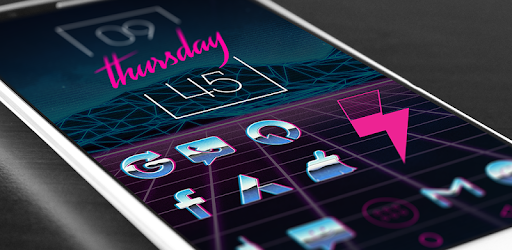
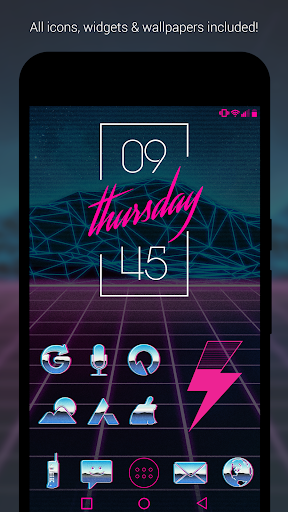
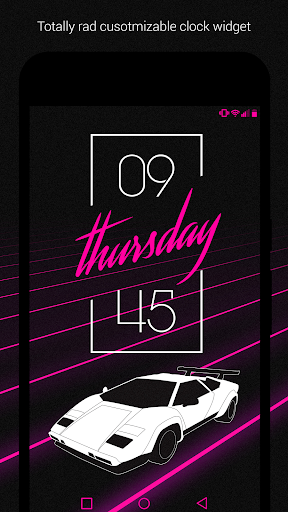
If you are obsessed with that heavily stylized, neon drenched 80s aesthetic, the Rad Pack Pro theme is an absolute must have. It practically turns your daily device into a glowing vintage arcade cabinet. We are talking pure, unapologetic retro chrome and neon dripping off every single app shortcut. It completely overrides your stale factory layout with a heavy dose of retro futuristic style that just looks incredible.
THE NEON DRENCHED MAKEOVER
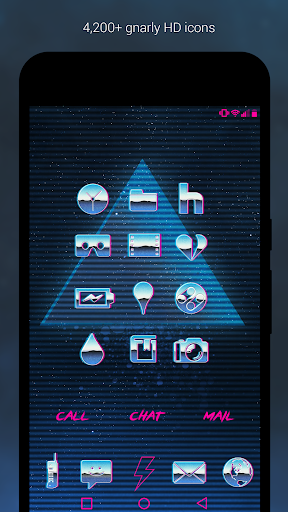
Let’s look at the actual artwork. You get an insane collection of over 4,200 completely hand crafted icons. This isn’t just some lazy color filter slapped over your existing apps. Every single icon is a crisp, high definition piece of retro art.
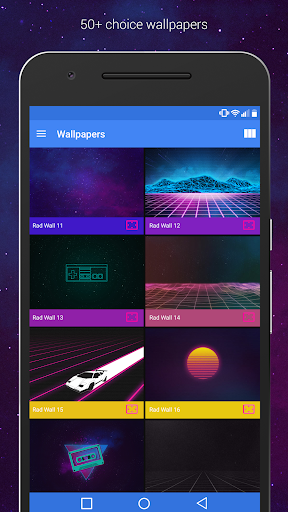
Because the icons feature a lot of clever transparent space, they sit perfectly over your background without looking like clunky, ugly squares. Speaking of backgrounds, the app pulls from a massive cloud based vault of over 50 jaw dropping HD wallpapers. It flawlessly mixes that old school synthwave vibe with the sharp clarity of modern smartphone screens.
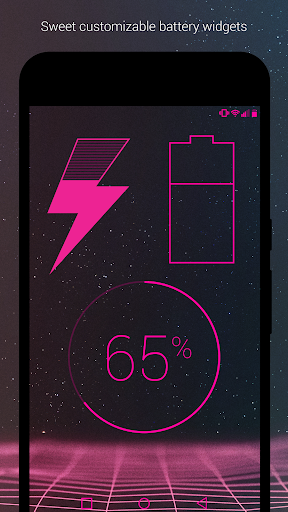
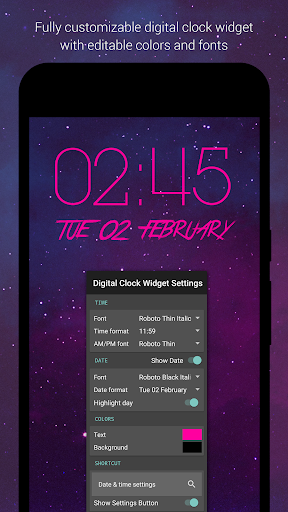
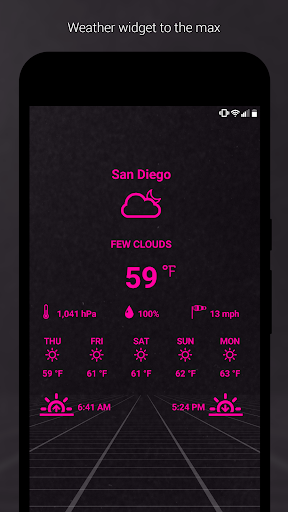
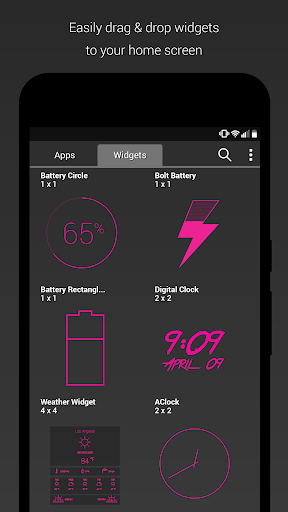
A custom layout is basically useless if your clock looks like a bland corporate spreadsheet. Thankfully, this pack loads you up with heavily stylized weather, battery, and clock widgets that actually match the theme.
The absolute standout is the custom diagonal text clock. It just looks incredibly sharp and totally breaks up the rigid, boring grid of a normal home screen. One quick heads up: if your widgets ever randomly freeze and stop telling the correct time, your phone’s battery saver is probably aggressively killing the background process. Just whitelist the app in your battery optimization settings and it will run perfectly.
GETTING IT RUNNING ON YOUR SCREEN
You can’t just install this on a basic, factory standard phone layout. You absolutely need a third party launcher to make the magic happen.
It plays nice with almost all the heavy hitters like Evie and Microsoft, but honestly, Nova Launcher is the absolute best way to go here. Nova lets you easily search for specific icon names if you ever need to manually swap a weird app out. If you have never messed around with a custom launcher before, don’t sweat it at all. The app walks you through the entire setup process with a super straightforward, idiot proof guide.
CONSTANT UPDATES AND CUSTOM REQUESTS
There is nothing worse than buying an icon pack and realizing half of your obscure daily apps are missing the theme. The developer actually gives you a dedicated request tab right inside the dashboard to fix this exact problem.
You just submit the specific apps you are missing, and they regularly push out fresh updates to fill in the gaps. Your screen constantly stays fresh. If you are the type of person who gets bored easily, you can even hook the app up to Muzei to automatically rotate those incredible retro wallpapers every single day.