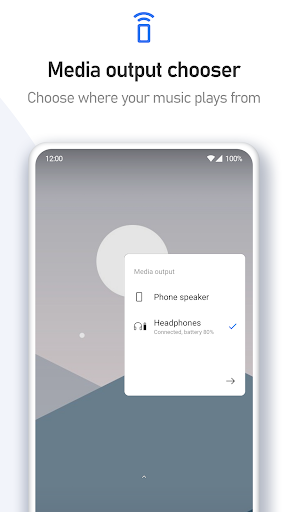
The stock volume slider on your Android device is probably a massive, ugly eyesore that takes up way too much screen real estate. When you are constantly switching between Spotify playlists, testing out new mobile games, or just trying to quickly mute an incoming call during a meeting in Toronto, London, or Sydney, that clunky default pop up is incredibly annoying. You shouldn’t have to settle for boring system defaults on a premium device. Volume Styles completely rips out the factory interface and lets you rebuild your audio controls entirely from scratch.
STEALING THE BEST DESIGNS
You don’t have to be stuck with the aesthetic your phone manufacturer forced on you.
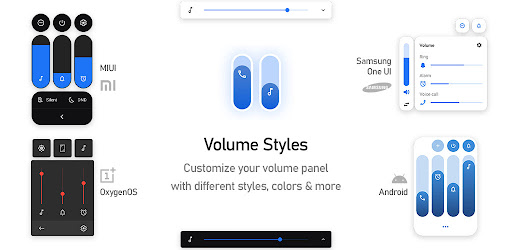
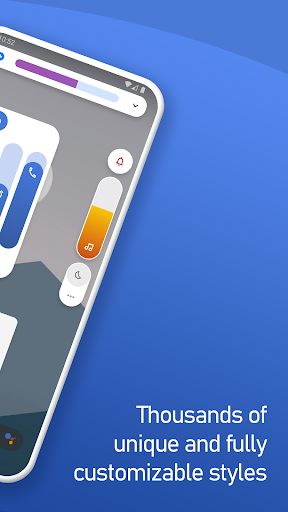
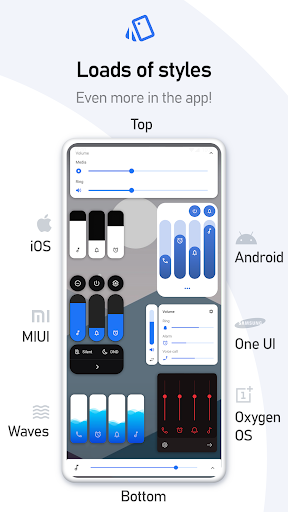
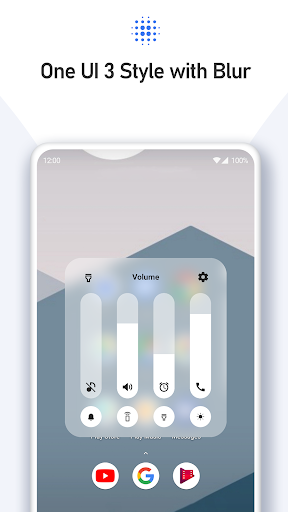
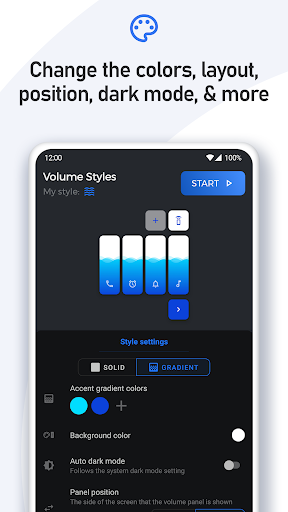
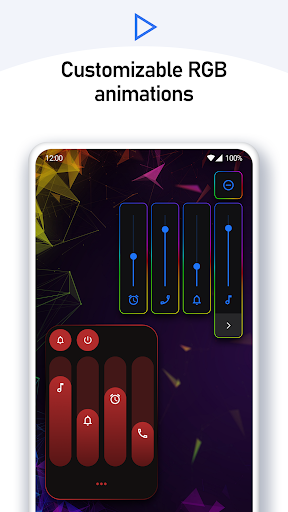
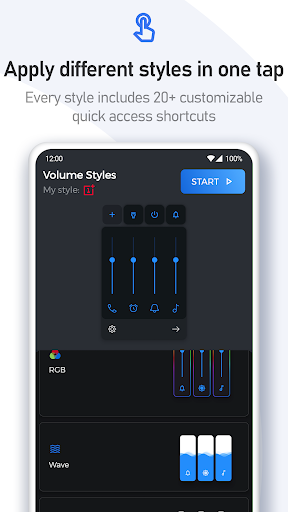
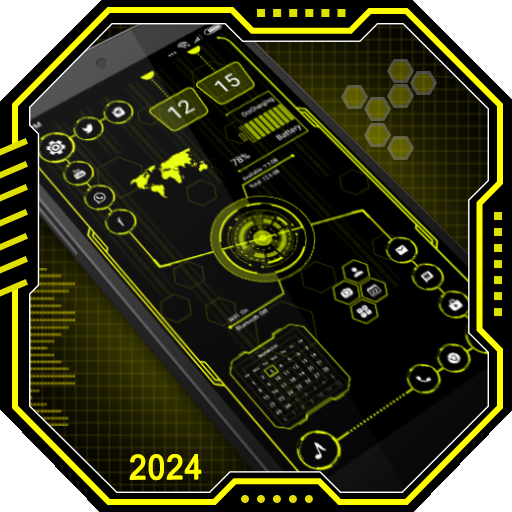
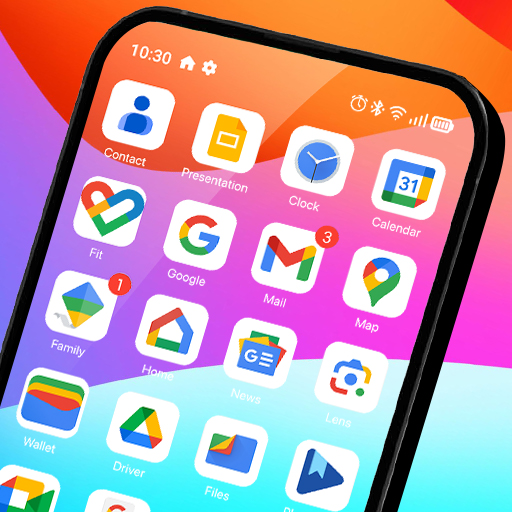
Want the ridiculously clean, frosted glass look of an iPhone? Done. Prefer the slick vibe of Xiaomi’s HyperOS, Samsung’s One UI, or even the retro aesthetic of an old Windows Phone? You can swap your entire volume panel in a single tap. If you want to get completely unhinged, there are thousands of community made designs featuring RGB lighting, neon fire, or literal rotary volume knobs. If you still can’t find exactly what you are looking for, the built in Style Creator lets you build a 1 of 1 masterpiece. You can adjust the exact corner radius, tweak the transparency, and dial in custom color gradients down to the microscopic pixel. Once you nail it, just upload your creation to the live Style Feed to show it off.
TAMING THE AUDIO CHAOS
We have all accidentally blasted a video at full volume in a quiet room because we thought we were turning down the media, but our phone decided to adjust the ringtone instead.
This app entirely fixes that frustrating mess. You get to dictate exactly which sliders actually appear on your screen when you press your physical button. You can cleanly stack your media, notification, alarm, voice call, and Bluetooth sliders all in one neat row. It even lets you throw a brightness slider right into the mix, so you never have to blindly pull down your notification shade just to see your screen in the sun.
SHORTCUTS THAT ACTUALLY SAVE TIME
Why dig through your main settings menu if you don’t absolutely have to?
You can bake some seriously powerful quick action toggles directly into your new customized panel. You can instantly flip on your flashlight, trigger a screenshot, force the screen to rotate, or slam your phone into Do Not Disturb mode without ever hunting for the right icon.
Just a quick technical heads up on how the magic actually happens under the hood. The app relies on Android’s native Accessibility Services. It strictly uses that specific system permission to seamlessly intercept your physical button presses, allowing it to instantly trigger your custom interface instead of the ugly stock one.
Stop settling for a boring, rigid UI. Take five minutes to customize your sliders and actually make your phone feel like it belongs to you.