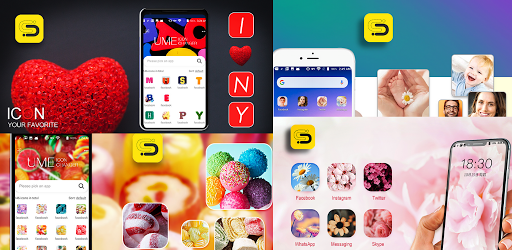
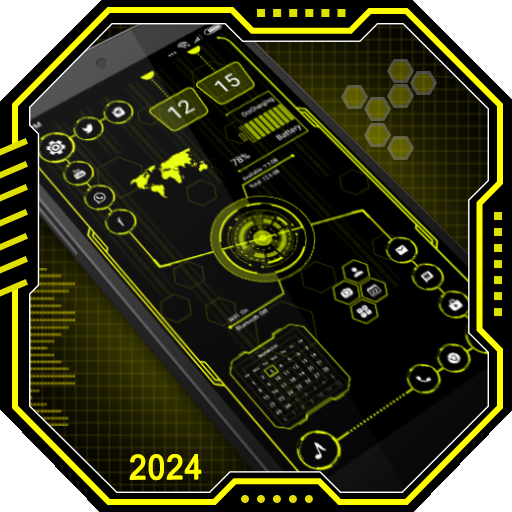
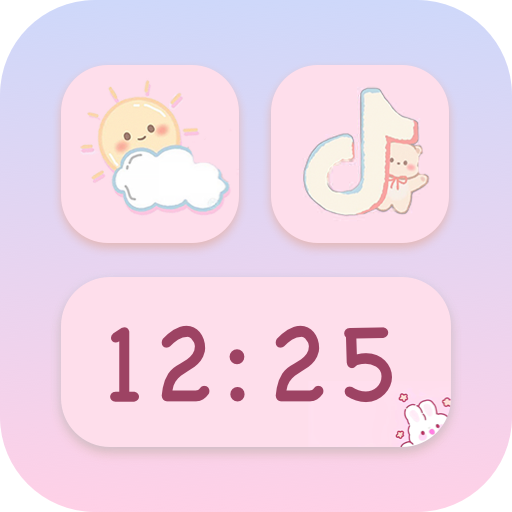
Staring at the same boring grid of default app icons gets old fast. If you are constantly tweaking your phone’s aesthetic and desperately want total control over how your home screen looks, Ume Icon Changer is an absolute game changer. This app lets you rip out those ugly default logos and replace them with custom shortcuts that actually match your specific style. And the best part? It won’t cost you a single dime.
TOTAL CONTROL OVER YOUR HOME SCREEN VIBE
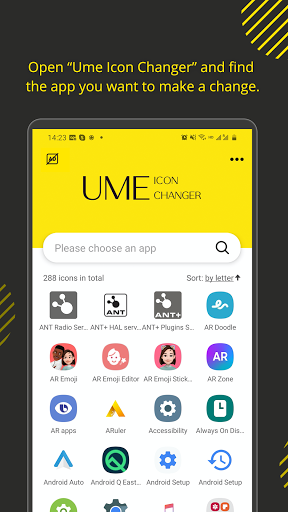
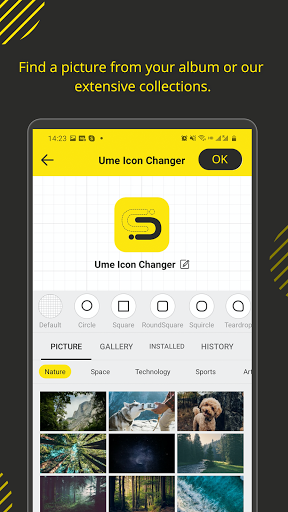
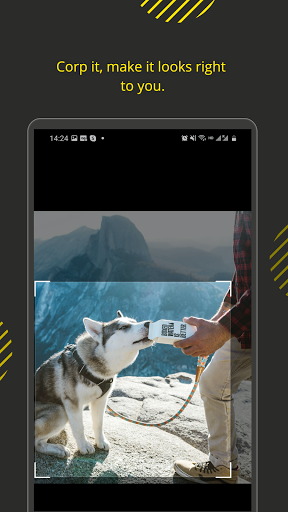
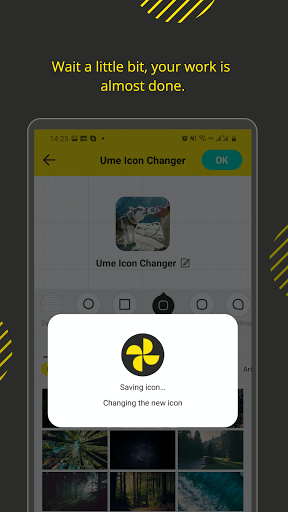
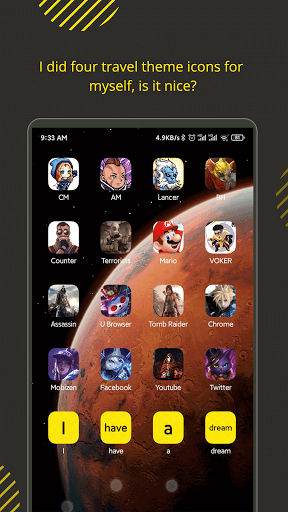
You definitely don’t need a computer science degree to start reskinning your phone. The app hands you the keys to swap out boring app icons for literally anything you want. You can dig through custom designs and match them perfectly with your current wallpaper, saving you the headache of looking at a cluttered, mismatched screen. Setting everything up is ridiculously easy. Just hold down on an empty spot on your home screen, pull up the widget menu, and the app walks you through the exact steps to link your new custom icon. Even if you’ve never customized a widget in your life, you’ll be swapping out icons like an absolute pro in about three minutes.
ZERO CLUTTER AND A FOOLPROOF SETUP
Clunky menus are the quickest way to ruin a good customization app. Thankfully, the interface here is incredibly clean and straight to the point. The layouts are clearly labeled, so you never have to blindly guess what a random button actually does. It literally holds your hand through the entire conversion process, which is exactly why so many people are obsessed with how smooth it runs. You get to completely dictate the mood of your device, whether you want a stealthy, minimalist dark theme or a loud, neon color scheme that pops right off the glass. You can jump in and totally overhaul your layout whenever the customization bug bites you, completely restriction free.