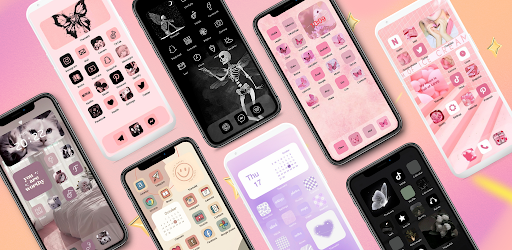
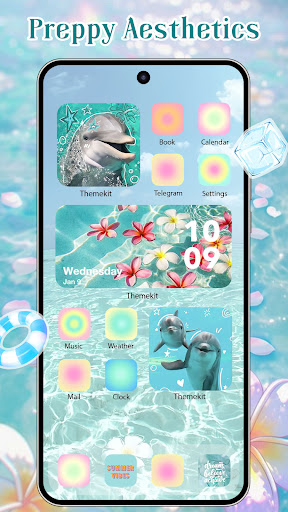
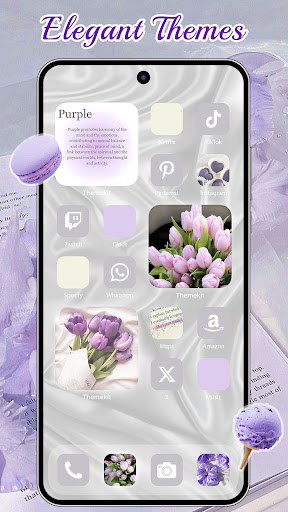
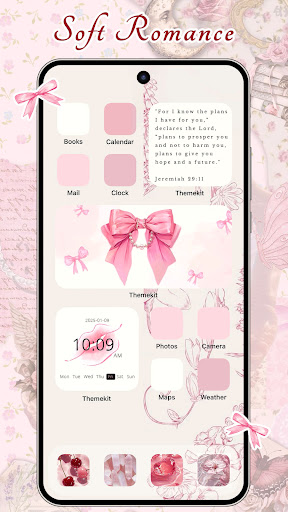
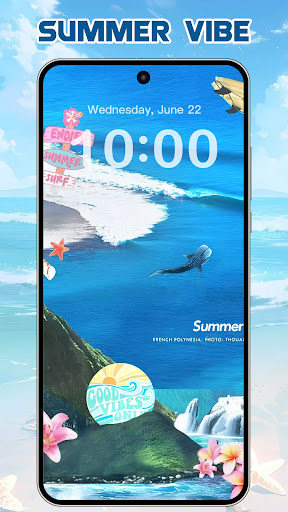
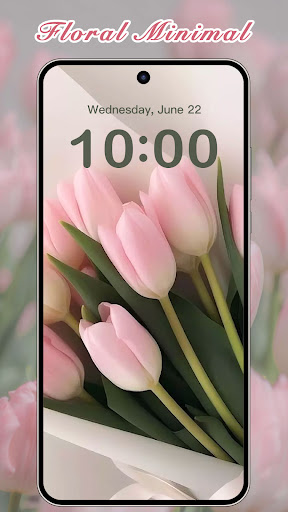
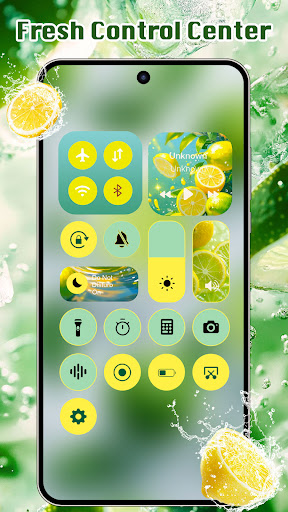
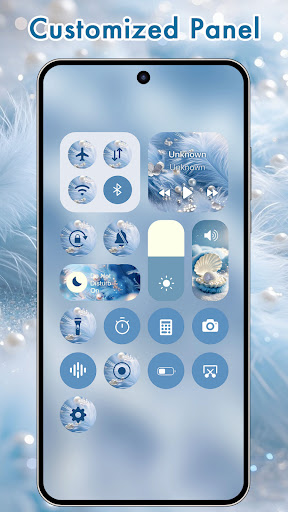
The default layout on your Android phone is probably incredibly boring. You stare at the same rigid grid of standard, ugly app icons all day long. If you’ve been jealously watching your friends completely overhaul their home screens but thought the process was way too complicated, ThemeKit is about to be your new best friend. It completely transforms your device into an absolute visual masterpiece without forcing you to install a clunky, battery draining third party launcher.
A MASSIVE LIBRARY OF CUSTOM AESTHETICS
You aren’t just getting a handful of cheap, blurry wallpapers here.
This app is an absolute powerhouse. It comes loaded with over 5,000 custom icons, 3,000 full blown themes, and literally thousands of crisp 4K backgrounds. Whether you are heavily into that moody Gothic vibe, obsessing over K pop, repping your favorite European football club, or just want a clean, minimalist layout for the daily grind in the office, the library has it covered. They update the catalog daily, so if a massive new trend like “brat green” suddenly blows up, you can instantly match your phone’s aesthetic to the culture.
Here is the absolute best part. You don’t have to jump through crazy technical hoops to get this working.
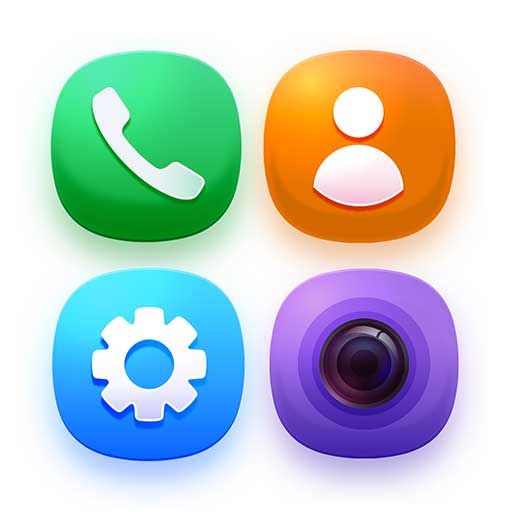
The built in icon changer creates fresh shortcuts directly on your home screen. You can finally swap out that hideous default camera or messaging icon for something completely custom. If you want to get genuinely creative, the DIY mode lets you build your own widgets and icons using pictures straight from your personal camera roll. It is basically a cheat code for digital design. Need a sleek weather widget to check if you need a heavy jacket before heading out in London, or a custom countdown timer for your upcoming summer trip to the Gold Coast? It handles all of that flawlessly.
THE ACCESSIBILITY PERMISSION REALITY CHECK
Let’s quickly talk about permissions, because nobody wants a sketchy app harvesting their private data.
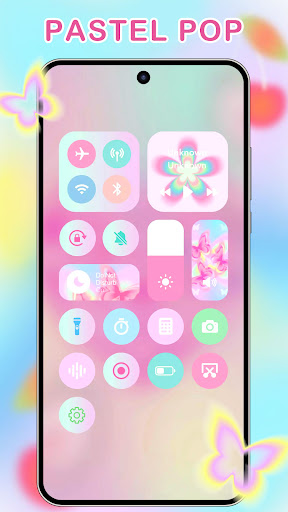
To pull off some of its cooler visual tricks like tossing a slick custom Control Center onto your screen for instant volume and music adjustments the app needs you to enable Accessibility Services. I know that usually sounds like a massive red flag on Android. But the developers have locked this down strictly for screen display features. It doesn’t secretly snoop through your private messages or store your personal information. It just genuinely needs that specific permission to make your custom layout function over your other apps.
Stop settling for a phone that looks exactly like everyone else’s. Download the kit, start messing around with the DIY tools, and actually inject some of your own personality into that screen you stare at a hundred times a day.