The default home screen that shipped with your phone is probably an absolute mess. Between the forced bloatware and the clunky, disorganized app drawers, trying to find the one app you actually need is usually way harder than it should be.
If you want a setup that is actually clean, blindingly fast, and incredibly intuitive, Launcher OS 2026 is exactly what you need to install right now. It completely revamps your daily interface into a sleek, bright, and deeply organized ecosystem.
BROWSE, SEARCH, AND ORGANIZE IN SECONDS
You really shouldn’t have to endlessly scroll through five different screens just to open your messages.
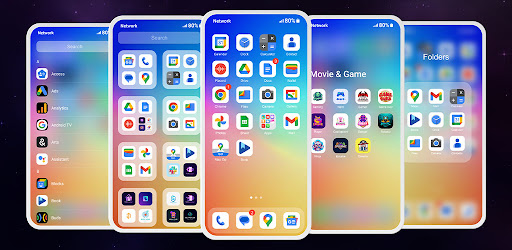
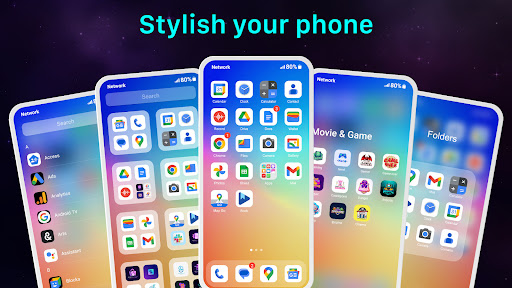
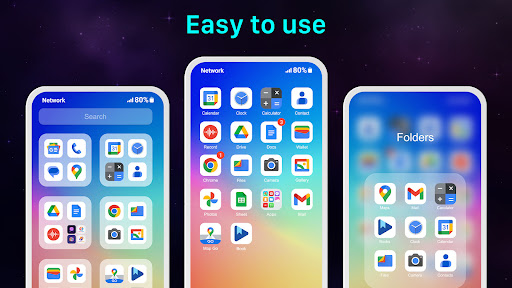
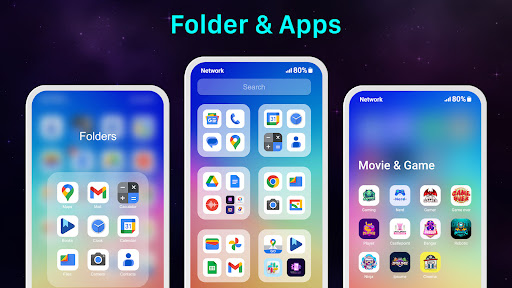
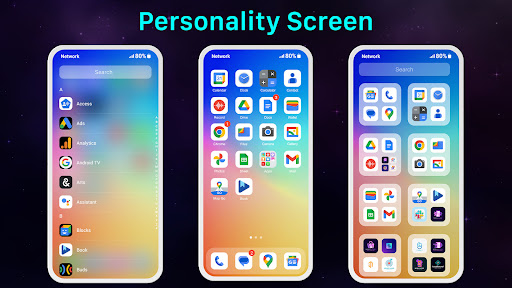
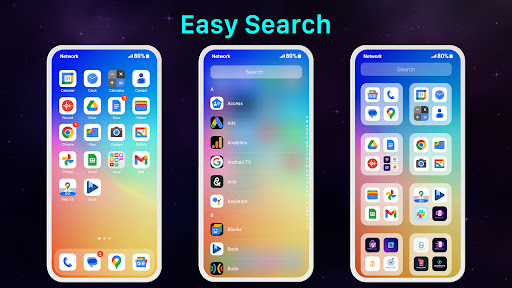
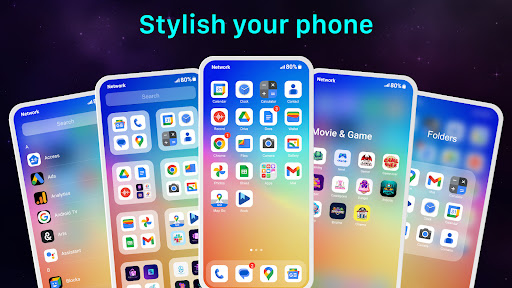
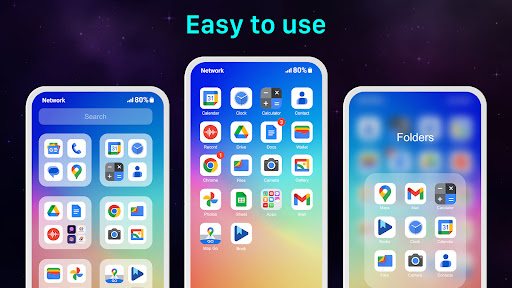
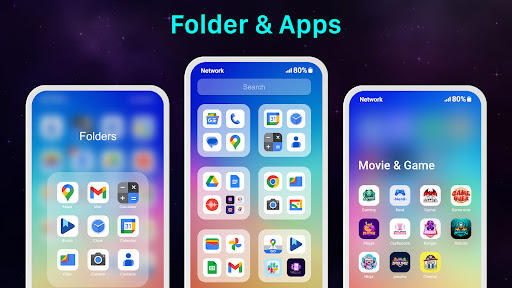
This launcher totally changes how you navigate your device. It relies on a super smooth, swipe based app page design that feels incredibly natural under your thumb. Even better? You can swipe down from the top of absolutely any page to instantly pull up the universal search bar. You just type what you need, find the app fast, and get out. If you are a complete neat freak, you can finally organize your chaotic layout into highly specific folders and group everything exactly how your brain works.
TOTAL DEVICE CONTROL AT YOUR FINGERTIPS
A good launcher needs to look great, but it absolutely has to function well, too.
You get instant, seamless access to your most crucial system settings. We are talking about jumping in to adjust your screen brightness, toggle your 5G, manage Bluetooth connections, and dial in your sound profiles without digging through a maze of annoying system menus. The notification system is totally streamlined, keeping you updated without the usual clutter. Plus, you can heavily customize your home screen with a massive variety of widgets to make the layout entirely your own.
LOCK DOWN YOUR PRIVACY AND A QUICK PERMISSIONS CHAT
Handing your unlocked phone to a friend shouldn’t immediately trigger a massive panic attack.
The launcher comes loaded with some heavy duty utility features, including a dedicated app lock and the ability to completely hide specific, private apps from plain sight.
Just a quick reality check on the technical side before you download. To make all these smooth gestures actually work like opening the recent apps dialog, using the convenient Touch features, or hitting the Back function via the custom X Home Bar the app requires standard Accessibility Services permissions. It also requires the “Query All Packages” permission just so it can actually see and organize the apps you currently have installed.
Stop fighting with a bloated, laggy interface. Clean up your home screen, lock your private apps, and get your phone running exactly the way you want it.