Custom your phone with themes, widgets, wallpaper and icon changer
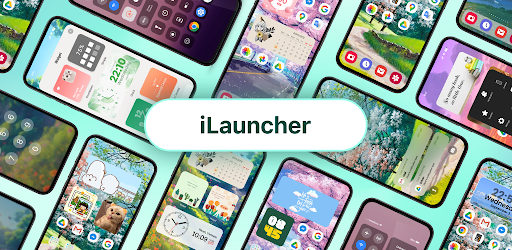
iLauncher 2.1.7 (Premium Unlocked)
| Name | iLauncher |
|---|---|
| Publisher | BlueSkySoft |
| Genre | Personalization |
| Size | 22 MB |
| Version | 2.1.7 |
| MOD | Premium Unlocked |
| Get it On |  |
| Rating |
Custom your phone with themes, widgets, wallpaper and icon changer
| Name | iLauncher |
|---|---|
| Publisher | BlueSkySoft |
| Genre | Personalization |
| Size | 22 MB |
| Version | 2.1.7 |
| MOD | Premium Unlocked |
| Get it On | |
| Rating |
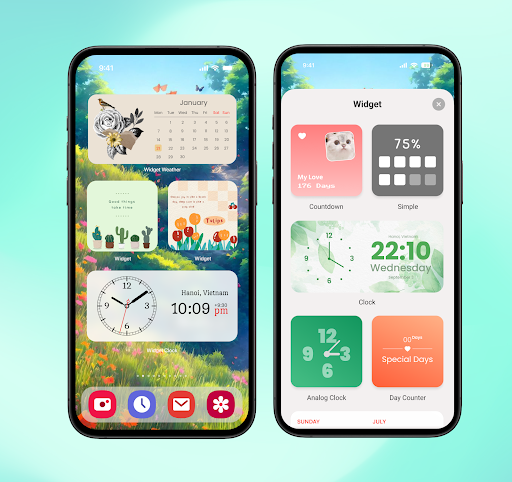
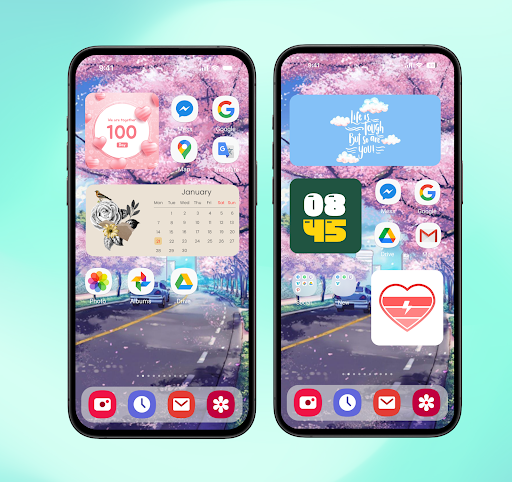
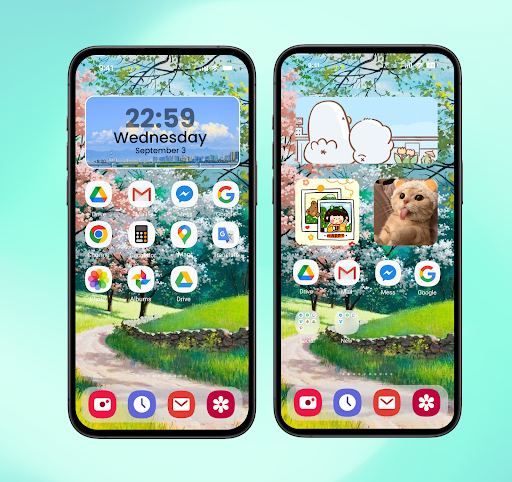
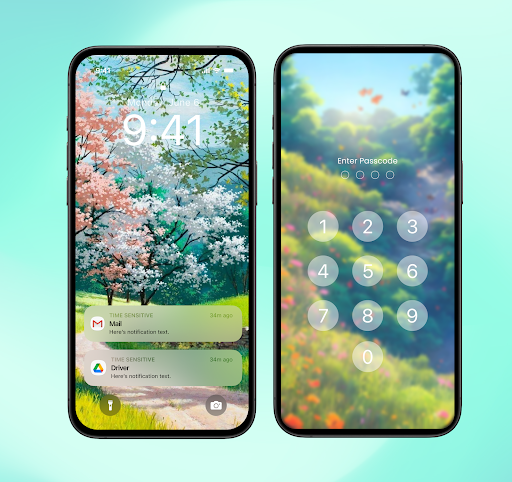
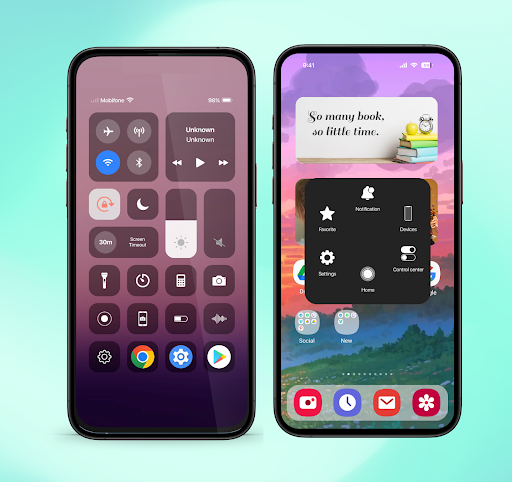
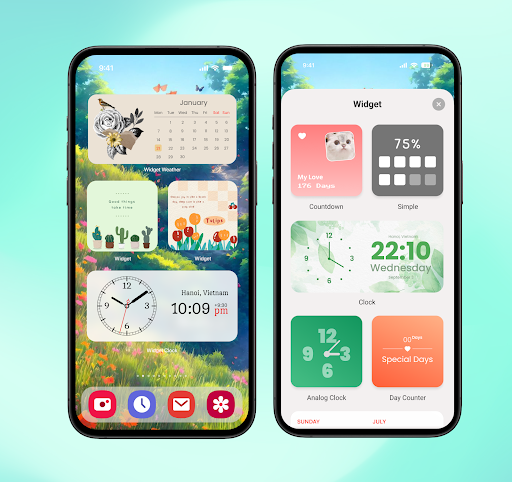
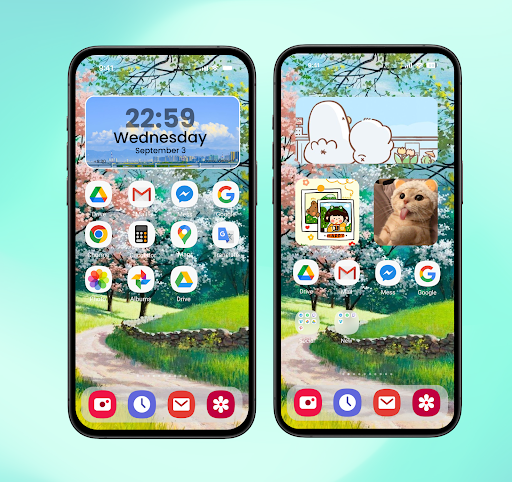
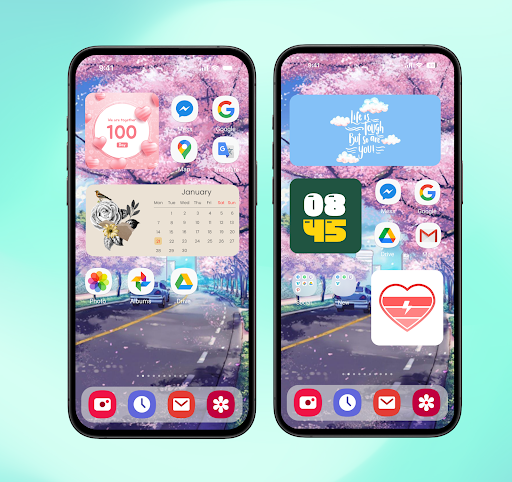
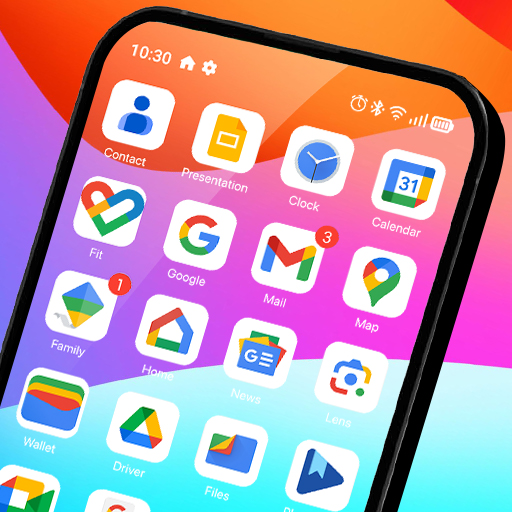
If you’ve ever felt like your phone’s default home screen is a little bit lackluster or just too rigid, you aren’t alone. We often spend all day staring at our devices, so why shouldn’t they look exactly the way we want? iLauncher is a powerful, highly customizable replacement for your standard launcher that breathes new life into your smartphone, making it look aesthetic, modern, and uniquely yours.
The first thing you’ll notice is how much freedom you have to clean things up. If you have apps you rarely use but can’t uninstall, you can simply hide them from your home screen so they don’t clutter your view. You can also tweak the desktop grid, enable endless scrolling, and fully customize your folder views. Whether you want a minimalist layout or a information-heavy dashboard, you’re the boss of how your apps are organized.
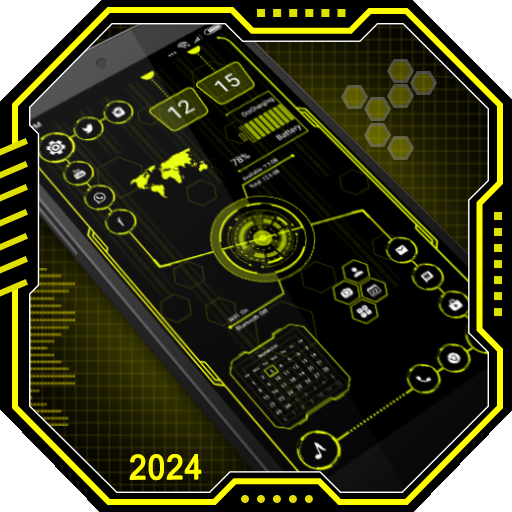
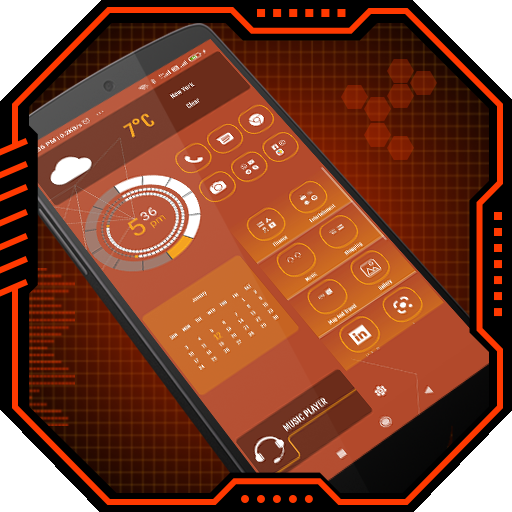
Stop settling for those standard, boring widgets. This app comes packed with a huge library of gorgeous widget styles that you can personalize to match your vibe. Whether you need a functional calendar, a quick-glance weather update, a battery monitor, or a beautiful clock, you can mix and match styles to make your phone look like a work of art.
Why stick to a plain lock screen when you can make it your own? The app supports custom passcode and pattern locks, keeping your device secure while looking sharp. Plus, the “Quick Bar” feature is a total timesaver. It keeps your most frequently used apps right at your fingertips, so you can jump into your workflow or socials without digging through menus. You can even customize the search bar with your own shortcuts to make navigating your phone lightning-fast.
To make features like the Control Center, lock screen gestures, and smooth app animations work, the app requires standard accessibility permissions. It is important to know that the app is committed to your privacy and will never collect or share your personal information. These permissions are strictly used to help you navigate your phone more easily like jumping home, going back, or viewing your recent apps with simple, intuitive gestures.
If you’re looking to refresh your digital space, give this a try it’s a huge step up from the native experience.
update themes 14-04
You are now ready to download iLauncher for free. Here are some notes: