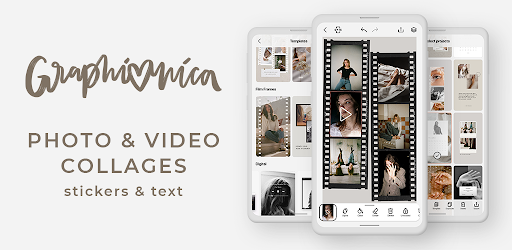
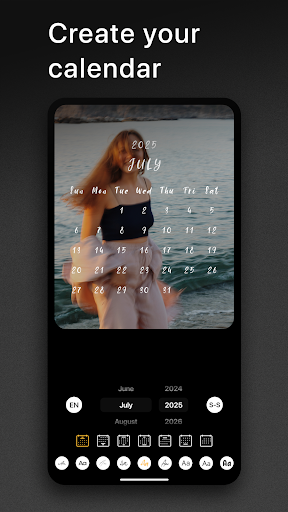
Staring at a blank social media story screen trying to force something to look “aesthetic” is genuinely stressful. You probably want to post five different photos, a quick video clip, and some clever text, but the default in app tools are a clunky, restrictive nightmare. Graphionica completely eliminates that messy workflow. It acts like a highly capable digital scrapbook right in your pocket, letting you stop overthinking your grid and just start mashing your favorite visual elements together.
BUILDING INSANE STORY COLLAGES
You no longer have to painfully choose which single photo makes the final cut.
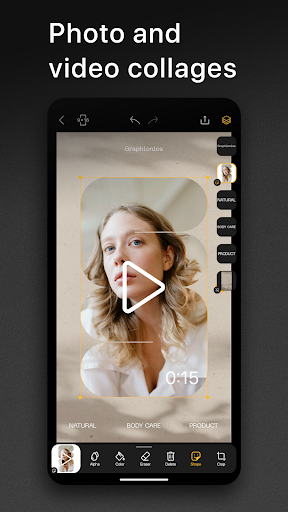
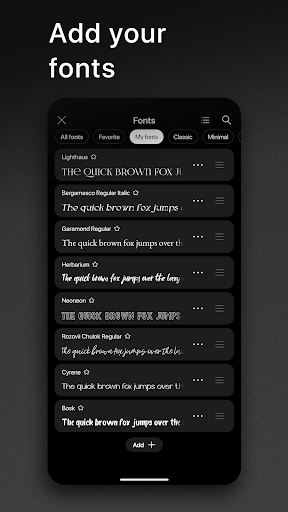
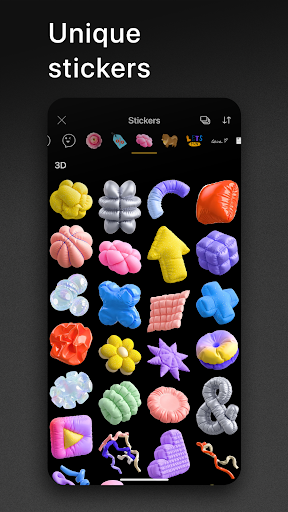
The layout engine lets you aggressively mix multiple pictures and live video clips onto the exact same canvas, giving you total creative control over how crowded or clean the final post looks. Once your media is locked in, you can dig into a massive library of highly stylized fonts to ensure your text doesn’t look like every other boring update on your timeline. And if you are heavily into the digital collage aesthetic? The built in background eraser is an absolute lifesaver. You can easily punch out the background of any random image to create your own custom, floating stickers to drop anywhere on the screen.
STEALING DESIGNS FOR QUICK UPLOADS
Not everyone naturally has a flawless eye for graphic design, which is perfectly fine.
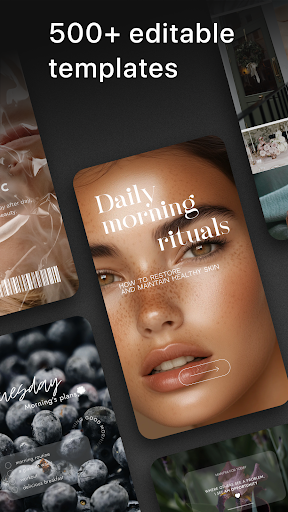
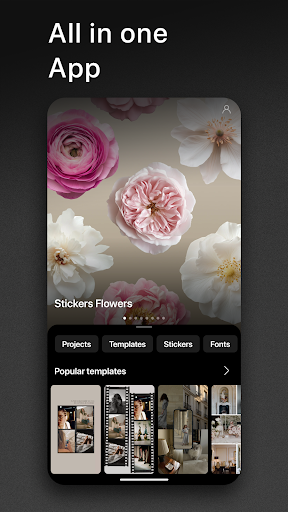
The app comes completely loaded with a ridiculously huge library of ready to play templates. You literally just find a specific vibe you like, tap the empty placeholder boxes, and drop your own camera roll media straight into the slots. It handles all the heavy lifting for you. The absolute best part is the flexibility. You can completely rip apart the default templates, customize the colors and spacing to fit your specific personal brand, and save them as your own reusable presets. Having your own custom layouts permanently saved in the chamber means you can fire off a gorgeous, highly polished update in about ten seconds flat without starting from scratch every single day.