Carrying around a massive backpack full of heavy notebooks, loose paper, and dried out highlighters is absolutely archaic. You sit down in a university lecture or a packed boardroom, the speaker starts flying through slides, and you are desperately scribbling just trying to keep up. It is a chaotic, stressful mess.
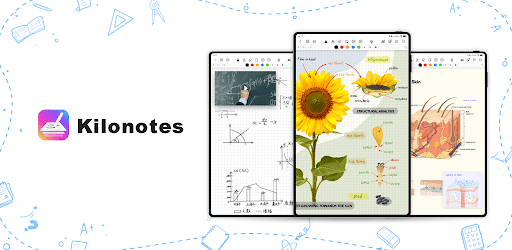
Kilonotes basically fixes that entire experience. It takes the tactile, satisfying feeling of physical writing and jams it into a ridiculously powerful digital workspace.
DITCH THE PAPER BUT KEEP THE FEELING
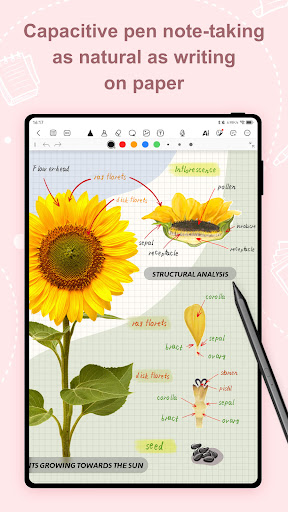
Whether you are annotating slides in a London coffee shop or frantically studying for midterms in Chicago, the writing engine here is incredibly smooth. You get a whole arsenal of digital tools fountain pens, smooth ballpoints, and paintbrushes.
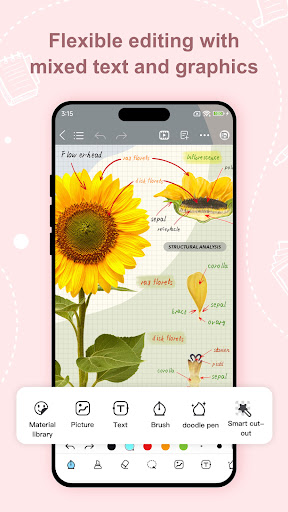
Make a mistake? It’s fine. Just tap undo or grab the adjustable eraser. The absolute best part is how fluid the editing is. You can physically lasso your handwritten text to pick it up, rotate it, or resize it anywhere on the page. And since the app uses an infinite virtual canvas, you will literally never run out of room mid thought again.
AN AI TUTOR LIVING RIGHT IN YOUR NOTEBOOK
This is where it gets crazy. It’s not just a blank page.
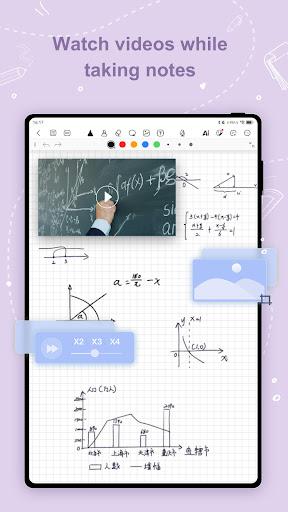
There is a massively capable AI assistant baked directly into the app. Stuck on a brutal chemistry equation or a complex calculus problem? Just snap a quick photo of it. The AI doesn’t just hand you the answer; it breaks down the exact solution step by step so you aren’t blindly guessing. You can even chat with it to instantly generate mind maps, outline a messy essay, or extract the core concepts out of whatever you happen to be studying.
WRESTLING WITH MASSIVE PDFS IS FINALLY EASY
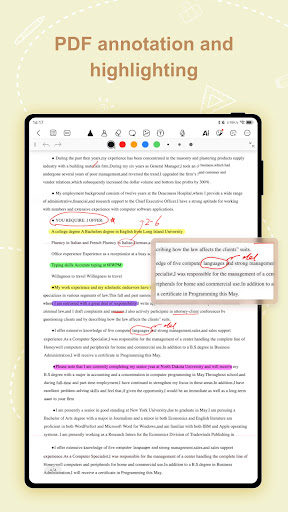
Reading dense, 50 page academic PDFs on a screen is usually awful. Kilonotes turns that nightmare into a total breeze.
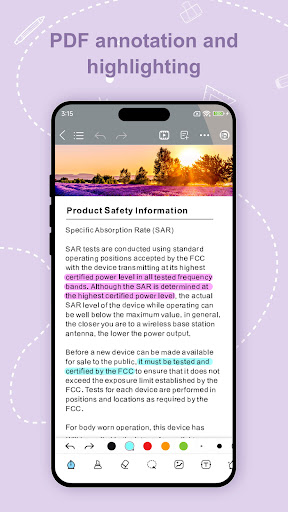
You can seamlessly search through the entire document, jump around using the outline view, and draw directly on the text. If you’re tackling foreign literature for a European history class, the built in translation tools are an absolute lifesaver. Plus, they threw in a dark mode and eye protection filters to save your vision during those brutal late night cram sessions.
AUDIO RECORDING AND AESTHETIC JOURNALS
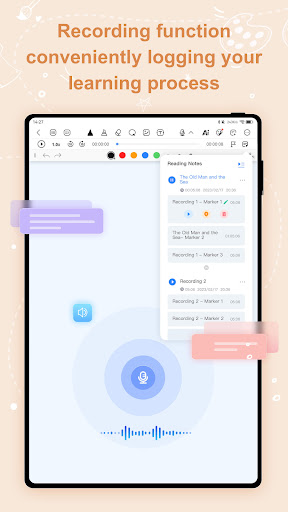
Ever space out during a meeting and completely miss the most important detail? It happens. Kilonotes lets you record audio straight into the app while you write, so you never lose the context of your notes.
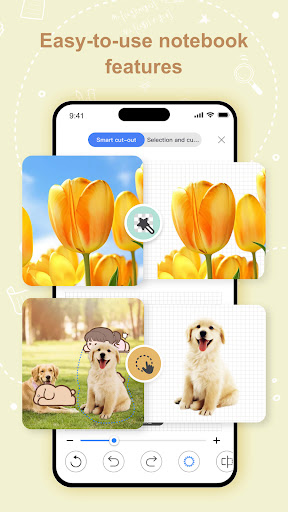
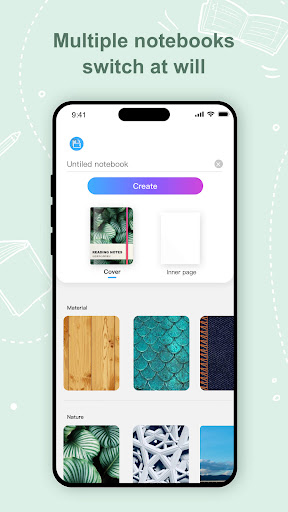
The app also lets you rip text straight from images using OCR and build personalized flashcards to lock in your memory. If you are into aesthetics, you are going to love the customization. We’re talking gorgeous notebook covers, specialized paper templates like Cornell and dot grids, and a massive library of built in stickers. It’s basically a digital bullet journal on steroids.
THE SUBSCRIPTION RUNDOWN
Just a quick heads up on how the billing works. The pricing shifts slightly depending on your specific region, but it runs securely straight through your Google Play account. It auto renews by default. If you ever decide to take a break from the app, just make sure you cancel it in your device’s account settings at least 24 hours before your current billing cycle ends to avoid getting charged again. Simple as that.