We all know that half the apps sitting on your phone right now are quietly tracking exactly where you are. Whether you are wandering through downtown Toronto, grabbing a pint in London, or taking a weekend road trip out of Sydney, your privacy is constantly being compromised. Sometimes you just need to disappear off the digital grid. Location Changer is the absolute best way to fake your GPS coordinates without dealing with a clunky, frustrating interface.
COMPLETE CONTROL WITH THE VIRTUAL JOYSTICK
This isn’t just a basic spoofing tool where you drop a static pin and pray it works.
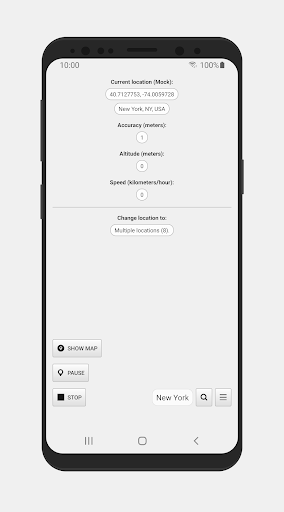
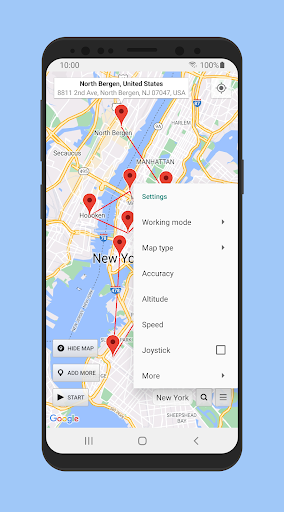
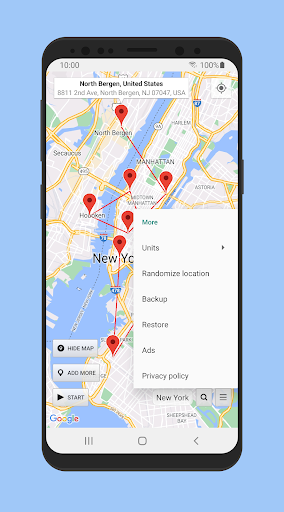
It actually gives you a fully functional virtual joystick. You just dive into the settings, set your maximum speed in kilometers per hour, and drag the joystick overlay right onto your screen. You can literally walk around a digital map while sitting completely still on your couch. Want to simulate a massive hike or a serious bike ride? You can easily import GPX files to follow real world trails virtually. Dropping a pin feels exactly like using Google Maps—just long press the screen, and you are instantly teleported.
BEATING THE BATTERY KILLERS
Let’s talk about the biggest headache with these types of apps.
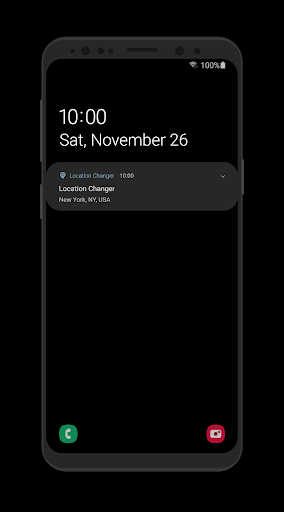
Your Android’s battery optimization system absolutely hates background processes. If you notice the spoofing suddenly dying or the notification vanishing after a few minutes, your phone is actively killing it to save juice. You have to go into your battery settings and explicitly whitelist the app. Once you do that, it is incredibly stable. It will even keep running perfectly if you completely reboot your phone. When you actually want your real GPS coordinates back, just tap the stop button in your notification shade.
MULTIPLE PINS AND REALISTIC ROUTING
Sometimes standing entirely still isn’t enough to trick the software you are testing.
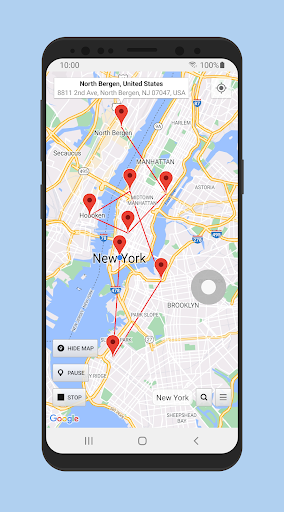
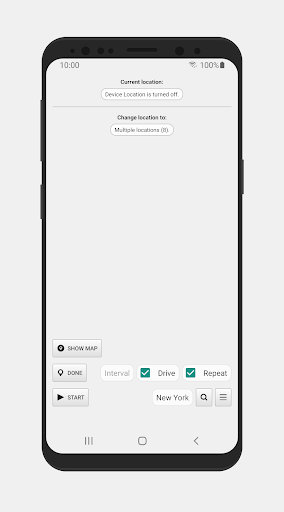
You can drop a bunch of different pins on the map and set a specific time interval. The app will automatically jump your location between them. But if you want things to look incredibly realistic, turn on the Drive feature. Instead of instantly teleporting across the map, your GPS will actually drive along the route at the exact speed you set. It is an absolute lifesaver if you are an app developer testing location based software and need to simulate a realistic morning commute.
THE MOCK LOCATIONS CATCH
You need to know how the software actually works behind the scenes.
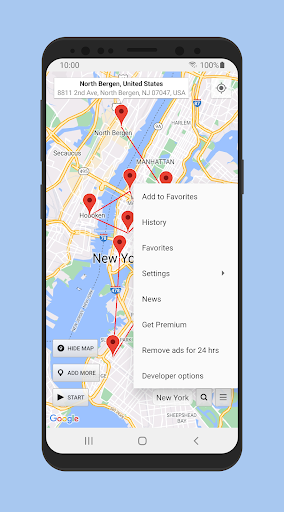
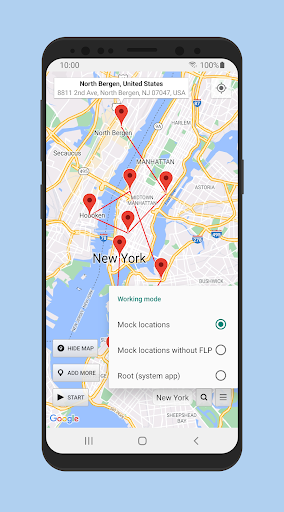
To get this running, you have to unlock the hidden Developer Options on Android. Usually, you just tap your device’s Build Number seven times, then go in and explicitly allow Mock Locations. Here is the catch, though. Because the Android operating system physically tells other software when a mock location is active, some of the stricter apps might throw a tantrum and say they cannot detect you. This is completely normal.
Also, keep in mind that this is absolutely not a VPN. It fakes your physical GPS chip, not your internet IP address, so websites tracking your Wi Fi will still know your actual region.
Hit stop before turning off your developer settings, use the tool responsibly, and finally take your location privacy back.