Trying to play a heavy, competitive mobile shooter or MOBA with a flat glass screen is an absolute nightmare. Your thumbs block half the action, your hands inevitably get sweaty, and you always end up missing the winning shot because a virtual button didn’t register.
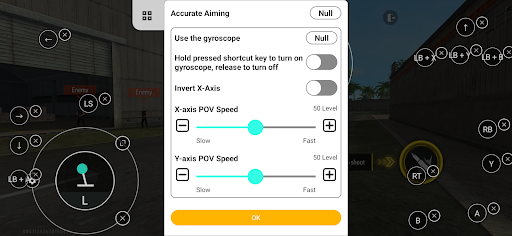
If you actually want to dominate your mobile lobbies, you need to use a physical controller. That is exactly where Panda Gamepad Pro steps in to completely completely overhaul your mobile gaming setup.
DITCH THE CLONING AND AVOID THE BAN HAMMER
Most generic controller mappers force you to run your games through a sketchy, third party “cloned” space just to get the buttons to work. That is a massive red flag.
Modern competitive games will instantly detect that weird duplication software and permanently ban your account without a second thought. This app completely bypasses that mess. It lets you launch your favorite games directly from your home screen while securely logging in through your actual Google Play account. The unique mapping technology runs seamlessly in the background, meaning you can play completely worry free without risking a totally unfair ban.
UNIVERSAL HARDWARE AT YOUR FINGERTIPS
You definitely don’t need to go out and buy a hyper specific, heavily overpriced mobile controller to make this work.
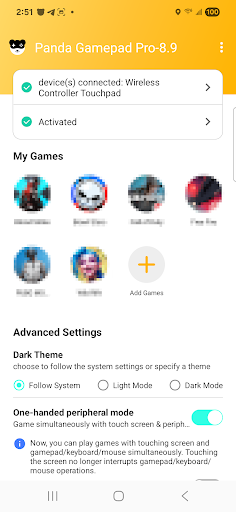
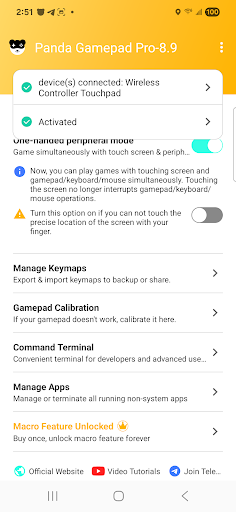
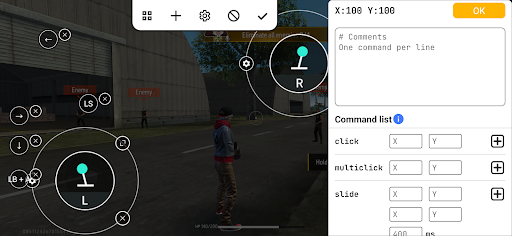
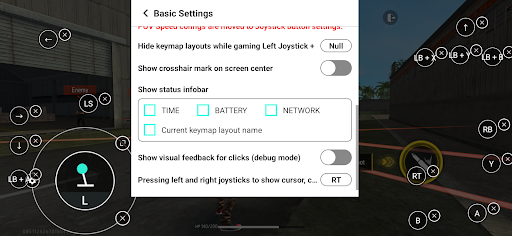
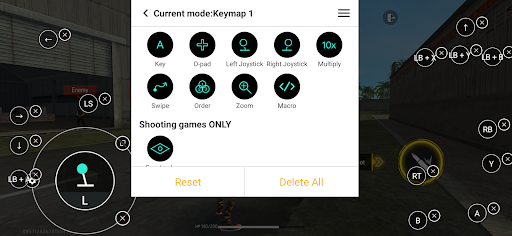
Whether you are hooking up a brand new next gen pad or finally dusting off an old favorite controller you found sitting in a drawer, the universal compatibility is incredibly solid. The app supports nearly every major brand on the market. You just pair your hardware, map your triggers and joysticks exactly how you want them, and instantly get massive precision upgrades in everything from fast paced sports games to heavy battle royales.
THE ACTIVATION REALITY CHECK
Let’s talk about the initial setup, because Android permissions can sometimes be a bit of a headache.
The developers actually made the process pretty painless depending on what hardware you are currently rocking:
Android 11 and up: You can activate the mapping engine directly on your phone in a matter of seconds.
Android 10 and older: You will just need to temporarily plug your phone into a PC or Mac for a super quick, hassle free activation bump.
Rooted devices: If your phone is already unlocked and rooted, the app handles the entire activation process completely automatically.
Stop fighting with clunky touch controls that get you killed in the final circle. Hook up a real gamepad, map your buttons, and actually start enjoying your mobile library.