esize, compress & crop photos easily without losing quality. Save space fast!
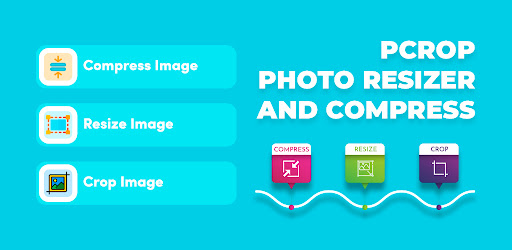
pCrop: Photo Resizer&Compress 1.9 (Unlocked)
| Name | pCrop: Photo Resizer&Compress |
|---|---|
| Publisher | Rising Apps |
| Genre | Tools |
| Size | 23 MB |
| Version | 1.9 |
| MOD | Unlocked |
| Get it On |  |
| Rating |
esize, compress & crop photos easily without losing quality. Save space fast!
| Name | pCrop: Photo Resizer&Compress |
|---|---|
| Publisher | Rising Apps |
| Genre | Tools |
| Size | 23 MB |
| Version | 1.9 |
| MOD | Unlocked |
| Get it On | |
| Rating |

Have you ever tried sending a batch of photos to a friend only to get hit with that infuriating “file too large” error? It is the absolute worst. That is exactly where pCrop steps in to save your sanity. It is basically a pocket sized Swiss Army knife for shrinking, cropping, and tweaking your images without completely destroying the original picture quality.
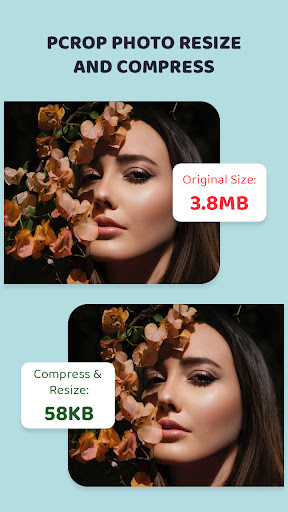
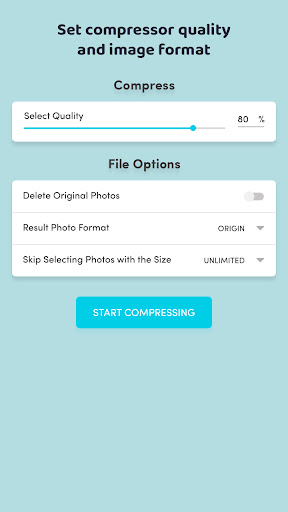
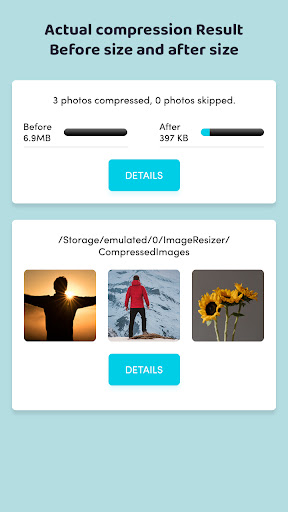
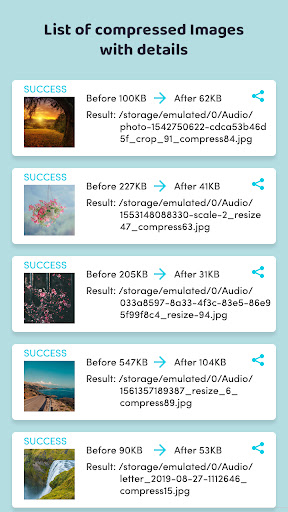
Slashing the file size of your photos is the bread and butter of this app. You finally get to compress those massive, storage hogging images into something way more manageable for your phone. And the best part? It doesn’t turn your favorite memories into a blurry, pixelated mess. The app runs a smart analysis to perfectly balance the smaller file size with high visual clarity. Once it finishes doing its magic, everything gets neatly tucked away in a dedicated compressed folder. Having much smaller files means you can actually share your albums in a group chat without waiting ten minutes for the upload bar to finish.
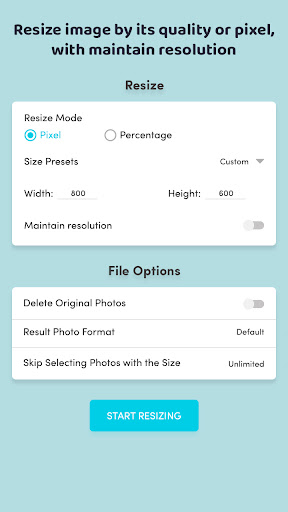
You aren’t just stuck with one basic output setting, either. Whether you need to shrink an image based on exact pixel dimensions or you just want to prioritize overall visual quality, you hold all the cards. Need to save your work as a crisp PNG, a standard JPG, or even a WEBP file? Just tap the screen and you are good to go. All your newly formatted files get routed straight to a specific resized folder, which is a lifesaver because it keeps your main camera roll from turning into a chaotic dumping ground.
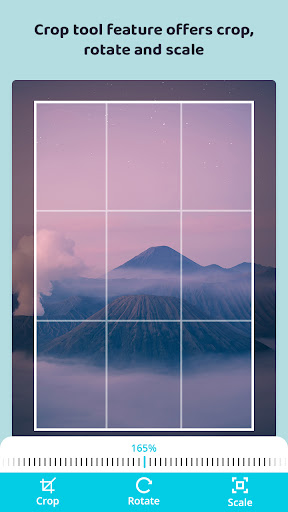
Sometimes a brilliant picture is totally ruined by a random photobomber standing on the edge of the frame. The built in cropping tool here is delightfully straightforward. You can slice away the junk using freeform dragging, or lock it to perfect vertical and horizontal grids. Need to fix a slightly crooked horizon line? Just give the image a quick rotation before you make your final cuts. Every masterpiece you trim down gets tossed into its own specific folder, making it super easy to grab them later when you want to post them online.
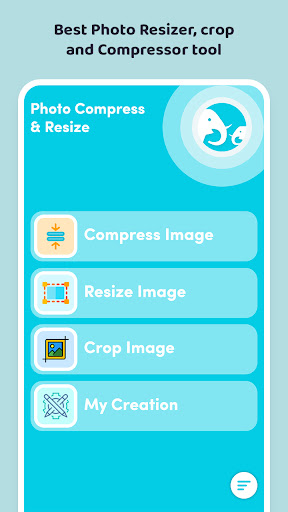
Clunky app menus are a total buzzkill. Thankfully, interacting with your photos here actually feels incredibly fluid. Pinching to zoom, spinning a picture 90 degrees, and dragging the crop box around with your thumb feels completely natural. Honestly, though, the real game changer is the ability to process a massive batch of images all at the exact same time. Why sit there and crop fifty photos individually when you can knock them out simultaneously? When you are done playing digital editor, everything is perfectly organized under a clean “My Creation” tab. It totally takes the headache out of managing your massive digital gallery.
You are now ready to download pCrop: Photo Resizer&Compress for free. Here are some notes: