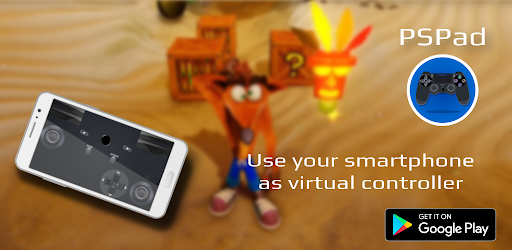
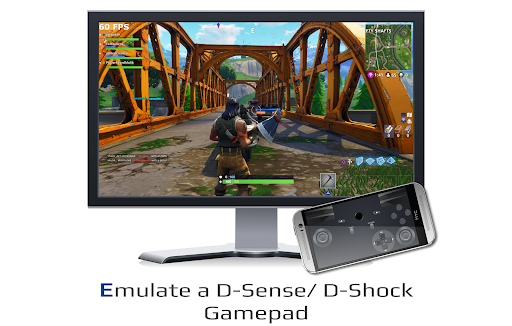
You are right in the middle of a heavy gaming session, and your primary controller just completely dies or suffers brutal stick drift. Replacing a PS4 or PS5 pad on the spot is expensive and annoying. That is exactly where PSPad steps in to completely save your night. It essentially turns your everyday Android phone into a fully functional emergency gamepad by cleverly tapping into the PlayStation Remote Play protocol.
INSTANT PAIRING WITHOUT THE HEADACHE
Setting up third party controller apps is usually a complete nightmare of messy Bluetooth connections. This app completely skips that garbage.
You just hook your mobile device and your console up to the same network, link it up, and you are instantly back in the game. It is a ridiculously fast workaround when your physical controller unexpectedly gives up the ghost. You don’t have to jump through complex technical hoops just to get your character moving again.
BUILT IN VOICE CHAT AND GYRO AIMING
You might think switching to a digital screen means sacrificing all the cool hardware features of a real DualSense or DualShock. You don’t.
The app is actually smart enough to hijack your phone’s built in microphone, so you can keep effortlessly trash talking your friends in multiplayer lobbies. It even taps directly into your smartphone’s gyroscope. Tilting and shifting your phone translates perfectly into in game motion controls, keeping the gameplay surprisingly tight and interactive.
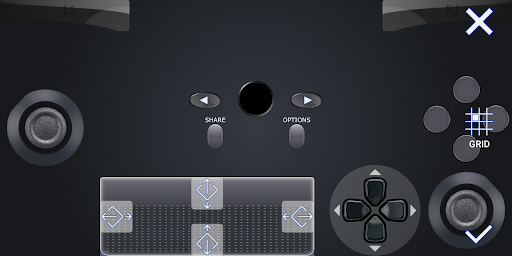
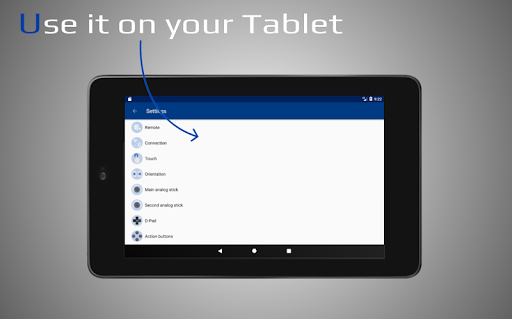
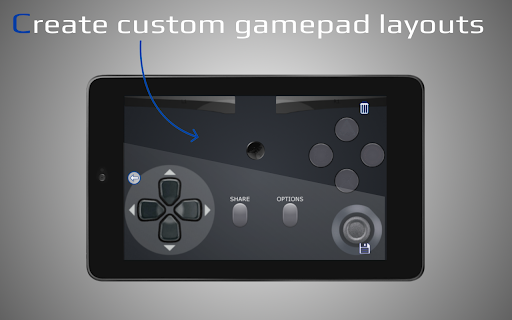
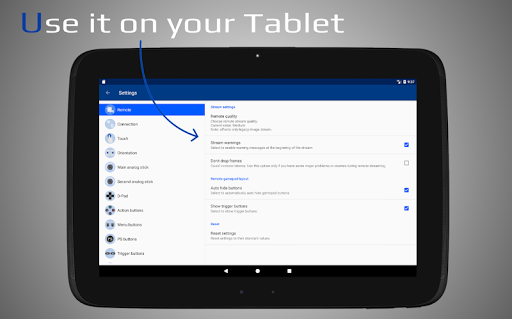
Touch controls usually feel incredibly clunky if they aren’t positioned exactly right for your specific hand size. Thankfully, you are never locked into a terrible default layout here.
You get total freedom to drag, drop, resize, and remap every single button exactly where you want it. Creating custom digital layouts for entirely different game genres means you can actually play a fast paced shooter or a racing sim without constantly missing the triggers.
A FULL DIGITAL BACKUP IN YOUR POCKET
Sometimes you just want to knock out some basic console menus or play a casual, slow paced indie game without digging out your bulky physical hardware.
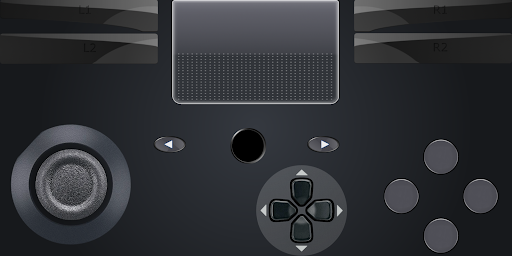
This app transforms your mobile device into a complete virtual replica of the standard PlayStation pad. Having a fully functional digital controller sitting right in your pocket at all times is just incredibly convenient for casual couch gaming.
THE UNAVOIDABLE TECHNICAL HITCHES
Let’s be completely real about the limitations, because this isn’t a flawless magic trick.
Because of how the app aggressively leverages the network, you actually cannot use it to mirror the Remote Play video screen to your phone at the same time. You also cannot run two separate phones on the exact same PlayStation profile. If you want to use this app for local couch co op alongside a real controller, you are strictly forced to log the app into a secondary PSN profile. Finally, do not even try running this on cellular data. A rock solid WiFi connection is absolutely mandatory if you want this to work without heavy input lag.