Giving random apps free access to your actual, real time location is a massive privacy risk. Mock Locations shuts that down by feeding those overly curious apps entirely fictitious GPS data. Whether you’re dodging creepy background trackers or just prefer keeping your physical whereabouts off the grid, this tool acts as a digital invisibility cloak. The developers recently smoothed out BlueStacks performance, added fresh language support, and finally introduced the ability to import and export your go to fake coordinates.
TAKING YOUR DIGITAL GHOST ON A ROAD TRIP
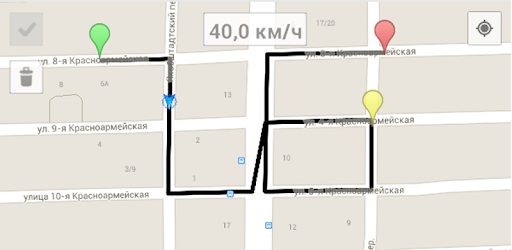
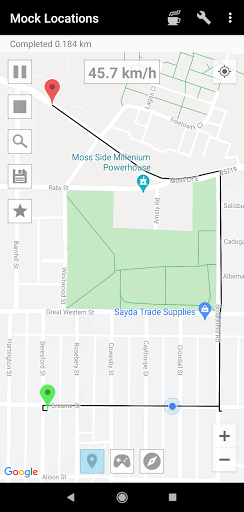
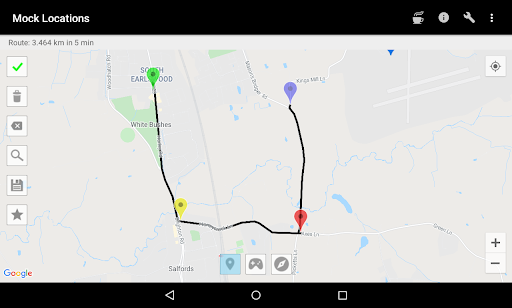
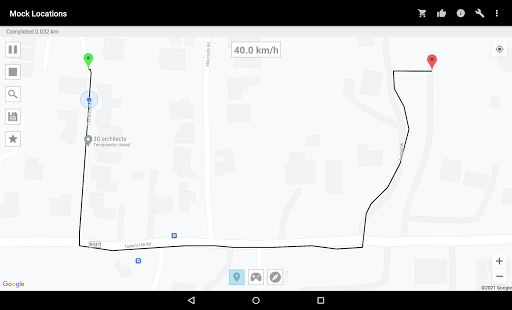
This app goes way beyond dropping a simple pin on a map. You can actually simulate an entire daily commute. Just punch in a starting line and a destination, tweak your fake speed and acceleration, and hit play. You can even program random parking stops along the way to make the journey look incredibly authentic to any software snooping on your phone. Want to simulate a flight instead? Turn off the road path snapping, and your signal flies straight over the map. Once you build a route you like, you can save it and reuse it whenever you want.
DROPPING THE PERFECT DECOY PIN
Sometimes you just need to be sitting perfectly still in another city. Tap any spot on the globe, and the system instantly teleports your device’s footprint. But here is the genius part: it doesn’t just freeze your location dead. The app subtly shifts and blinks the GPS signal to mimic the natural drift of a real phone sitting on a desk. It’s a tiny detail that completely fools tracking algorithms into thinking the spoofed location is entirely genuine.
IMPORTING GPX FILES FOR BULLETPROOF SPOOFING
You have two ways to build your fake reality. Manually tapping around the map works great for quick setups, but the real power move is utilizing GPX files. If you have old location data from a trip you took days or weeks ago, you can load that exact file into the app and make your device re walk those previous steps. It’s an incredibly sophisticated way to recycle real travel history into an unbreakable cover story.
Taking control of your mobile privacy feels impossible when every single service demands your coordinates. Feeding them carefully crafted junk data is honestly the smartest workaround. You get to keep using the network features you need without constantly broadcasting your actual life to the internet.