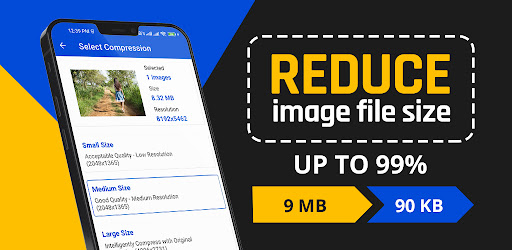
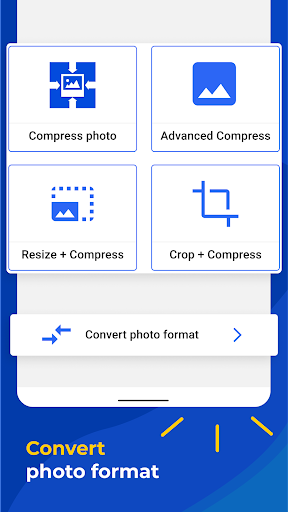
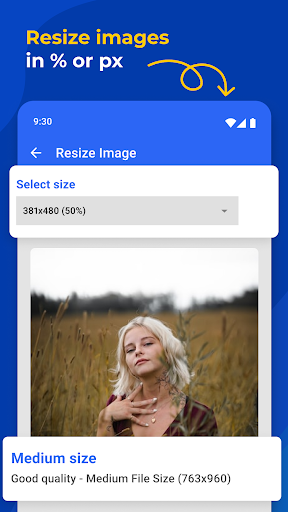
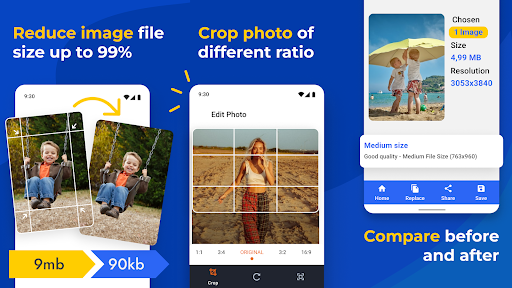
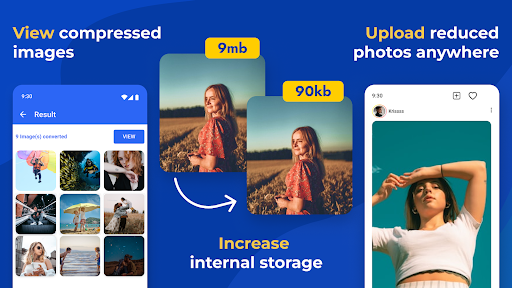
Watching a massive photo file take twelve hours to upload is pure torture. Whether you are trying to back up your gallery or blast some high res shots over to a friend, those giant file sizes will absolutely choke your bandwidth. Reduce Photo Size – Downsize steps in to fix this exact headache. It aggressively compresses your heaviest images, making them wildly easier to share and saving your device from completely running out of storage space.
SLASHING FILE SIZES IN SECONDS
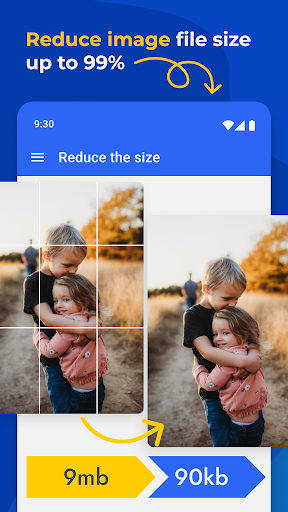
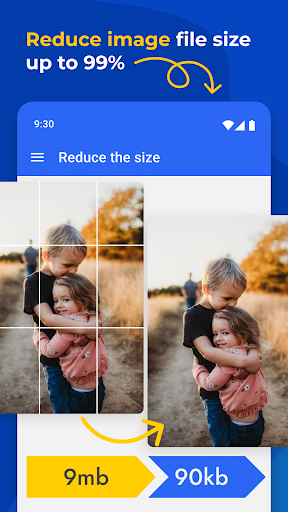
The compression speed here is genuinely ridiculous. You just tap a single button and watch a massive, storage hogging picture shrink down instantly. We are talking about cutting a file’s footprint by up to 90% while somehow keeping the original image quality shockingly high. It instantly frees up a massive amount of room on your device and totally eliminates that annoying wait time when you’re trying to fire off a quick message.
BATCH PROCESSING MASSIVE CAMERA ROLLS
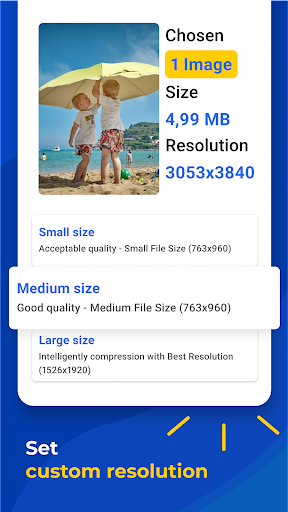
If you are the type of person hoarding thousands of random screenshots and vacation selfies, resizing them one by one would be a total nightmare. The batch processing feature is an absolute lifesaver. You can highlight hundreds of photos and shrink the entire batch with one click. It even lets you dial in custom dimensions tailored perfectly for specific feeds like Facebook or Instagram. Just a quick heads up, though: don’t push the compression slider too hard. If you shrink the files too heavily, they might lose some clarity when you pull them into an editor later. But for clearing out a bloated camera roll in record time, it is incredibly efficient.