You are scrolling through your gallery after a massive road trip across North America or a summer holiday in Europe, trying to delete a few blurry duplicates, and bam. You accidentally trash the exact video you desperately wanted to keep. Before you completely lose your mind and accept defeat, you need to install EaseUS MobiSaver. It is an absolute lifesaver when your thumbs move faster than your brain.
RESCUING YOUR LOST FILES
This isn’t just some basic, flimsy trash bin feature.
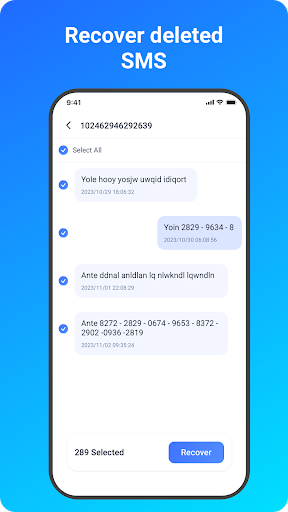
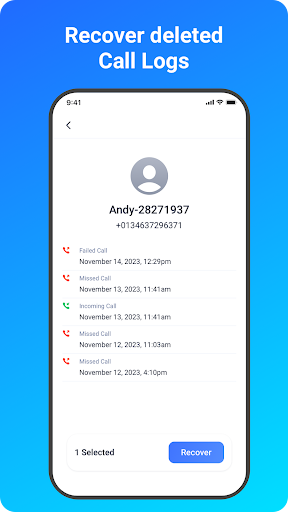
Whether you accidentally wiped your phone’s internal memory or corrupted the external microSD card, this software aggressively hunts down the ghosts of your deleted files. It perfectly restores standard image formats like JPGs and PNGs, alongside heavy video files like MP4s and MOVs. They even recently pushed a massive update that completely rescues wiped SMS threads and call logs. So, if you accidentally deleted a crucial contact from a client in Sydney or a highly important text message, you can actually pull it back from the digital void.
HOW THE RECOVERY ENGINE ACTUALLY WORKS
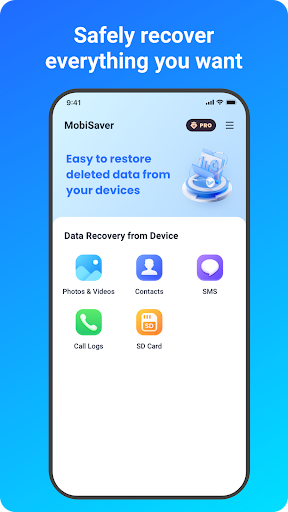
Using the app is ridiculously straightforward. You just pick exactly what you are trying to rescue Photo & Video, SMS, Contacts, or SD Card data and let the software take the wheel.
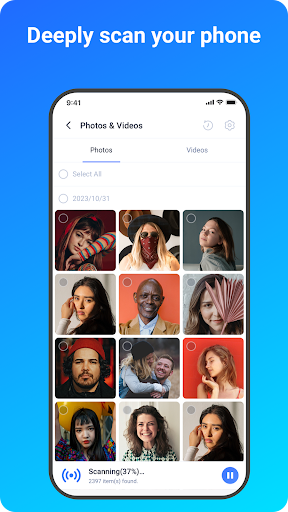
The Blitz Scan: It absolutely rips through your device in a matter of minutes. You aren’t left staring at a loading bar for an hour.
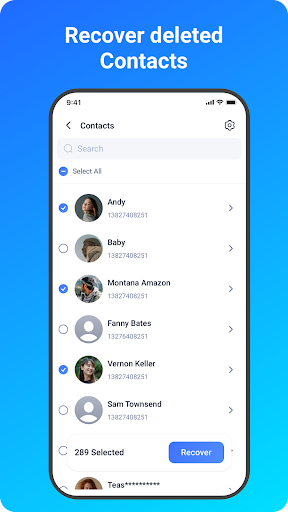
Live Previews: You definitely don’t have to guess what you are restoring. The app throws up crisp visual thumbnails showing exact file sizes and formats. For contacts, it pulls the actual names and phone numbers so you know exactly who you are recovering.
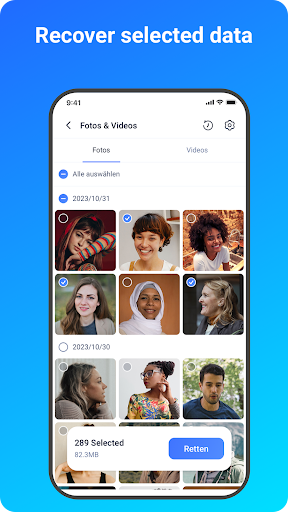
Heavy Filtering: If your phone is hoarding thousands of deleted junk images, the scan results can be overwhelming. You can instantly filter the mess by date, file type, or size to pinpoint the exact memory you lost.
One Tap Recovery: Find the file. Tap it. Hit recover. Done.
PRIVACY AND THE ROOTING REALITY CHECK
Let’s talk about permissions, because handing a random app total access to your storage is always a bit sketchy.
The developers actually locked this down beautifully with end to end encryption. Your private data isn’t secretly floating around on some random server. You do have to grant the app permission to “manage all files,” but that is entirely unavoidable otherwise, the software literally cannot see the deleted data to rescue it.
Here is the absolute, unfiltered truth about Android data recovery, though. If your phone is not rooted, the app performs a fast surface level scan, pulling up lost files that are still hiding in your system cache and thumbnails. But if your device is actually rooted? The software goes completely scorched earth, digging incredibly deep into your system memory to rip back files you honestly thought were gone forever.