You get a work contract or a class syllabus, realize one page is completely upside down, and suddenly your device wants you to pay a thirty dollar monthly subscription just to fix it. It’s ridiculous. That’s exactly why PDF Utils: Merge, Split & Edit has permanently secured a spot on my home screen. It completely strips away the annoying paywalls and hands you full control over your documents. You just tweak your file, check the quick preview to make sure it looks perfect, and save it.
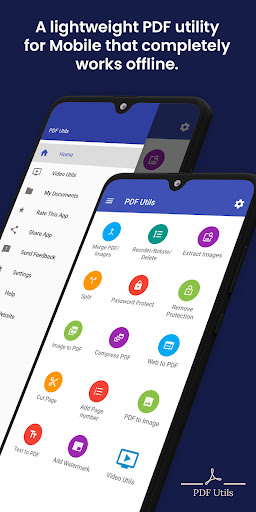
You really shouldn’t have to jump through hoops just to read or organize your files. This app works as an incredibly fast, smooth reader right out of the box, saving you from those clunky stock apps that constantly freeze up. But the real magic happens when you start combining things. Got five different documents that need to go into a single project folder? Just merge them. It takes about two seconds and makes uploading everything to your cloud storage so much cleaner.
SLICE, DICE, AND FLIP YOUR PAGES
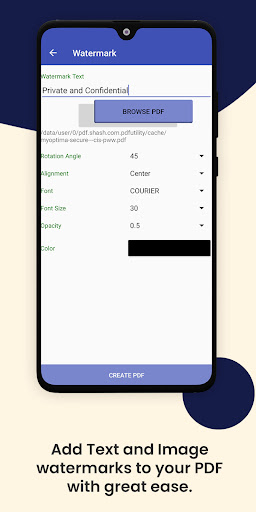
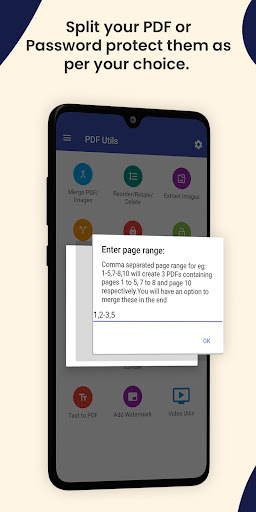
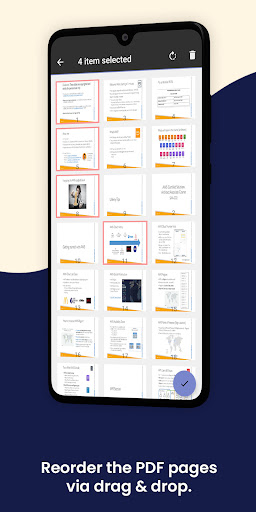
We’ve all received those massive scanned documents where half the pages are sideways. Instead of awkwardly craning your neck, you can instantly rotate individual pages 90, 180, or 270 degrees until they sit perfectly flush. The splitter tool is also an absolute lifesaver. When someone sends you a massive 300 page manual and you only need a single chapter, you can just rip those specific pages out and export them as a fresh, lightweight file. You can even stamp custom watermarks over the text or drop images straight onto the page to make it your own.
LOCK DOWN YOUR SENSITIVE FILES
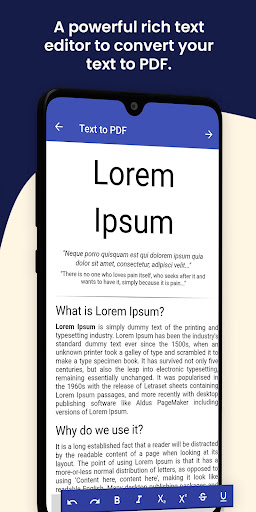
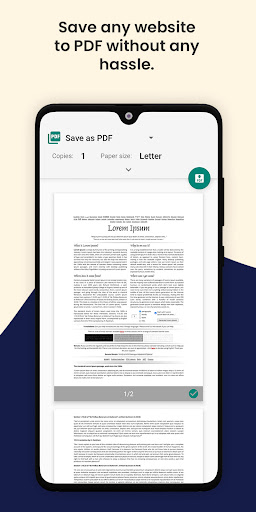
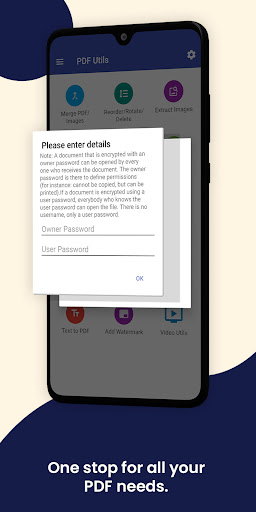
Handling tax forms, legal contracts, or personal banking info on your phone can feel sketchy, so having local security tools is non negotiable. PDF Utils lets you slap heavy encryption and hard to crack passwords right onto your documents before they ever leave your device. Nobody is opening your stuff without your say so. Beyond the heavy security, the built in compressor is fantastic. It shrinks your file sizes down drastically so you don’t get hit with that annoying “attachment too large” error when emailing clients. Oh, and if you stumble across a long article or recipe online? You can convert the entire webpage into a PDF and save it for later.
SHARE CRISP EXPORTS IN SECONDS
Nobody wants to try and read a blurry, pixelated mess. When you use the image to PDF converter to digitize your physical papers, the app preserves the resolution and keeps everything looking incredibly sharp. Once your document is polished up and you’ve slapped some clean page numbers on the bottom, getting it out into the world is totally frictionless. You can blast the finished file straight to your coworkers, group chats, or email threads with a couple of taps.