Constantly picking up your phone while trying to get actual work done on your laptop is the absolute worst workflow killer. You get into a solid groove, your phone buzzes, you stop to check it, and suddenly twenty minutes are gone. That is exactly why I am completely obsessed with Pushbullet. Tech reviewers love calling it “the app you didn’t know you needed,” but honestly, it is just the ultimate glue for your digital life.
DITCH THE ENDLESS PHONE JUGGLING
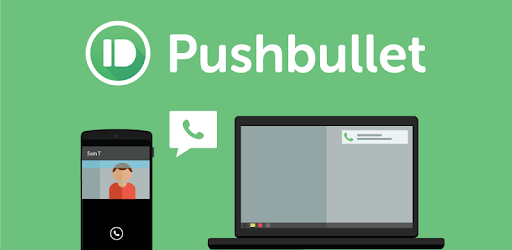
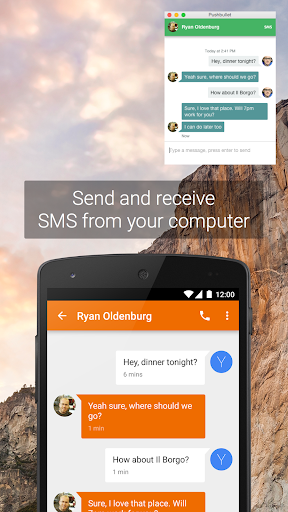
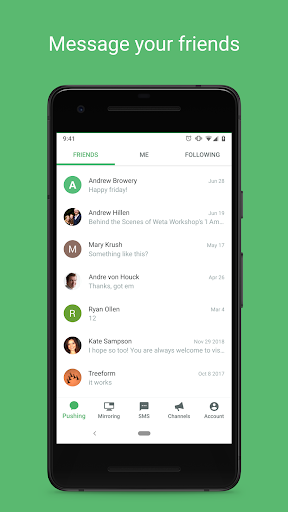
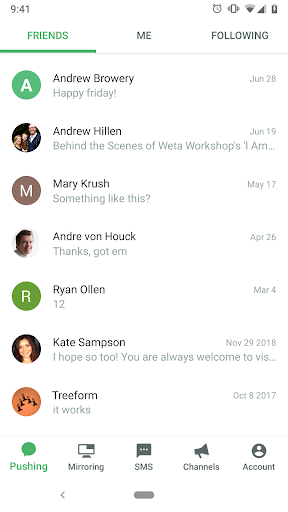
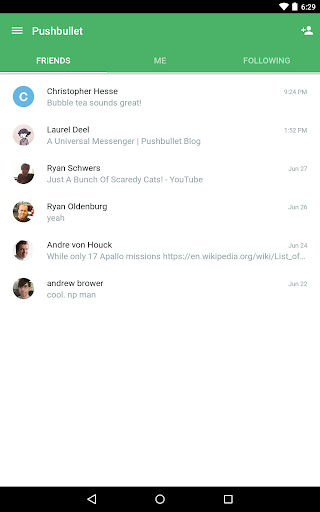
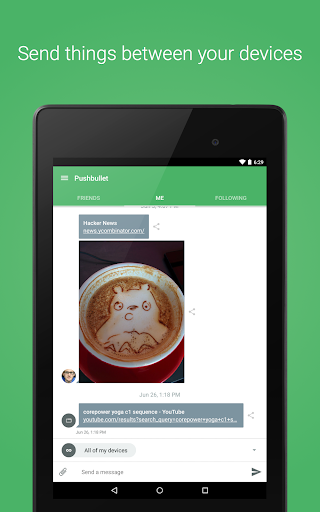
Picture this. You are deep in the zone, crushing spreadsheets or typing up a massive project. Then, your phone lights up across the desk. Instead of breaking your focus to physically pick it up, you just glance at your computer screen, type out a quick reply on your keyboard, and keep working. Pushbullet lets you handle your standard SMS texts, WhatsApp chats, and Facebook Messenger conversations right from your desktop. No more breaking your stride to tap on a tiny glass screen.
MIRROR EVERY ANNOYING BEEP AND BUZZ
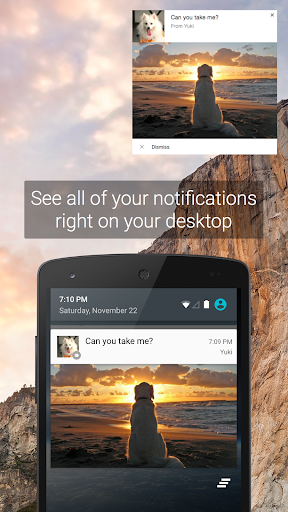
We all accidentally leave our phones on silent in the couch cushions. Missing an important call or a time sensitive alert is incredibly frustrating. This software mirrors literally every notification your phone gets straight to your monitor. The absolute best part? It operates on a two way street. If you swipe away a junk email alert on your computer, it instantly disappears from your phone too. It keeps your digital workspace ridiculously clean.
CURATE YOUR OWN CUSTOM ALERT FEED
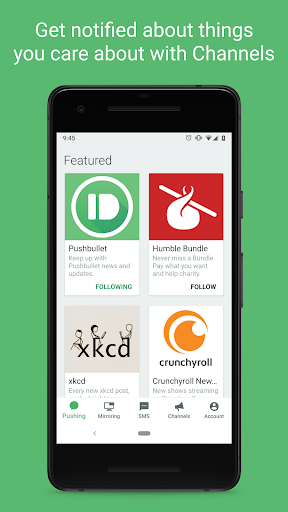
If you are a total nerd for niche hobbies whether that’s vintage watches, indie gaming news, or weird recipes you want to know when something fresh drops. The built in Channels feature basically acts like a hyper fast RSS feed. You subscribe to the specific topics you actually care about, and bite sized updates get pushed straight to your notifications. It feels like having a personal assistant tapping your shoulder only when the good stuff happens.
STOP EMAILING FILES TO YOURSELF
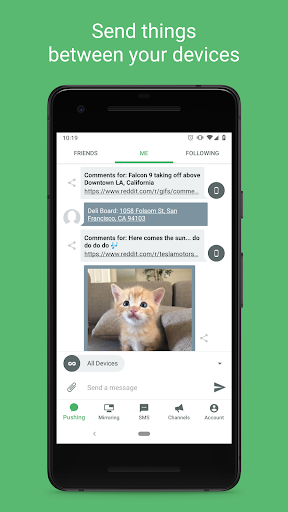
Seriously, stop sending yourself emails just to move a photo or a PDF document from your phone to your laptop. It is a terrible, clunky system. Pushbullet makes moving files and web links between your devices insanely fast. You literally just drag, drop, and boom it is waiting on your other screen. It takes an annoying daily chore and makes it completely frictionless.
BULLETPROOF PRIVACY FOR YOUR CHATS
Security usually takes a backseat when we just want sheer convenience, but you really do not have to compromise here. Every single text message and notification pushed through this system is locked down hard with end to end encryption. You are the only one reading your stuff. Period. It provides a nice little blanket of privacy wrapped right around your daily workflow.
WHY MILLIONS SWEAR BY THIS SETUP
There is a very real reason the biggest tech blogs rave about this thing and millions of people refuse to use a computer without it installed. Most productivity tools are bloated and overly complicated. This one actually does exactly what it promises. It bridges the frustrating gap between your phone and your computer, saving you time and keeping you sane. Just try it out for a day. You will seriously wonder how you ever got by without it.