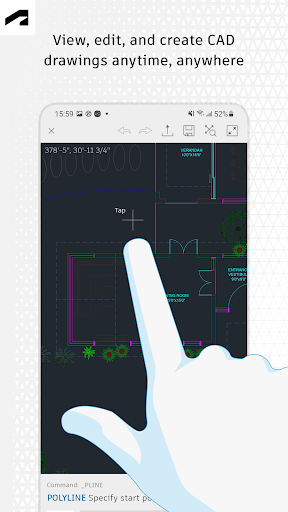
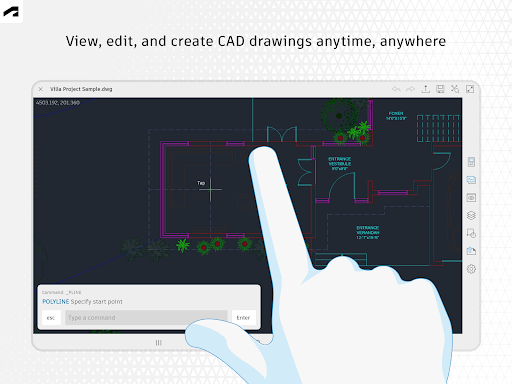
Lugging massive, rolled up paper blueprints around a muddy construction site in London, or trying to pry open a heavy laptop on a crowded flight out of Toronto, is an absolute nightmare. The modern workflow demands serious flexibility. Autodesk finally got the memo and dropped the official AutoCAD Web mobile app. It is exactly what you need to actually open, view, and tweak real DWG files straight from your phone or tablet without wanting to throw your device at a brick wall.
DITCH THE PAPER BLUEPRINTS
The absolute best part of this app is how it handles the harsh reality of fieldwork.
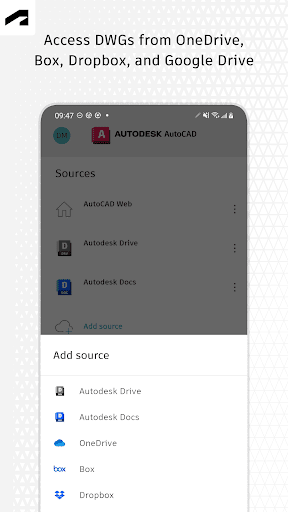
You don’t always have a flawless 5G connection when you are inspecting a basement in a new Chicago high rise or walking a remote lot out in the Australian outback. The app lets you work entirely offline. You just download your project, make your necessary markups on site, and the software automatically syncs all your changes the second you hit Wi Fi again. You can also bypass the Autodesk ecosystem entirely and pull your DWG files directly from whatever cloud storage your team already uses whether that is Microsoft OneDrive, Google Drive, Box, or Dropbox.
Do not mistake this for a basic, useless image viewer.
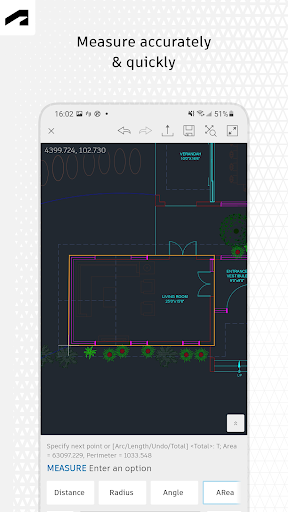
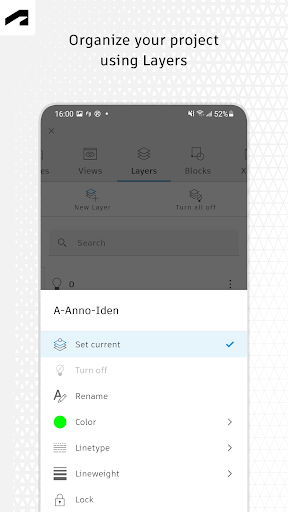
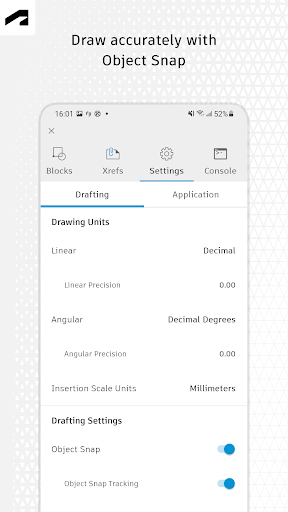
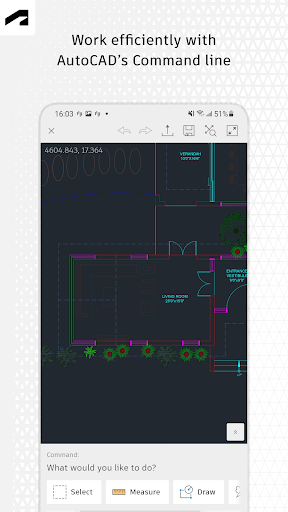
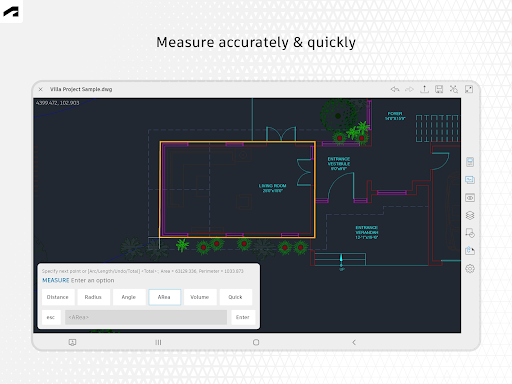
While it won’t replace your massive triple monitor desktop setup for heavy architectural rendering, it packs a surprisingly deep toolkit for everyday mobile editing. You get familiar drafting tools to tweak 2D drawings on the fly. You can easily toggle complex layers, insert blocks straight from your original drawing, and use the annotation tools to leave crucial markups for your team to fix later. Need to double check a clearance dimension before a crew starts framing? The precision measuring tools for distance, angle, area, and radius are baked right into the interface. You can even hook it up to a Leica DISTO to import raw laser measurements directly into your file.
THE COST OF DOING BUSINESS
If you are already shelling out cash for a premium desktop subscription to AutoCAD or AutoCAD LT, you get a massive break. This mobile app is included entirely for free. Just sign in with your standard Autodesk account and you are good to go.
If you are flying solo and just want the standalone mobile version, it runs $9.99 a month or $99.99 for a full year. Honestly, considering the massive headaches it prevents on the job site, the pricing is highly attractive. Everyone gets a fully functional 30 day free trial to test the interface out first. Just keep an eye on your Google Play subscriptions, because once that trial expires, the app violently locks down into a very limited read only mode unless you pony up for a paid plan.
Stop carrying rolled up paper. Sync your files, grab your tablet, and actually bring your CAD tools to the job site.