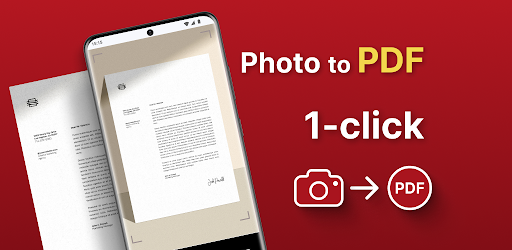
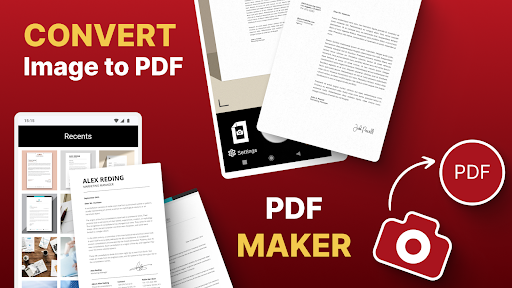
Dealing with digital paperwork is a total headache, especially when someone demands a pristine PDF and all you have is a messy camera roll full of random JPEGs. Picture to PDF Creator & Converter completely bails you out of this exact nightmare. It takes your scattered photos and instantly binds them into clean, professional documents without forcing you to boot up a clunky laptop.
LIGHTNING FAST FILE FLIPS
When you are running late for a deadline, every single second counts.
This app totally respects your time by boiling the entire formatting process down to a single tap. You just hit a button and watch your raw image instantly morph into a clean PDF. It is an absolute lifesaver if you are constantly rushing to submit digital receipts, ID scans, or homework assignments on the fly.
PULLING STRAIGHT FROM YOUR POCKET
Transferring files from your phone to a desktop computer just to format them is a miserable, outdated chore.
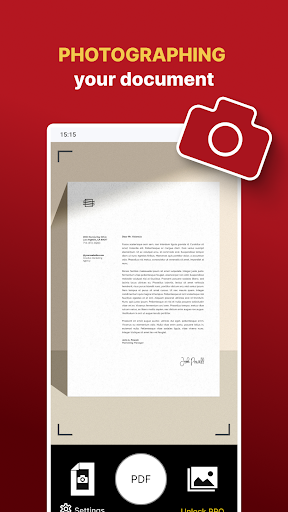
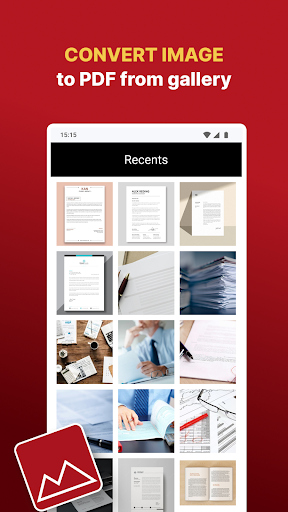
This tool completely cuts the PC out of the loop. You can snap a live picture of a document sitting right on your desk, or aggressively scroll through your existing gallery to grab exactly what you need. It handles the whole operation locally, letting you build out heavy digital files directly from your phone screen.
SMASHING HUGE BATCHES TOGETHER
Trying to convert a stack of forty images one by one will absolutely drive you insane.
Thank goodness for the heavy duty batch feature. You literally just highlight a massive grid of photos in your gallery, and the engine seamlessly stitches them all together into one single, cohesive PDF file in seconds. It totally changes the game for professionals who have to regularly bundle massive visual portfolios, long inspection reports, or multiple pages of dense notes.
ZERO FRICTION EXPORTING AND STORAGE
Once your massive file is finally baked, you aren’t trapped trying to figure out how to actually export it.
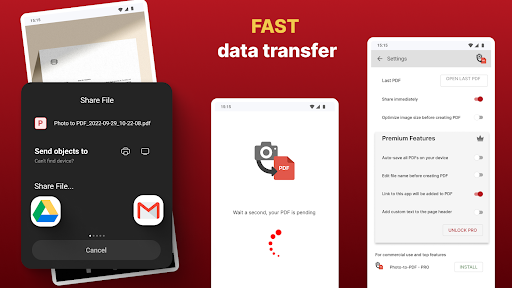
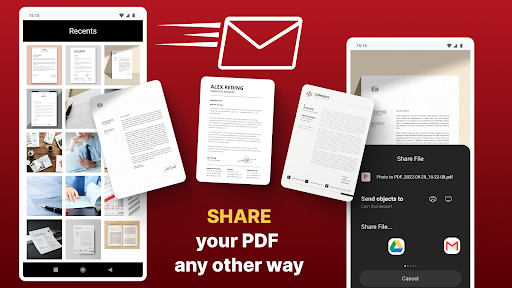
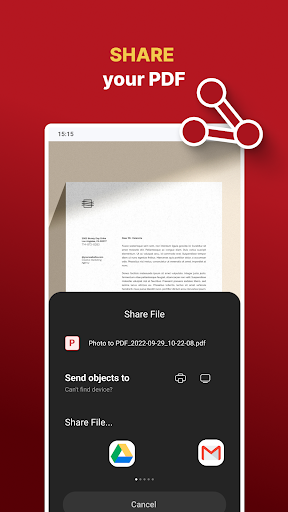
The built in sharing tools let you instantly blast the finished PDF straight to your boss or clients via email or whatever messaging app you prefer. If you just want to hoard your paperwork for later, dumping it directly into your local device storage keeps everything neatly locked down and ready to pull up whenever you actually need it.
KEEPING YOUR WORK ORGANIZED AND BRANDED
Nobody wants to dig through a messy folder full of random files named “IMG_8374.pdf”.
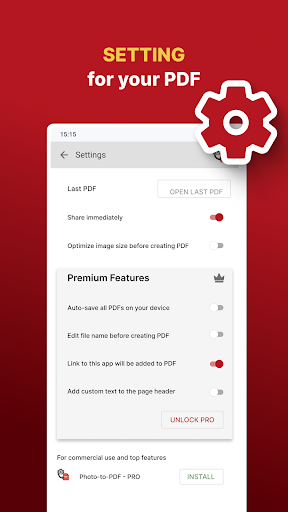
You get to completely customize the file names right inside the app, saving you from a massive organizational headache later down the line. On top of that, you can actually inject custom text directly into the page headers. Dropping a quick identifying watermark or a solid title block across your pages gives the final document a highly polished, professional edge before you hit send.