Trying to read, edit, or sign a massive PDF on a smartphone is usually a total nightmare. You are constantly pinching, zooming, and accidentally scrolling past the exact paragraph you needed. Eventually, you just give up and wait until you can get to a laptop.
But Adobe Acrobat Reader just dropped a massive update that completely flips the script. If you handle any kind of digital paperwork whether you are signing a lease, studying for finals, or managing client contracts this app is basically a mandatory install.
CHATTING WITH YOUR DOCUMENTS
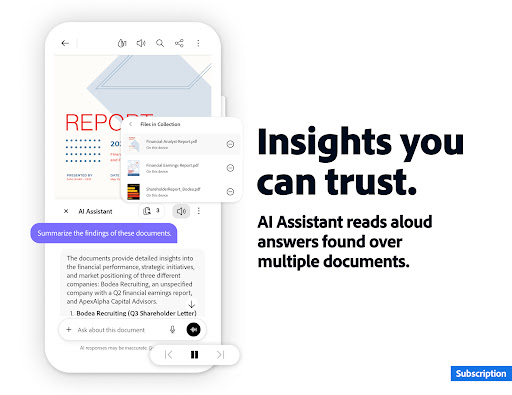
The newest update baked a ridiculously smart AI Assistant straight into the app, and it is a total game changer.
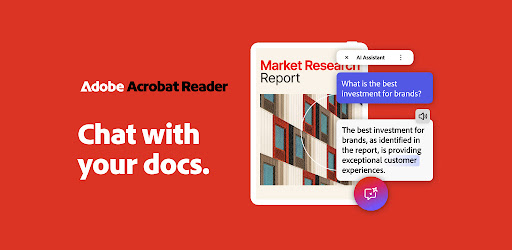
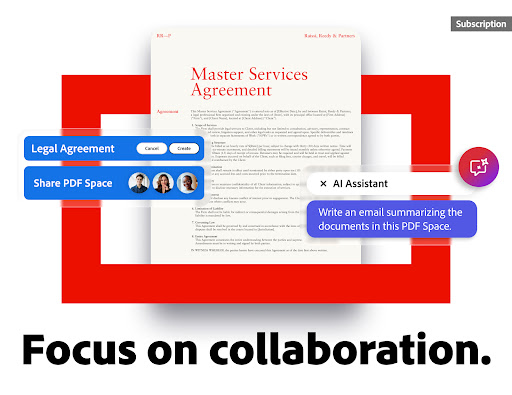
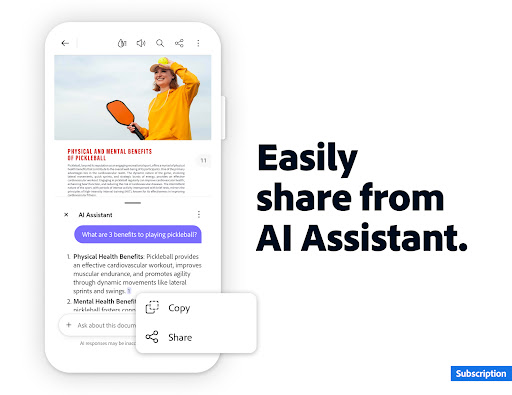
Instead of reading a fifty page report, you can toss it into the new PDF Spaces feature and literally just talk to the document. You use voice or text prompts to ask the AI specific questions, and it pulls cited answers directly from the text. It even understands complex charts, graphs, and tables.
If you are totally burned out and just cannot read another word, the AI can instantly generate a summary and turn it into a podcast style audio track. You just put your earbuds in and listen to your documents on your daily commute. They even integrated design tools powered by Adobe Express, so if you are creating content for emails or study notes, it actually looks fantastic.
ACTUAL EDITING ON A TOUCHSCREEN
Most PDF apps claim they let you edit, but they really just let you draw messy lines over the text.
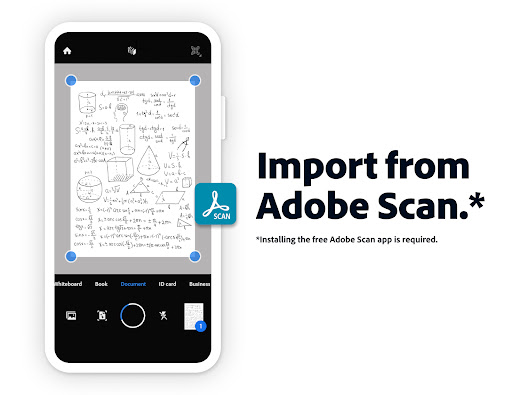
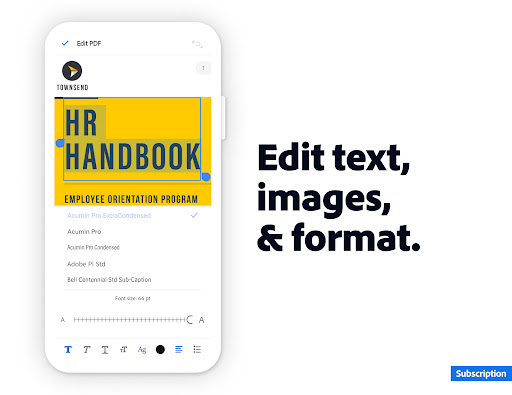
The premium tier of Acrobat turns your phone into a full blown editing suite. You can jump into a document and fix a typo, delete a paragraph, or swap out an image directly from your screen. Got a terrible photo of a scanned document? The built in Optical Character Recognition (OCR) tech aggressively scans the image and turns it into fully editable, searchable text.
You can split massive files apart, merge a bunch of different PDFs into one clean document, or convert files directly into Microsoft Word and Excel formats. If you need to lock down sensitive information, you can easily slap a heavy password on your files before sharing them.
LIQUID MODE AND THE FREE ESSENTIALS
If you absolutely refuse to pay for a subscription, the free version still completely embarrasses the competition.
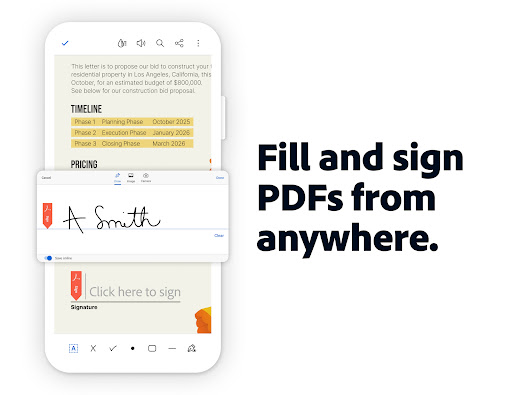
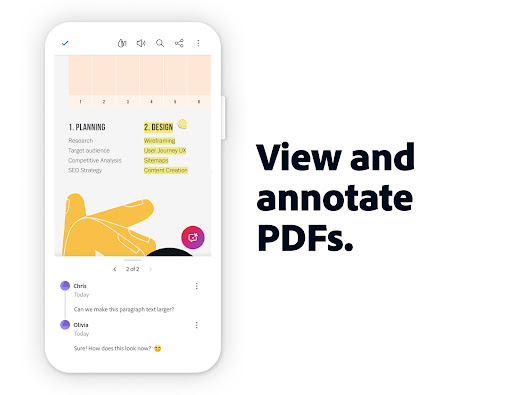
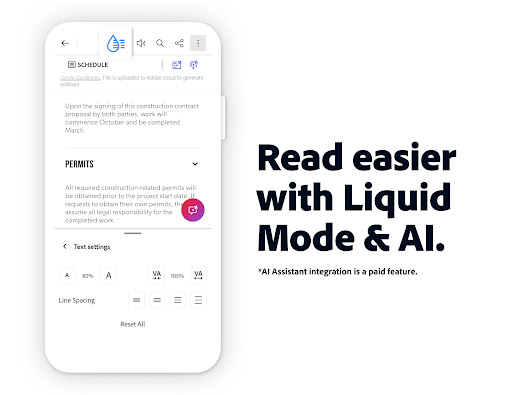
The best feature by far is Liquid Mode. It automatically reformats rigid PDF text to perfectly fit your specific screen size, meaning you never have to pinch to zoom ever again. The free tier also includes the legendary Adobe Fill & Sign tool, letting you easily drop sticky notes, highlight text, and slap your signature on official forms in seconds. It hooks up flawlessly to your Google Drive, Microsoft OneDrive, or Dropbox, so your entire digital filing cabinet is always right in your pocket.
You get a 7 day free trial to test out the heavy hitting AI and premium editing tools. Stop fighting with clunky digital paperwork and actually get your files organized.