Play videos screen off + Privacy Mode. Save battery on AMOLED/OLED.
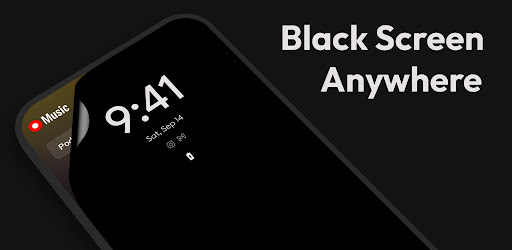
Black Screen: video screen off 2.0.6 (Unlocked)
| Name | Black Screen: video screen off |
|---|---|
| Publisher | jApp |
| Genre | Tools |
| Size | 8 MB |
| Version | 2.0.6 |
| MOD | Unlocked |
| Get it On |  |
| Rating |
Play videos screen off + Privacy Mode. Save battery on AMOLED/OLED.
| Name | Black Screen: video screen off |
|---|---|
| Publisher | jApp |
| Genre | Tools |
| Size | 8 MB |
| Version | 2.0.6 |
| MOD | Unlocked |
| Get it On | |
| Rating |
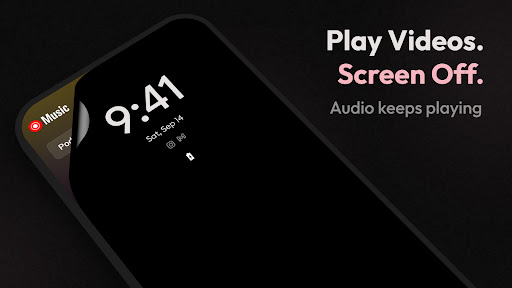
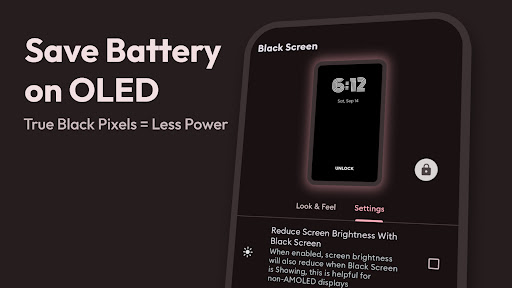
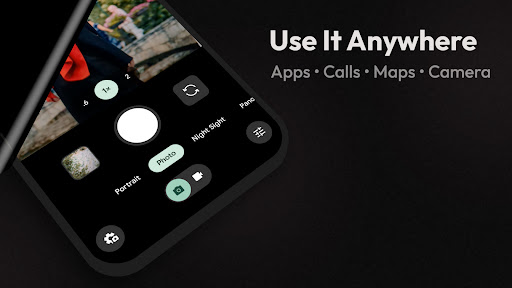
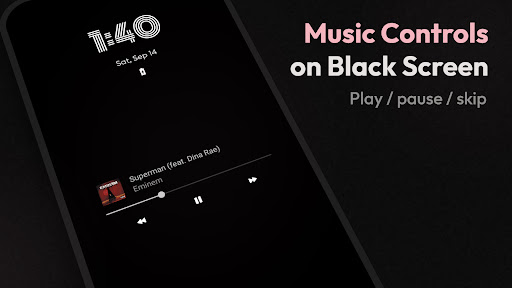
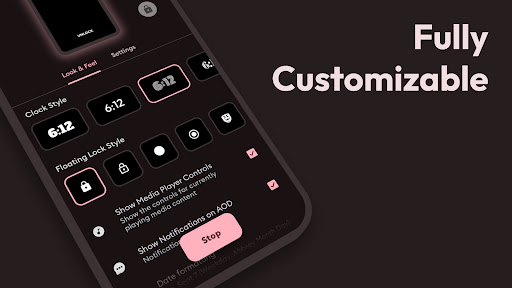
If you love listening to music videos, podcasts, or long streams but hate leaving your display on, the Black Screen app is exactly what you need. It functions as a lightweight overlay that lets your audio keep playing while your screen goes completely black. This creates a seamless audio-only mode that is perfect for long listening sessions without the distraction or battery drain of a bright display.
One of the biggest advantages of this app is how well it works as a battery saver for AMOLED and OLED devices. Because these specific displays turn off individual pixels to display true black, running a pure black overlay means those pixels draw little to no power. It is an incredibly simple and effective way to stretch out your battery life while enjoying your favorite media.
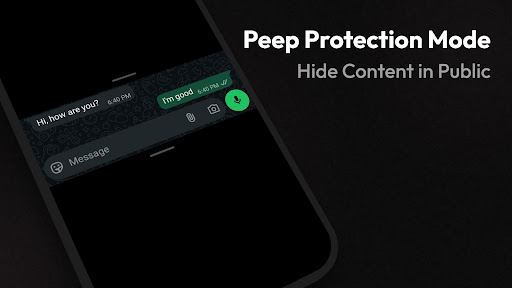
Using your phone in public can sometimes attract unwanted attention. If you are sitting on a crowded train or in a busy cafe, you can enable the built-in Privacy Mode to instantly hide your on-screen content. It completely prevents shoulder-surfing, ensuring your business stays private while the app you are running underneath continues to work perfectly.
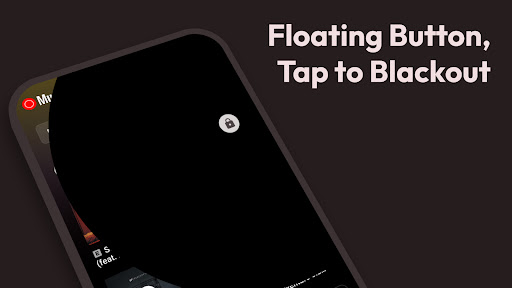
You do not have to dig through complex menus every time you want to dim your display. The app provides a convenient floating button that hovers over your screen, allowing you to trigger the blackout effect with a single tap. Whenever you are ready to use your phone normally again, just tap the screen to instantly dismiss the overlay and jump right back into your app.
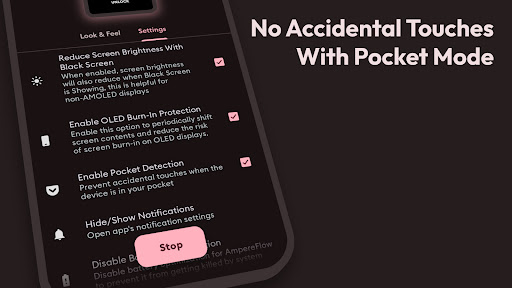
Beyond just turning your screen off, this tool is packed with smart features designed for daily use. The Pocket Mode prevents accidental ghost taps while your phone is tucked away, and the Always-On Display option lets you keep essential information visible even when the blackout is active. It is also highly customizable, allowing you to adjust the button style and display settings to fit your exact preferences, making it perfect for reducing glare in dark rooms or even recording video discreetly.
Getting started takes only a few seconds. First, open your preferred media app and start playing a video, stream, or podcast. Next, open the Black Screen app and hit the Start button. From there, you can just use the floating button whenever you want to enable the screen off effect. When you are done listening, simply tap the screen to return to your app, open Black Screen again, and tap Stop to turn the feature off completely.
It is important to note that this is an overlay tool, not a lock-screen replacement. It simply places a true black layer over whatever application you are currently running. This design allows your media to keep playing uninterrupted while drastically reducing screen brightness and activity, giving you a cleaner listening experience with much less glare.
We’re always making changes and improvements to Black Screen. To make sure you don’t miss a thing, just keep your Updates turned on.
In this update:
– Added Peeping Protection Mode
– Added Statistics
– Added Battery Percentage
– Added Biometric Authentication
– Added Black Screen in Quick Tiles to quickly enable and disable
– Fixed crashes
You are now ready to download Black Screen: video screen off for free. Here are some notes: