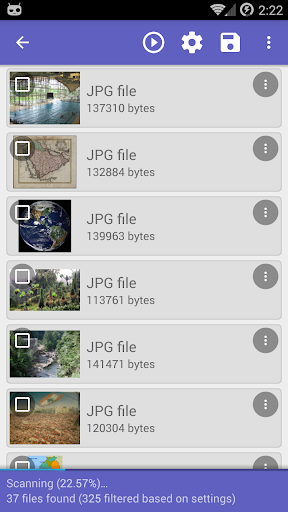
Have you ever experienced that heart sinking moment when you accidentally delete an important file from your phone? Whether it is a precious family photo, a vital work document, or a video you simply cannot replace, losing digital data is always a nightmare. Thankfully, DiskDigger Pro steps in to rescue your lost files from your internal storage or memory card, even if you have completely reformatted your device.
UNLOCKING FULL POWER: ROOTED VS. NON ROOTED DEVICES
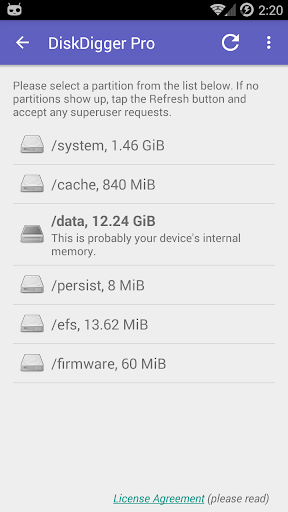
To get the absolute most out of this recovery tool, your Android device needs to be rooted. With root access, the app searches deep within your phone’s entire internal memory, performing a comprehensive scan to uncover a huge variety of lost file types.
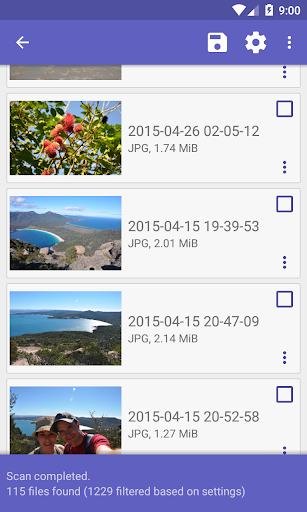
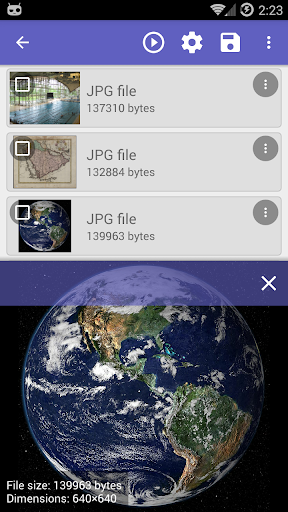
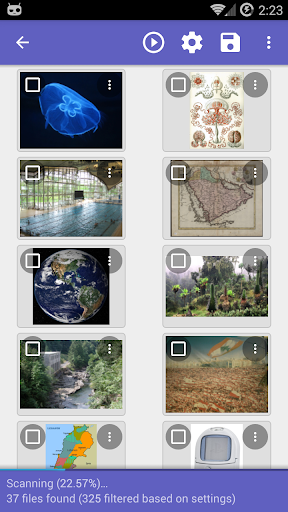
If your device is not rooted, you can still use the app, but its capabilities are restricted. A basic scan on an unrooted phone will only track down deleted photos and videos by combing through your system’s cache and thumbnail directories. Keep in mind that this usually results in recovering lower resolution versions of your original images rather than the full quality files.
PERMANENTLY WIPE AND CLEAN UP YOUR STORAGE
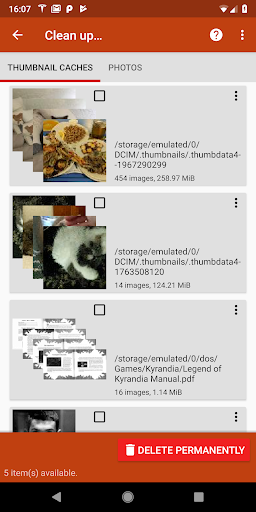
DiskDigger Pro is not just about bringing files back; it also helps you manage your digital privacy. Once your scan is complete, you can tap the “Clean up” button (an experimental feature currently available in the Basic Scan) to permanently trash items you no longer want.
If you want to ensure your deleted data stays deleted, the “Wipe free space” option is incredibly useful. It securely overwrites the empty storage space on your smartphone, guaranteeing that any previously deleted files are gone for good and cannot be recovered by anyone else in the future.
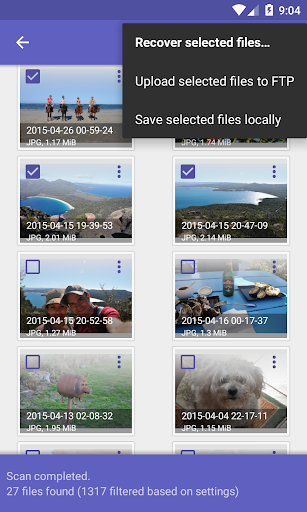
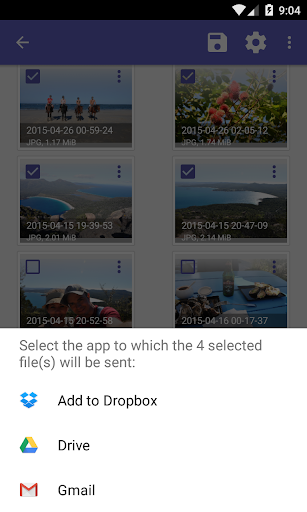
When you successfully rescue your missing files, saving them to a secure location is a breeze. You can instantly upload your recovered data directly to popular cloud services like Google Drive and Dropbox, or simply email them to yourself. If you prefer keeping things local, you can save the files to a different folder on your device or even upload them to an FTP server.
The app supports a massive list of file formats. You can easily recover standard images and videos (like JPG, PNG, GIF, MP4, and MOV), audio tracks (including MP3, WAV, and M4A), raw camera formats, and everyday office documents (such as PDF, DOCX, XLSX, and PPTX). It even handles archives and application packages like ZIP, RAR, and APK files. No matter what kind of data slipped through the cracks, there is a very good chance this app can find it.