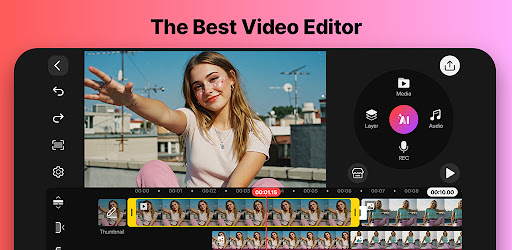
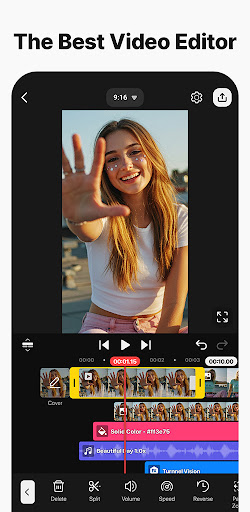
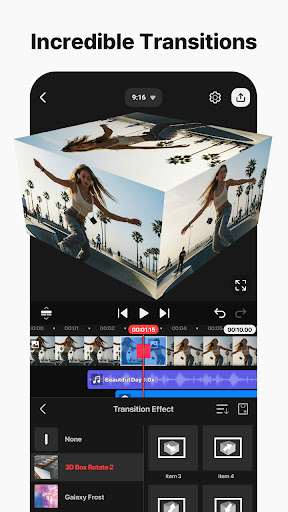
Let’s just be completely honest. Chopping up video footage used to be a miserable chore that chained you to a bulky, expensive desktop rig. Now? You can literally produce a cinematic masterpiece while riding the subway in New York or sitting at a café in Melbourne. Whether you are slicing together a quick TikTok, a moody Instagram Reel, or a full length YouTube vlog, KineMaster basically hands you a professional production studio right on your phone.
LET AI DO THE HEAVY LIFTING
Editing is tedious, so why not let the machines handle the boring stuff?
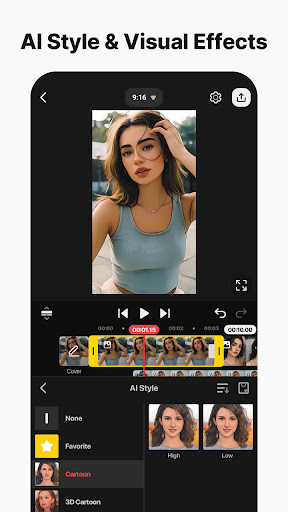
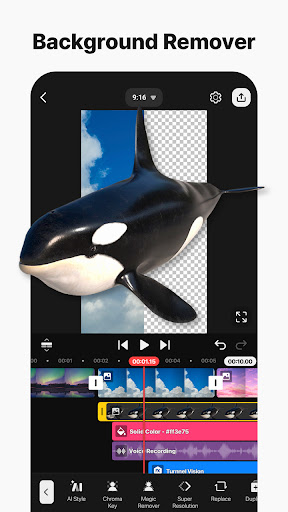
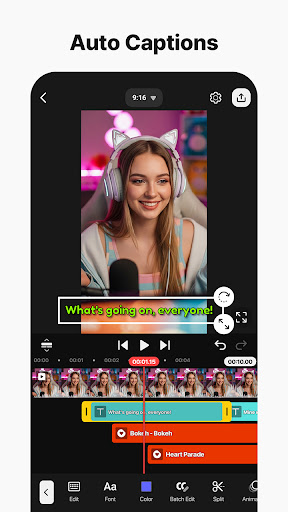
The AI toolkit baked into this app is seriously next level. Need subtitles? The auto caption tool generates them instantly from your audio track. You can turn basic text into spoken audio with a single tap, apply custom AI voices to change your vibe, or completely wipe out a messy background behind a person without ever touching a physical green screen. Got a killer clip ruined by street traffic or wind? The noise removal tool zaps those distracting sounds into oblivion. It even lets you rip vocals straight out of a song, track moving objects to pin stickers directly to them, and artificially upscale low res garbage into crisp, usable footage.
PRO LEVEL CONTROL WITHOUT THE HEADACHE
Do not let the mobile interface fool you into thinking this is a basic toy. You get absolute granular control.
Keyframe animation lets you meticulously adjust the size, rotation, and exact placement of literally every single layer over time. Want to swap out your messy living room for a dramatic Parisian skyline? The chroma key tools handle green screens like an absolute pro. You can also dial in your speed controls to reverse footage, drag things out for buttery smooth slow motion, or crank it up for a fast paced time lapse.
SKIP THE GRIND WITH TEMPLATES
Sometimes you just hit a creative wall.
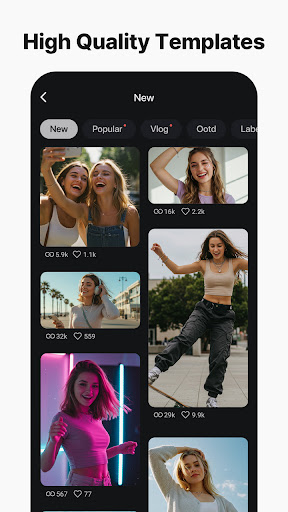
When that happens, grab one of the thousands of pre made video templates. You just swap out their placeholder photos and videos with clips from your own camera roll, and boom. You are done. You can even save your own wild creations as custom templates to share with other creators. Plus, the built in KineCloud backup system means you can start a project on your phone, save it to the cloud, and finish it on your tablet later without breaking a sweat.
A MASSIVE LIBRARY OF ASSETS AND DRIP
Sourcing good stock footage and decent music is usually incredibly expensive and time consuming.
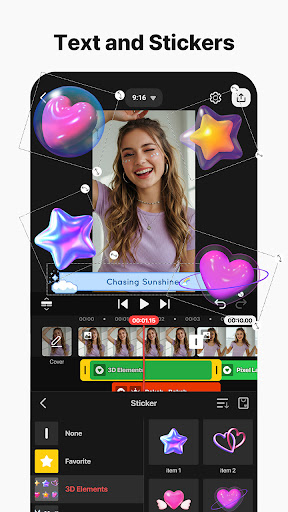
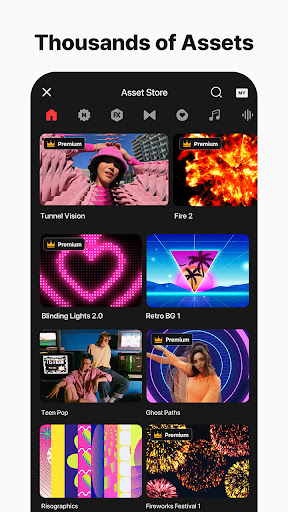
The integrated Asset Store completely fixes that problem. It is loaded with tens of thousands of resources ready to drop into your timeline. We are talking high end visual effects, quirky animations, massive font libraries, and professional color filters to nail that perfect aesthetic. Need a killer soundtrack? The music and sound effects library ensures your video sounds exactly as good as it looks. You even get instant access to free stock footage and pre made video backgrounds.
EXPORT EXACTLY HOW YOU NEED IT
When you finally nail the edit, you get to decide exactly how you want to output it.
If you are uploading a massive cinematic project to YouTube, crank the settings up to a blistering 4K resolution at 60 frames per second. Just want to drop a quick meme to your group chat or get a Reel out fast? Optimize the render so it loads lightning fast on social media. It even supports transparent background exports if you are doing heavy duty compositing for other projects.
A NO NONSENSE EDITING WORKFLOW
Editing on a touch screen used to feel incredibly clunky, but this setup actually flows perfectly.
You can edit in either portrait or landscape mode, depending on what feels right for the footage. The timeline lets you stack an insane amount of photos, videos, and GIFs all playing simultaneously. Magnetic guides automatically snap your layers into perfect alignment so you aren’t guessing with your thumb. And if you totally ruin a cut? The multiple undo and redo history saves your skin every single time. Just pop it into full screen preview to check your work before hitting save, and you are good to go.