Launcher for use in the car
Car Launcher Pro 5.7.1.07 (Full Unlocked)
| Name | Car Launcher Pro |
|---|---|
| Publisher | Apps LabDev |
| Genre | Tools |
| Size | 100 MB |
| Version | 5.7.1.07 |
| MOD | Full Unlocked |
| Get it On |  |
| Rating |
Launcher for use in the car
| Name | Car Launcher Pro |
|---|---|
| Publisher | Apps LabDev |
| Genre | Tools |
| Size | 100 MB |
| Version | 5.7.1.07 |
| MOD | Full Unlocked |
| Get it On | |
| Rating |
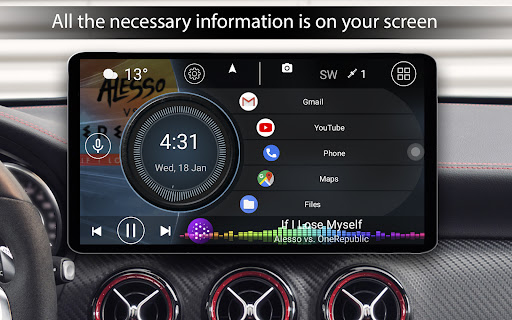
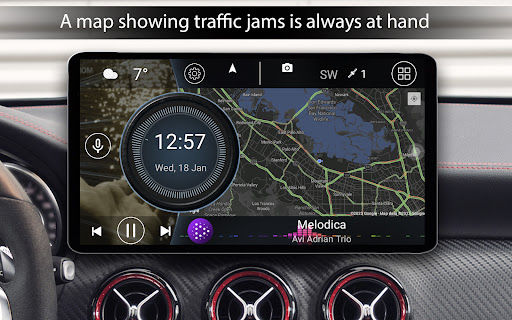
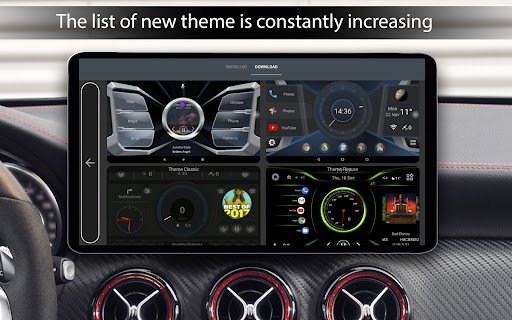
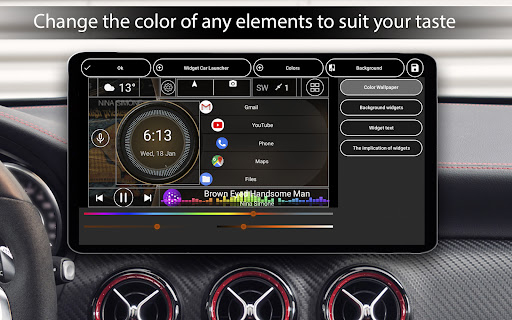
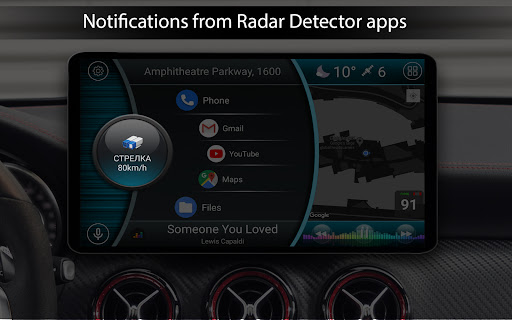
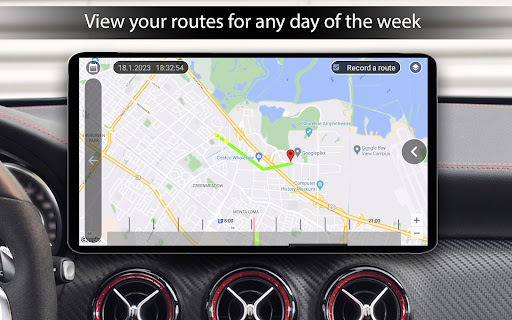
Even the expensive ones usually feel like they were programmed a decade ago. If you threw a cheap Android tablet in your dash or actually bought a dedicated Android head unit, trying to run a standard phone interface while driving is just asking for a massive headache. You need something built explicitly for the road. That is exactly where Car Launcher PRO completely overhauls your entire driving experience.
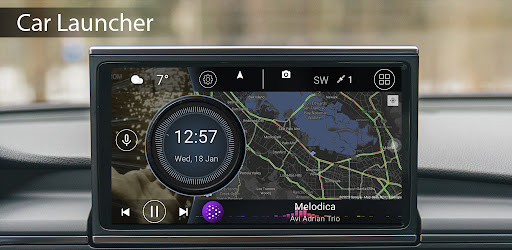
Instead of just giving you a grid of boring app icons, this software actually taps into your background GPS to act as a hardcore trip computer.
You get a sleek, slide out menu that tracks absolutely everything. I am talking about your current, average, and maximum speeds. It logs your total distance and driving time, and if you are feeling a bit heavy footed, it even tracks your zero to sixty times and full quarter mile pulls. You can effortlessly switch between mph and km/h, and it aggressively stores your stats so you can easily look back at your daily, weekly, monthly, or all time driving history. You can reset the logs whenever you want a clean slate.
Most car launchers lock you into a rigid, boring layout that you can barely change. Not this one.
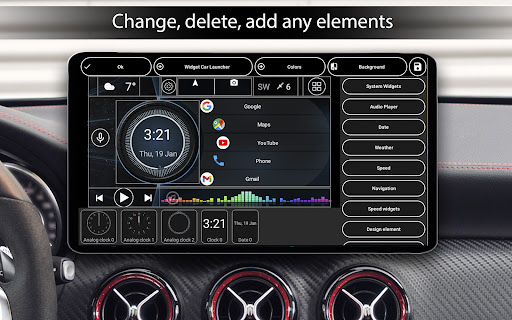
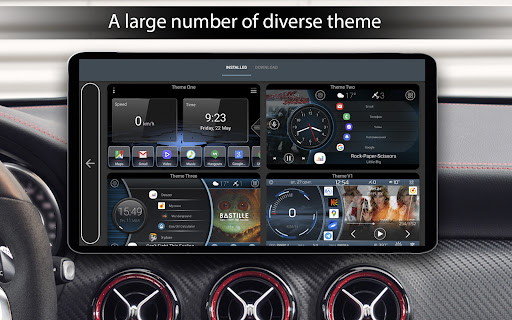
The built in theme editor is insanely powerful. You can freely resize, move, or completely lock down every single widget on the screen. You can literally assign multiple actions to a single button. Want a massive analog speedometer right in the center? Done. Prefer a heavy audio visualizer that pulls the actual album art directly from your music player? It handles that flawlessly. You can set the app to auto start the second you turn the ignition, tweak the auto brightness so the screen doesn’t blind you during night drives, and pile unlimited apps into custom favorite folders with infinite scrolling. It even heavily supports third party icon packs, custom splash screens, and brand logos if you want to get incredibly specific with your interior aesthetic.
When you are flying down the highway, you absolutely cannot be hunting through complicated, tiny menus.
The interface gives you massive on screen volume controls, instant weather updates, and live location data right at a glance. A quick long press lets you quickly organize or uninstall apps on the fly. Plus, it has instant access to Google Assistant, meaning you can handle your navigation and music while keeping your hands firmly on the wheel. Even the screensaver is completely flexible, letting you build a custom digital clock with highly specific font and dimming settings for those long, dark road trips.
Stop fighting with a clunky, dangerous factory interface. Set this as your default head unit screen, customize your gauges, and finally make your car’s dashboard look like it actually belongs in this decade.
– GPS fix, more stable operation
– Fixes for those who have CL crashed as the default launcher
– Fixes in the operation of system widgets
– Added the ability to send your routes from trip statistics in GPX format
You are now ready to download Car Launcher Pro for free. Here are some notes: